Showcase
Showcase media from the upstream repository, re-hosted with credit. browser-use/video-use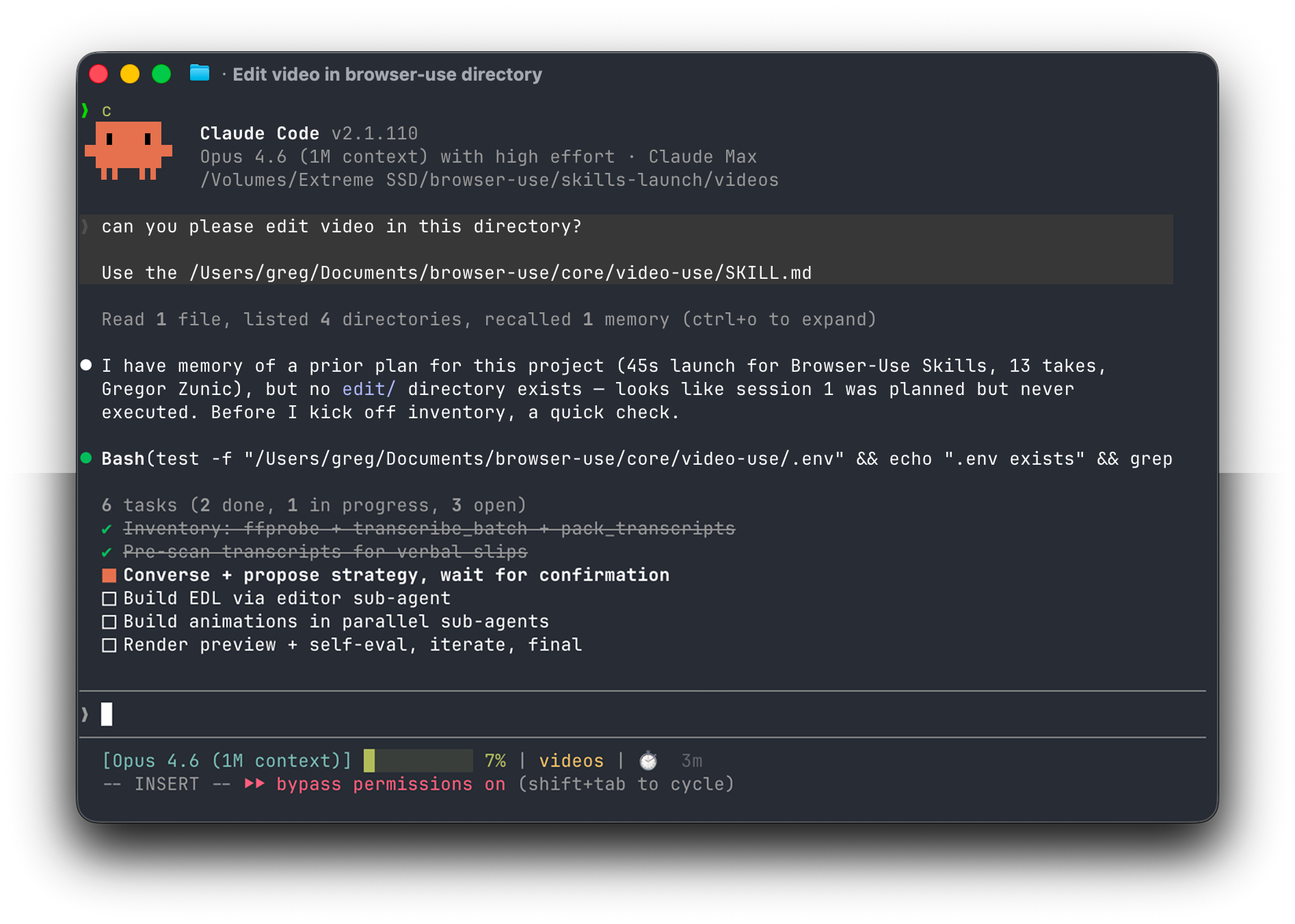
How to use
- 1
Copy the install prompt
Sign in, then click the black button. One click, done.
- 2
Paste it to your agent
Send it in Claude Code, Codex, Cursor or similar. It installs itself.
- 3
Ask in one sentence
Say what you want, like below, and the agent follows this skill.
/video-use make me: Editing talking heads, tutorials, interviews and travel clips by conversationExample message showing how to invoke it, not a real output.
What you get
- Phrase-level transcript workflow with hard production rules
- Lossless segment concat, 30ms fades, captions last in the filter chain
- Parallel overlay animations via HyperFrames, Remotion or Manim
Good fit
- Editing talking heads, tutorials, interviews and travel clips by conversation
Not for
- Fully offline work: transcription uses ElevenLabs
What you need
- FFmpeg, Python 3, ELEVENLABS_API_KEY
- License
- MIT
- Author
- @browser-use
- Source
- browser-use/video-use · ★ 28,175
Upstream description
Edit videos with coding agents
Other ways to install
Prefer doing it yourself? These commands do the same as the button.
Read https://skilloop.dev/skills/video-use/install.md and follow the instructions to install the skill.
npx skills add browser-use/video-use -g -a claude-code
npx skills add browser-use/video-use -g -a codex
git clone --depth 1 https://github.com/browser-use/video-use.git /tmp/video-use
mkdir -p ~/.claude/skills && cp -r /tmp/video-use ~/.claude/skills/video-use
Original work by its authors, redistributed under its license. We only link and describe it.
Related skills
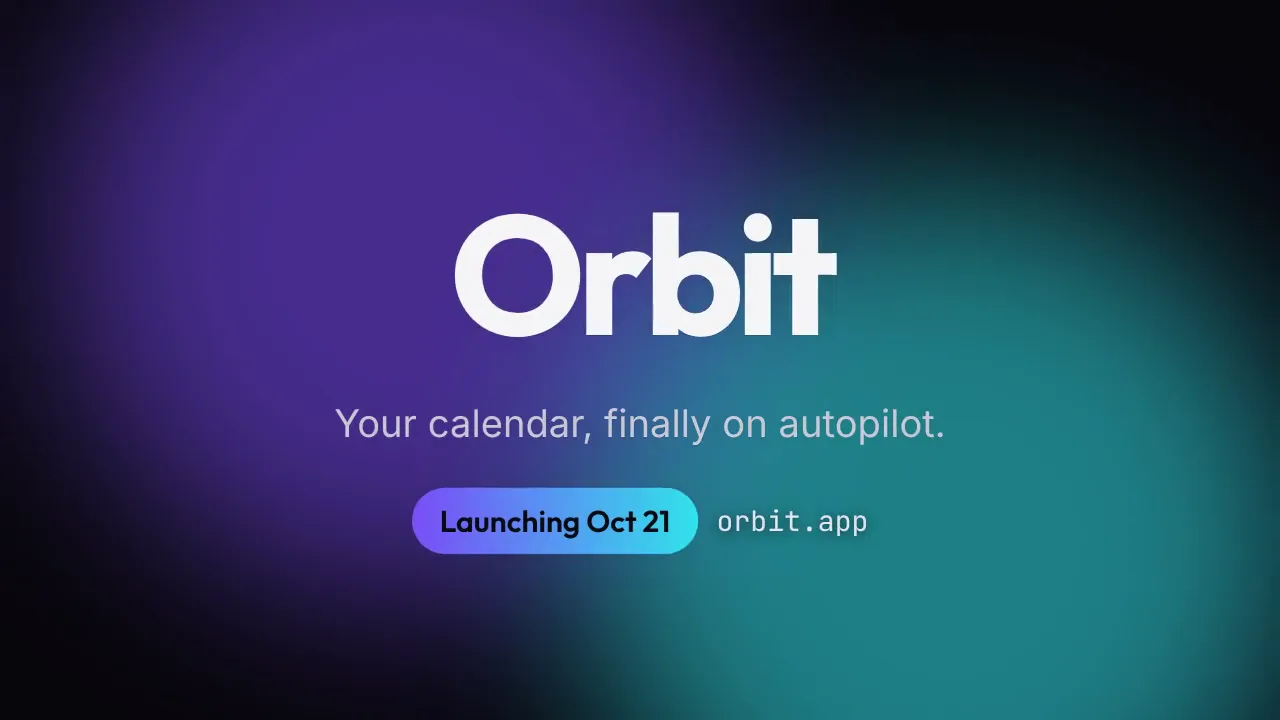
Launch Teaser Countdown
A 9-second launch teaser: 3-2-1 countdown, flash, letter-by-letter product reveal and a launch-date pill — in your brand colors, rendered locally.
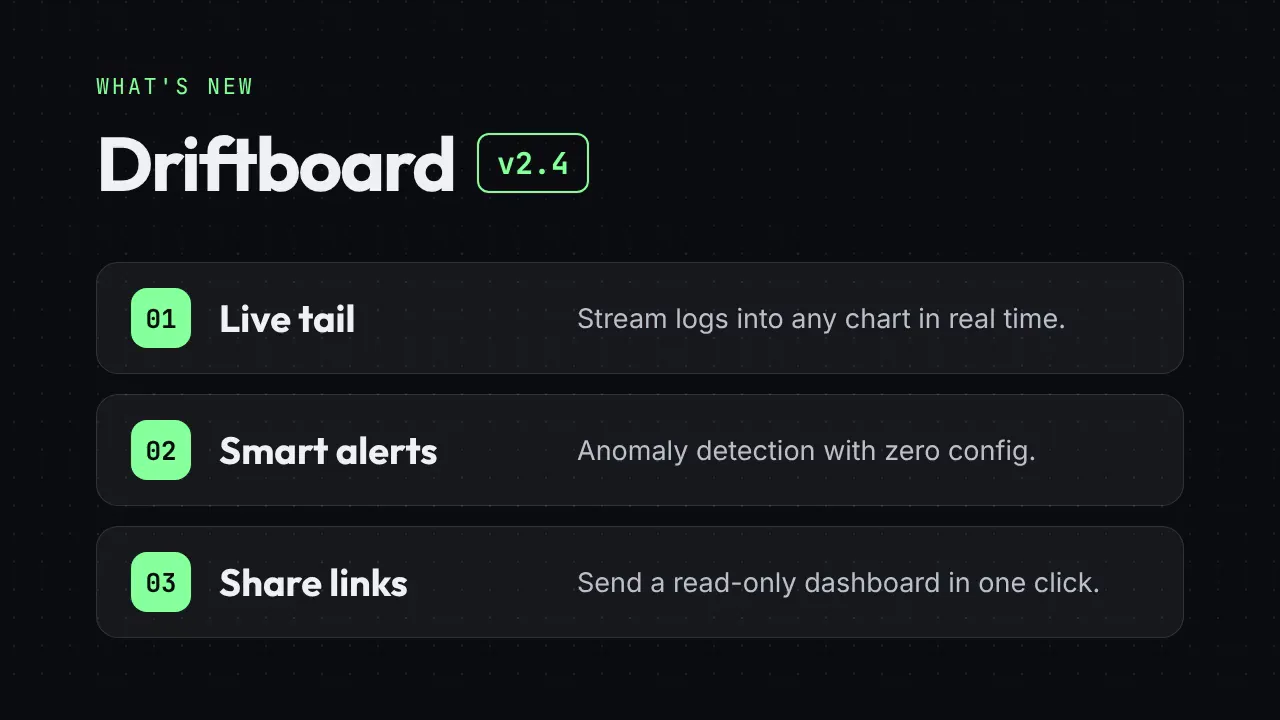
Release Notes Reel
Turn a changelog into a 12-second "What's new" reel: version badge, three feature cards and a CTA end card.
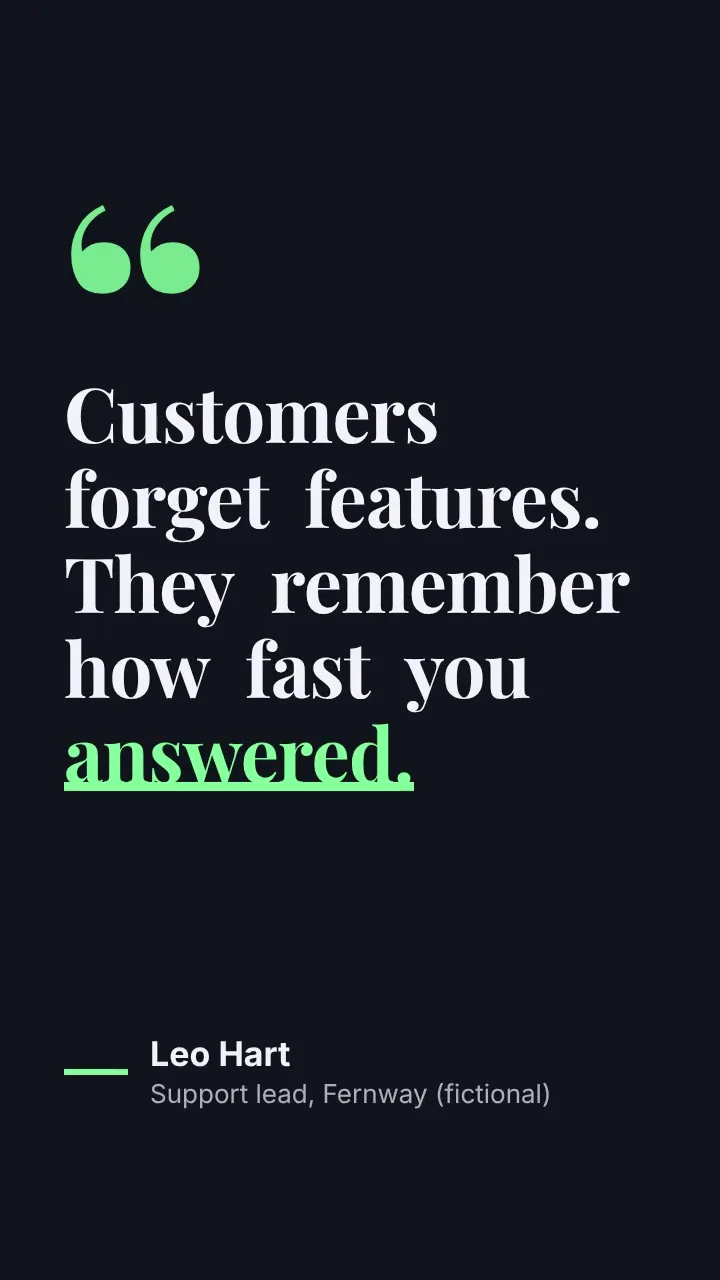
Kinetic Quote Card
A vertical 8-second quote video: words pop in one by one, the key word gets an animated underline, then the attribution slides in.
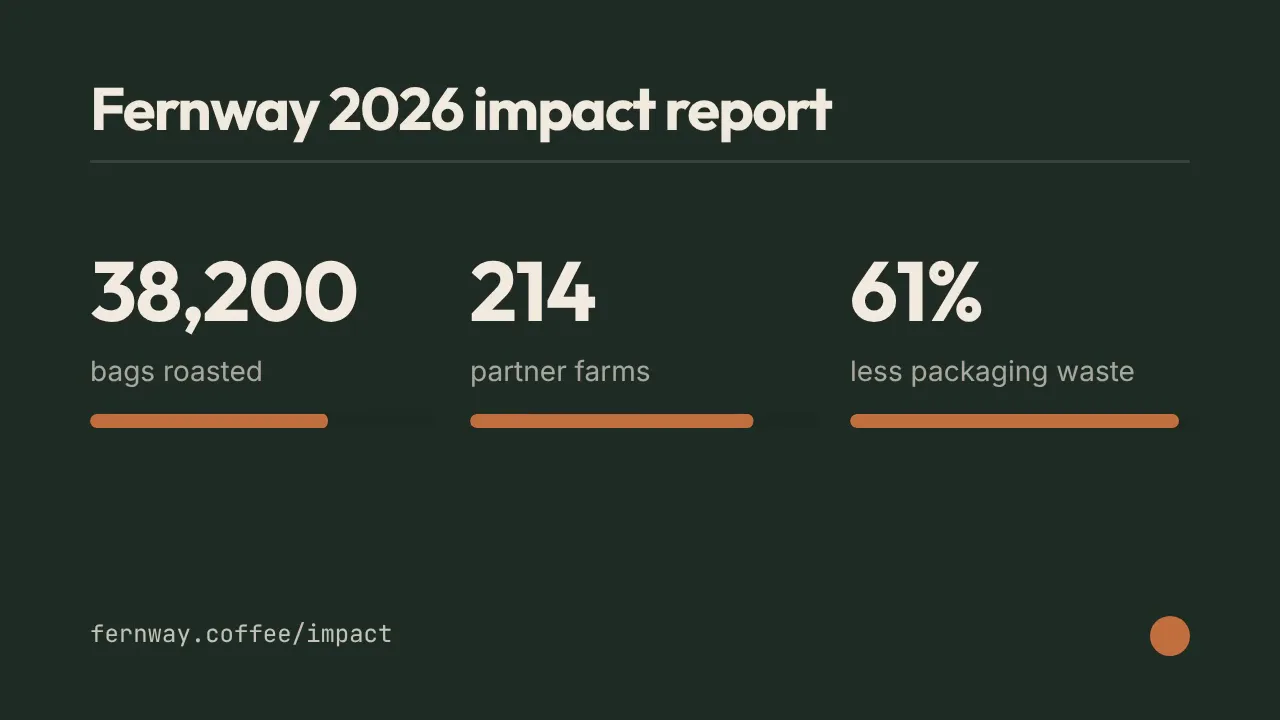
Stat Count-up Reel
Three numbers roll up like an odometer with progress bars — milestones, impact reports and year-in-review clips in 10 seconds.