Real outputs
Rendered with this skill on our machine, unedited.How to use
- 1
Copy the install prompt
Click the black button. One click, done.
- 2
Paste it to your agent
Send it in Claude Code, Codex, Cursor or similar. It installs itself.
- 3
Ask in one sentence
Say what you want, like below, and the agent follows this skill.
/launch-teaser-countdown make me: Pre-launch hype posts and "coming soon" pagesExample message showing how to invoke it, not a real output.
What you get
- 1280x720 MP4 (9 s, 30 fps) ready for X, LinkedIn and Product Hunt
- A JSON brief you can re-render for every launch
- Editable HTML/GSAP template if you want to go further
Good fit
- Pre-launch hype posts and "coming soon" pages
- Product Hunt / waitlist announcements
- Indie makers without a motion designer
Not for
- Long product walkthroughs or narrated demos
- Videos that need real footage or a voice-over
What you need
- Node.js 22+ and FFmpeg
- No API key — renders locally
- ~1 min per render on a laptop
- License
- Proprietary (Skilloop Pro)
- Author
- @Skilloop
- Version
- v1.0.0
- Output
- Video
- Generates with
- HyperFrames (Apache-2.0) · GSAP · headless Chrome + FFmpeg
Built and maintained by Skilloop (Pro). Every sample below was produced by this exact skill. Source packages are proprietary — not MIT.
Package contents
- launch-teaser-countdown/LICENSE
- launch-teaser-countdown/NOTICE
- launch-teaser-countdown/SKILL.md
- launch-teaser-countdown/examples/orbit.json
- launch-teaser-countdown/examples/pocketroast.json
- launch-teaser-countdown/template/hyperframes.json
- launch-teaser-countdown/template/index.html
- launch-teaser-countdown/template/package.json
SKILL.md
Render a 9-second product launch teaser video (3-2-1 countdown, flash, letter-by-letter product reveal, tagline, launch-date pill) from a short brief, using HyperFrames (HTML → MP4). Use for launch teaser, coming-soon video, pre-launch hype clip, Product Hunt teaser, 发布预告, 新品倒计时视频.
Unlock with Pro
Skilloop Originals are included with Pro, or you can buy one Original once. Preview stays open; install, ZIP and install.md need Pro or a purchase of that skill.
Related skills
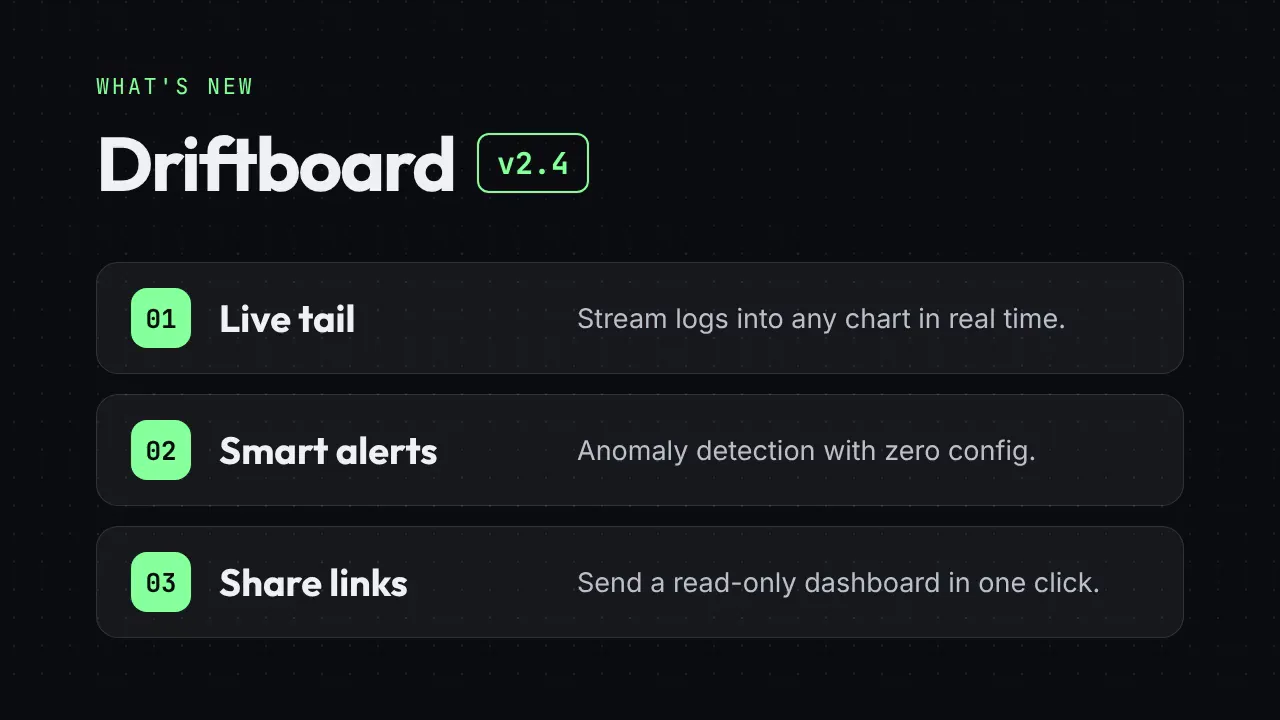
Release Notes Reel
Turn a changelog into a 12-second "What's new" reel: version badge, three feature cards and a CTA end card.
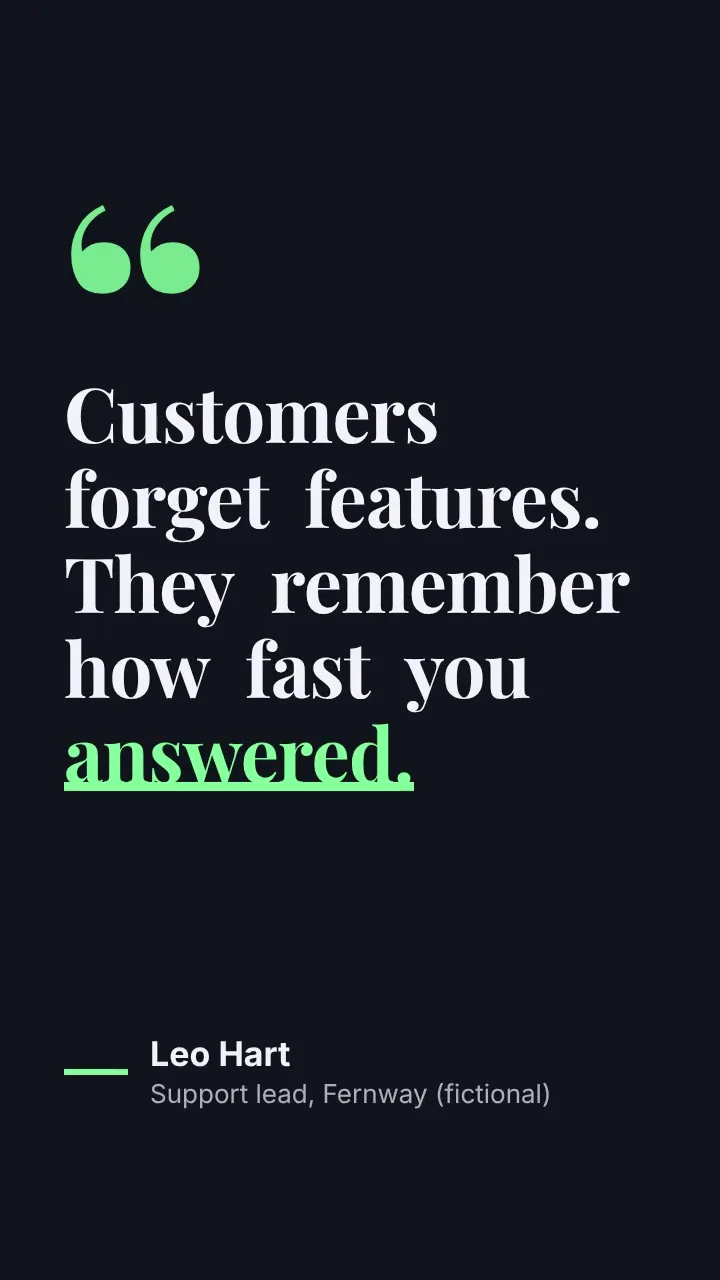
Kinetic Quote Card
A vertical 8-second quote video: words pop in one by one, the key word gets an animated underline, then the attribution slides in.
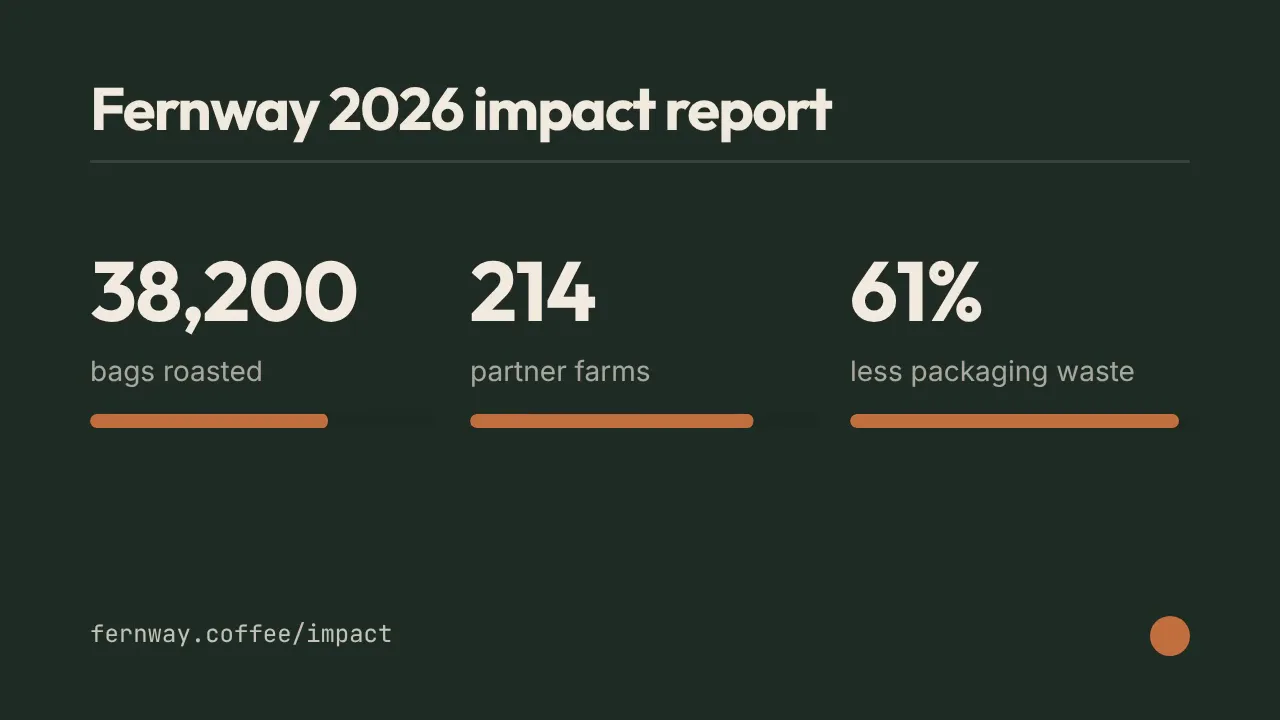
Stat Count-up Reel
Three numbers roll up like an odometer with progress bars — milestones, impact reports and year-in-review clips in 10 seconds.
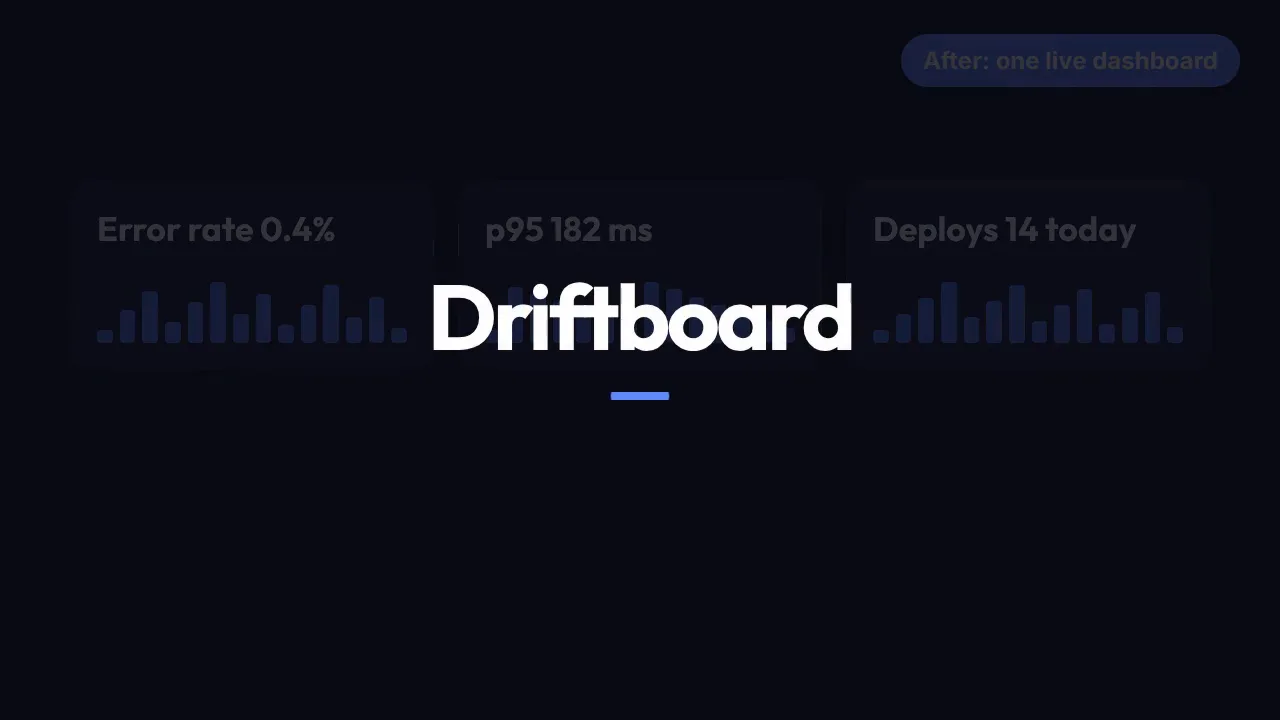
Before / After Wipe
A messy "before" screen is wiped away to reveal a clean "after" dashboard, then an outcome end card — a 10-second transformation demo.