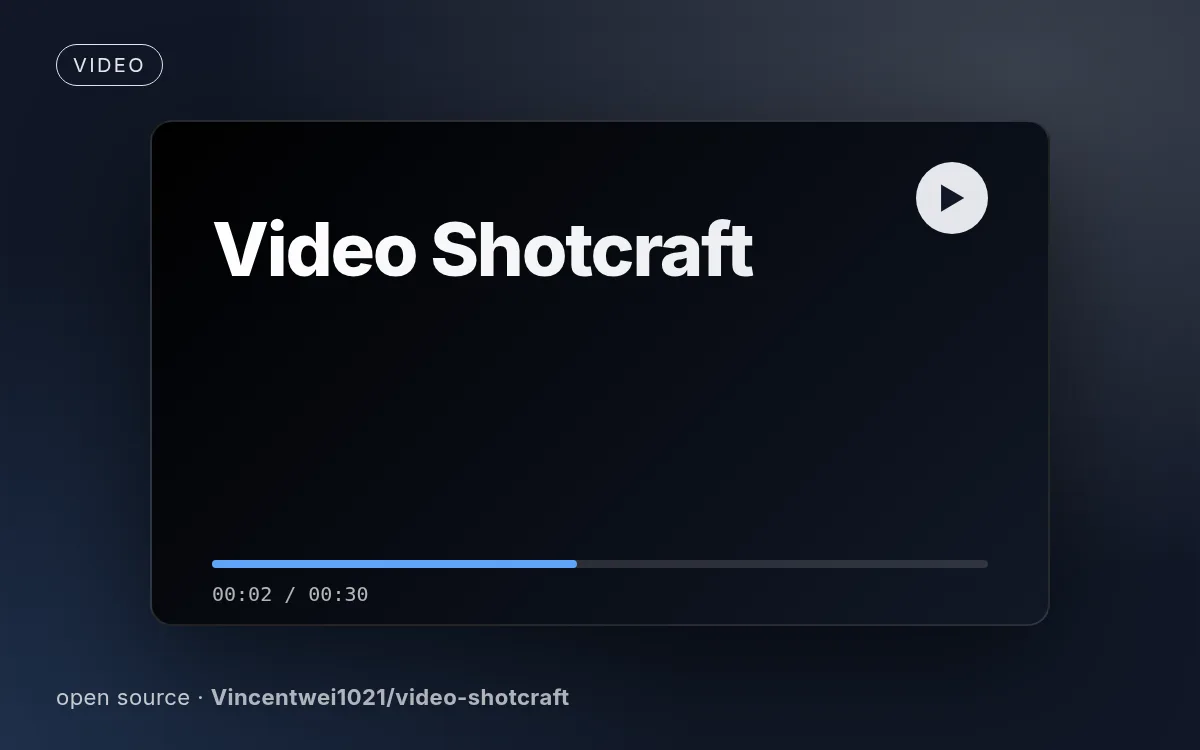
Illustrative cover generated by us — see the source repo for real examples.
How to use
- 1
Copy the install prompt
Sign in, then click the black button. One click, done.
- 2
Paste it to your agent
Send it in Claude Code, Codex, Cursor or similar. It installs itself.
- 3
Ask in one sentence
Say what you want, like below, and the agent follows this skill.
You:
/video-shotcraft make me: Launch, promo or demo videos for a web productExample message showing how to invoke it, not a real output.
What you get
- A library of shot recipe cards with motion previews
- A production-ready Remotion template with switchable film themes
- A browser workbench to keep editing the delivered film
Good fit
- Launch, promo or demo videos for a web product
- Developers comfortable running Node and Remotion
Not for
- Talking-head or narration-led videos (see the author's video-talkcraft)
- Quick social clips without any setup
What you need
- Node.js + Remotion
- Screenshots or a running frontend of your product
- License
- Apache-2.0
- Author
- @Vincentwei1021
- Source
- Vincentwei1021/video-shotcraft · ★ 10,430
Runs in:Claude CodeCodex
Upstream description
Create cinematic product videos from shot recipe cards, a validated template, and code/audio assets (Remotion + real page screenshots + 2.5D camera moves + beat-synced cuts + sound design). Use when the user asks to turn a frontend project or webpage into a product video, says "use video-shotcraft to make a video/promo", names the Ink Press template or asks to reproduce its effect, or wants a…
Other ways to install
Prefer doing it yourself? These commands do the same as the button.
Install prompt (paste into your agent)
Read https://skilloop.dev/skills/video-shotcraft/install.md and follow the instructions to install the skill.
One-line install · Claude Code
npx skills add https://github.com/Vincentwei1021/video-shotcraft -g -a claude-code
One-line install · Codex / Cursor
npx skills add https://github.com/Vincentwei1021/video-shotcraft -g -a codex
Manual (git) · Claude Code
git clone --depth 1 https://github.com/Vincentwei1021/video-shotcraft.git /tmp/video-shotcraft
mkdir -p ~/.claude/skills && cp -r /tmp/video-shotcraft ~/.claude/skills/video-shotcraft
Original work by its authors, redistributed under its license. We only link and describe it.