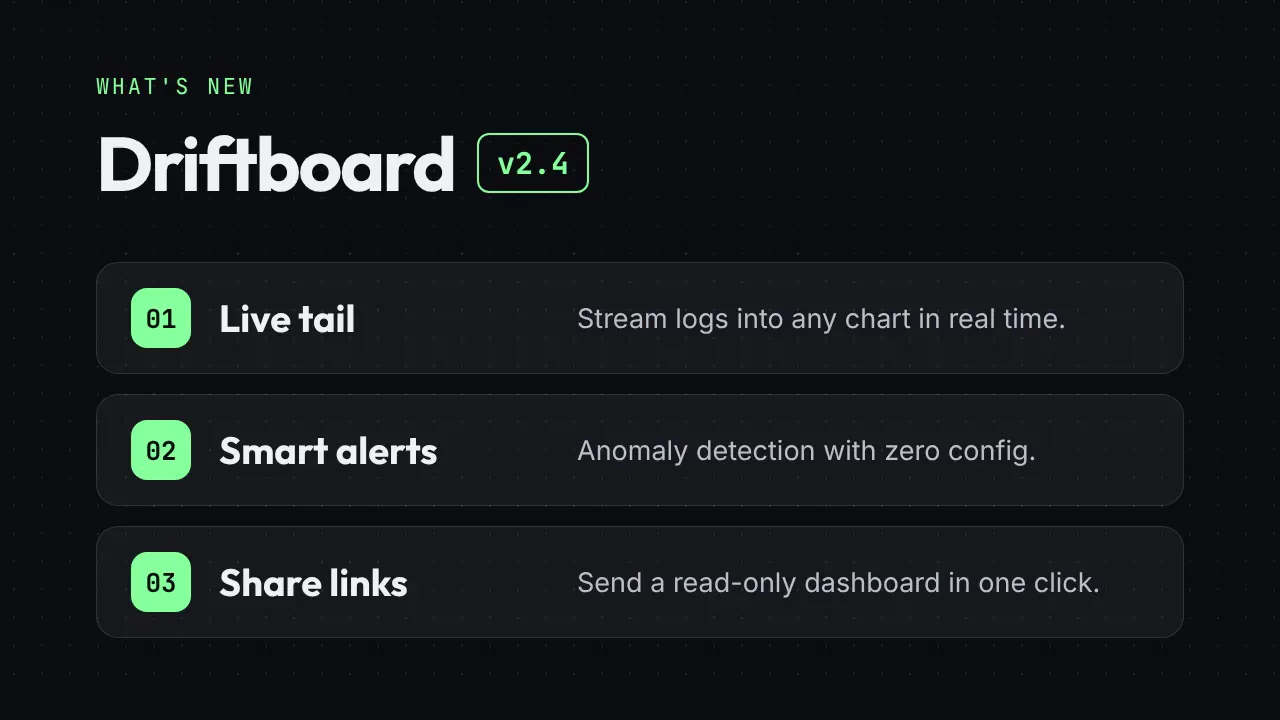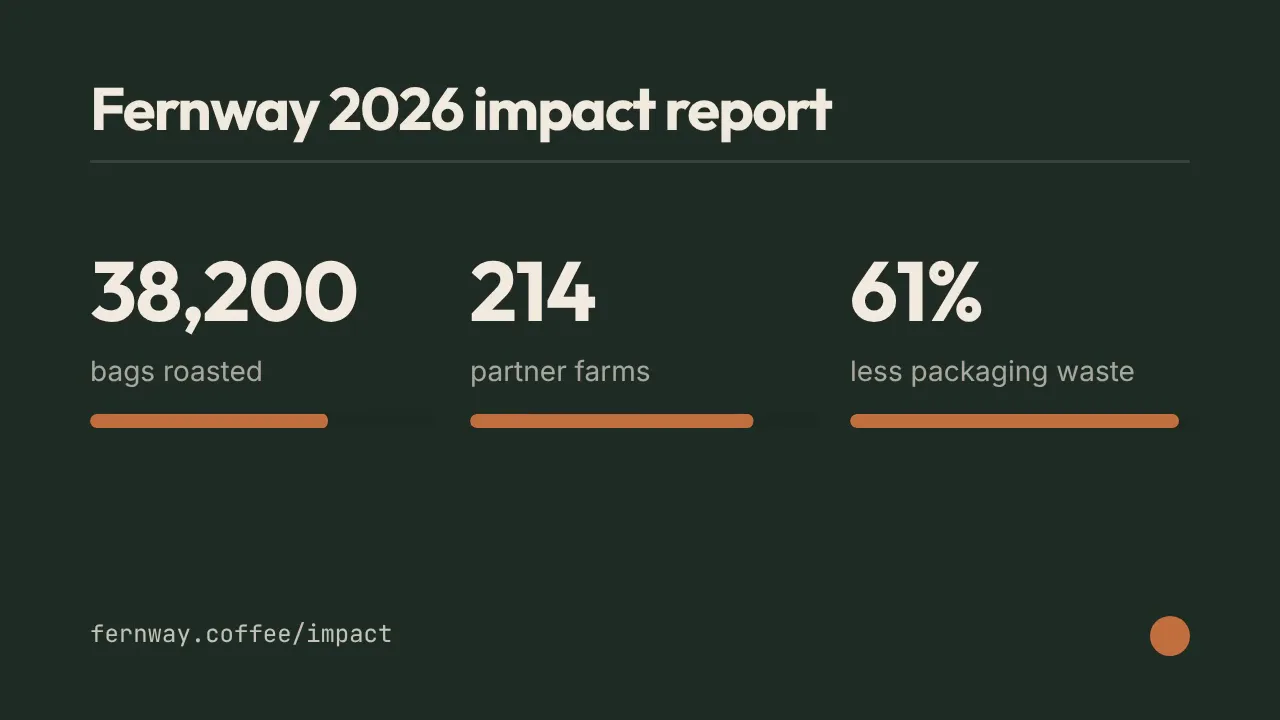
Illustrative cover generated by us — see the source repo for real examples.
How to use
- 1
Copy the install prompt
Sign in, then click the black button. One click, done.
- 2
Paste it to your agent
Send it in Claude Code, Codex, Cursor or similar. It installs itself.
- 3
Ask in one sentence
Say what you want, like below, and the agent follows this skill.
You:
/platform-spec-export make me: One master cut, many storefrontsExample message showing how to invoke it, not a real output.
What you get
- 9:16 / 3:4 / 1:1 / 16:9 presets
- Platform-oriented encoding
- Batch exports
Good fit
- One master cut, many storefronts
Not for
- Creative re-edit per platform
- License
- MIT
- Author
- @xianyu110
Runs in:Claude CodeCodexCursorGemini CLIOpenCode
Upstream description
TikTok Shop / 抖音 / 视频号 / 小红书 / 淘宝主图视频 / Amazon 规格导出:把一条母版视频一键转成各平台推荐画幅与编码(9:16、3:4、1:1、16:9,模糊填充或智能裁切),输出规格报告,并可叠加 UI 安全区预览。Use when the user asks for export settings, 导出规格, 尺寸, 分辨率, 画幅, 上传要求, re-encode for TikTok Shop / Douyin / WeChat Channels / Xiaohongshu / Taobao / Amazon, or safe zones.
Other ways to install
Prefer doing it yourself? These commands do the same as the button.
Install prompt (paste into your agent)
Read https://skilloop.dev/skills/platform-spec-export/install.md and follow the instructions to install the skill.
One-line install · Claude Code
npx skills add https://github.com/xianyu110/ecommerce-video-skills/tree/main/skills/platform-spec-export -g -a claude-code
One-line install · Codex / Cursor
npx skills add https://github.com/xianyu110/ecommerce-video-skills/tree/main/skills/platform-spec-export -g -a codex
Manual (git) · Claude Code
git clone --depth 1 https://github.com/xianyu110/ecommerce-video-skills.git /tmp/ecommerce-video-skills
mkdir -p ~/.claude/skills && cp -r /tmp/ecommerce-video-skills/skills/platform-spec-export ~/.claude/skills/platform-spec-export
Original work by its authors, redistributed under its license. We only link and describe it.