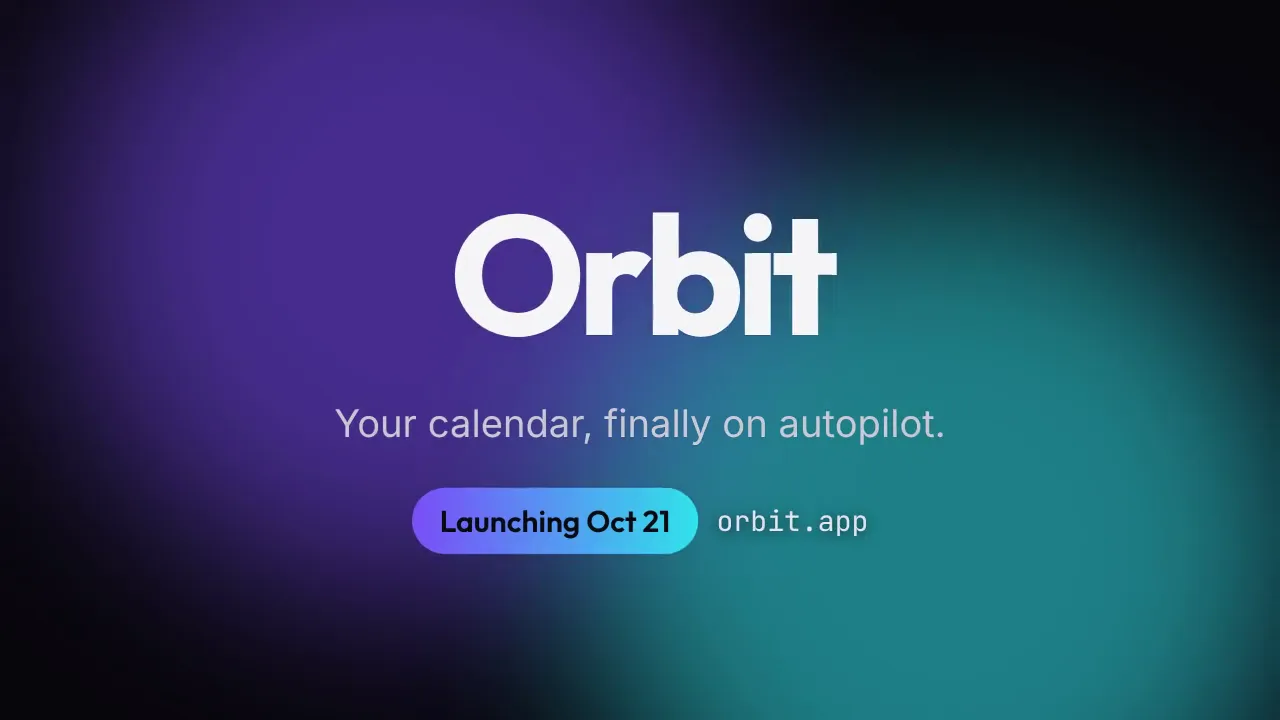
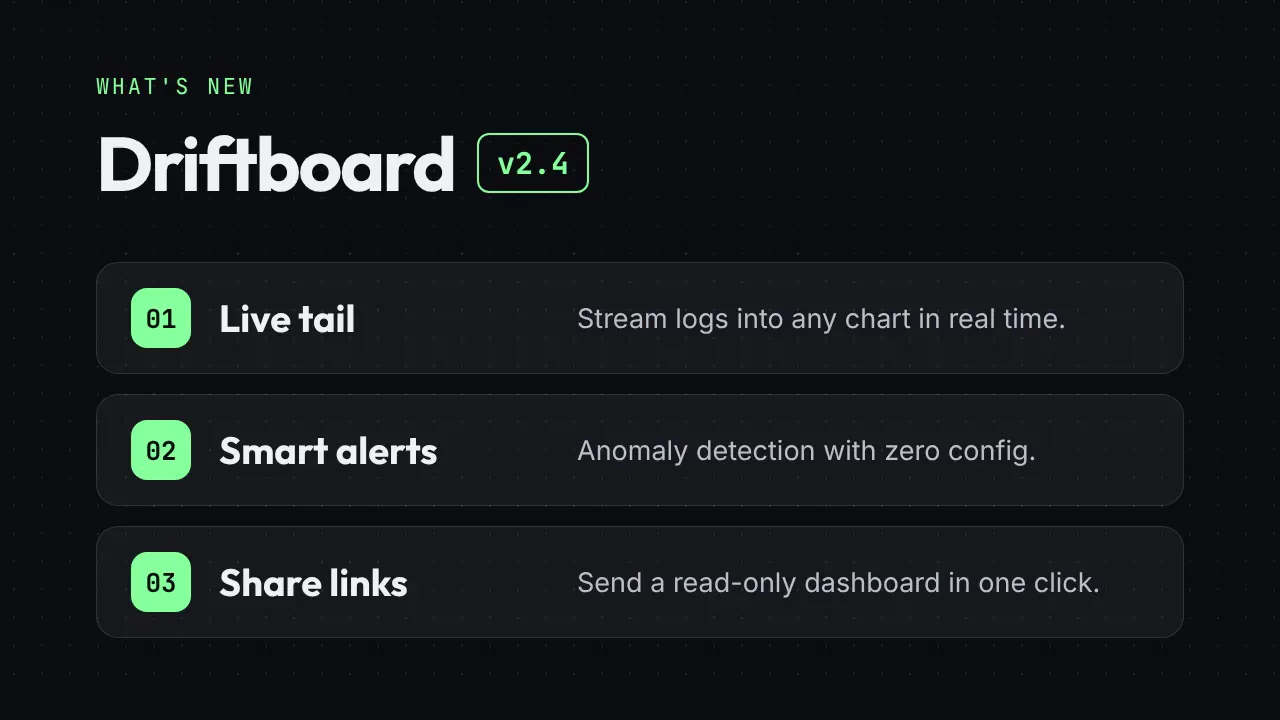
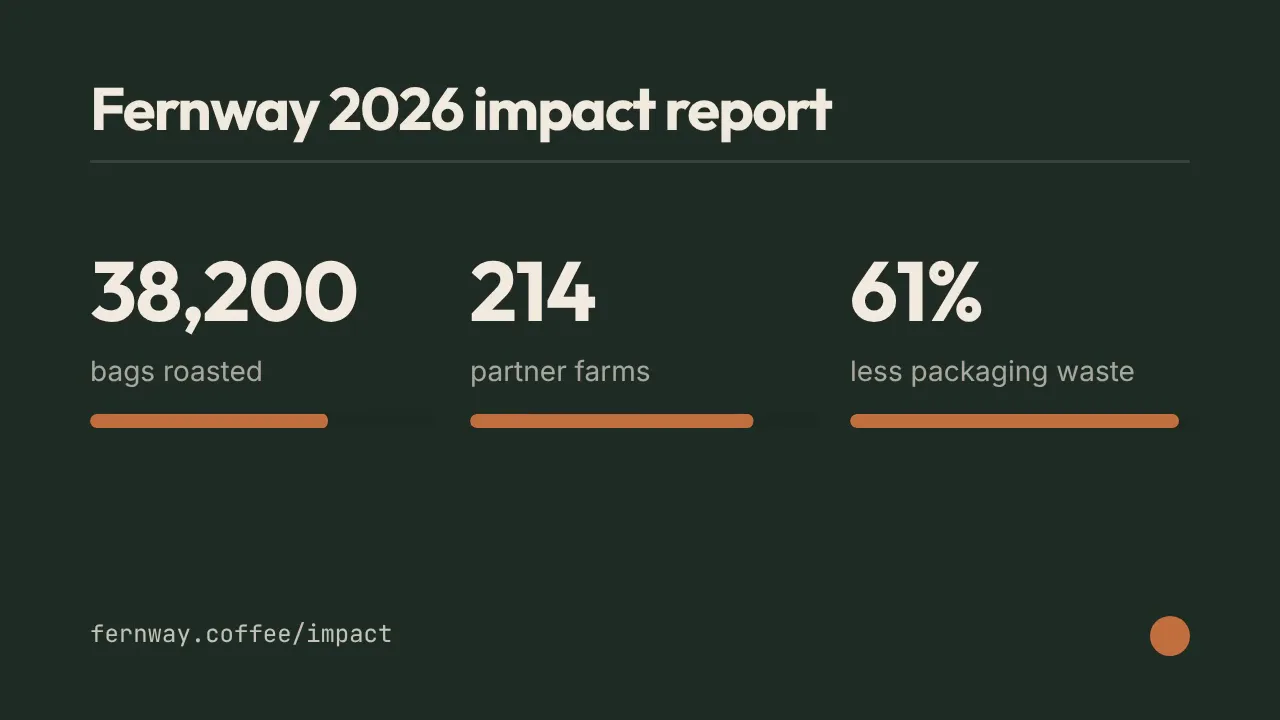
Real outputs
Rendered with this skill on our machine, unedited.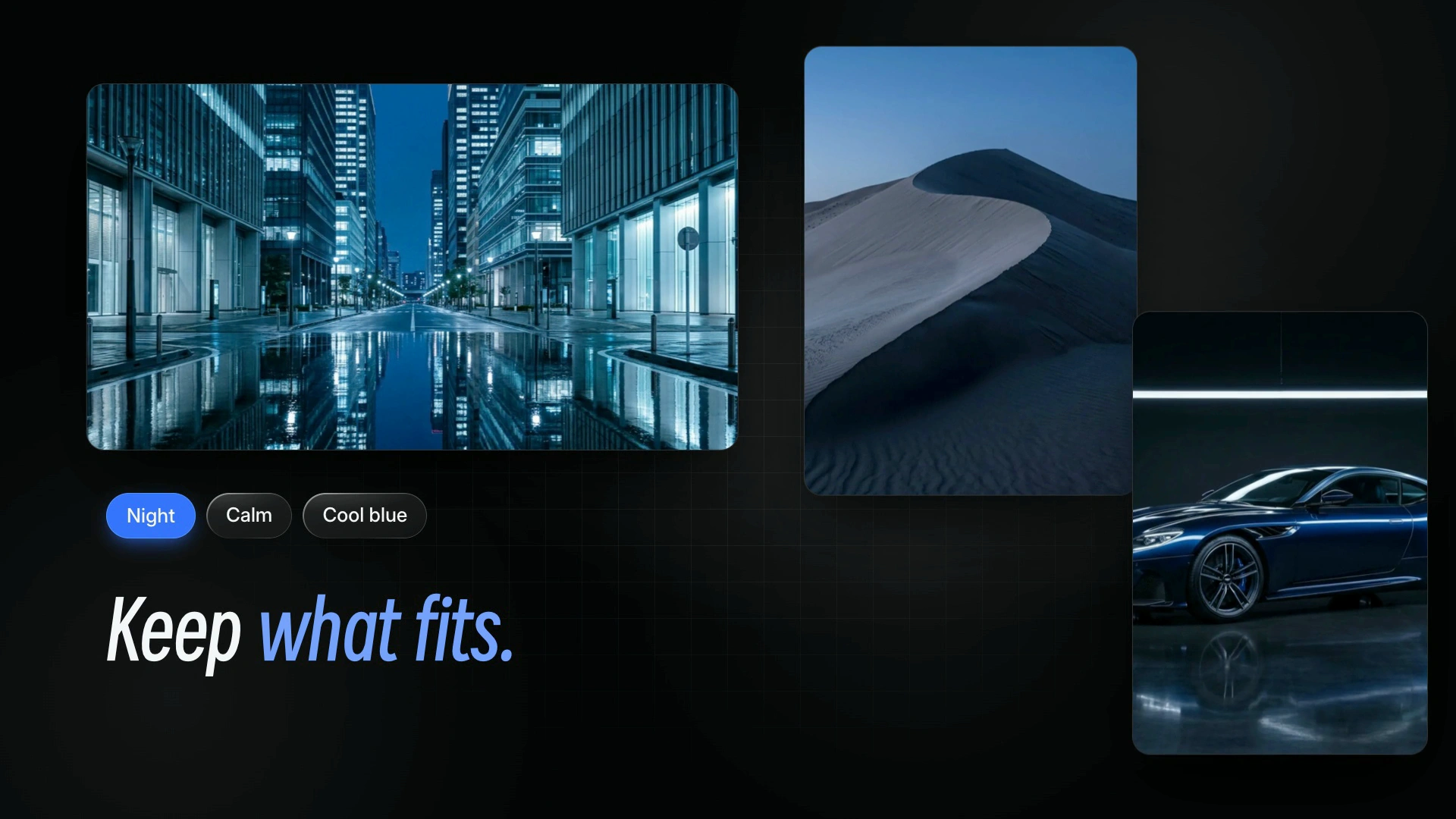
LaunchMotion · Moodboard Snap
How to use
- 1
Copy the install prompt
Sign in, then click the black button. One click, done.
- 2
Paste it to your agent
Send it in Claude Code, Codex, Cursor or similar. It installs itself.
- 3
Ask in one sentence
Say what you want, like below, and the agent follows this skill.
You:
/launchmotion-grid-angle-moodboards-hard make me: Product launch videos, release notes and feature announcements.Example message showing how to invoke it, not a real output.
What you get
- An editable 8.6-second motion scene in 1080p or 4K: Moodboard Snap.
- 8 text slots and 9 picture slots for your logo and screenshots, all with working defaults.
- Blue, black-and-white, orange or your own brand color from one command, with Smiley Sans headlines and frosted-glass cards.
- Product launch videos, release notes and feature announcements.
Good fit
- Product launch videos, release notes and feature announcements.
- Social clips and landing-page hero loops that need one clear motion beat.
- Teams who want premium, consistent scenes in their own brand color.
- Editing long-form footage or full launch films end to end.
Not for
- Editing long-form footage or full launch films end to end.
- Full-screen saturated color backgrounds; this style keeps backgrounds white.
- Generating voiceover, music or new AI footage.
What you need
- Claude Code, Codex, or Cursor
- Pack ships as a local skill folder
- License
- Skilloop Free
- Author
- @Skilloop
- Version
- v1.0.2
- Output
- Video
- Generates with
Runs in:Claude CodeCodexCursor
Built and maintained by Skilloop (Pro). Every sample below was produced by this exact skill. Source packages are proprietary — not MIT.
Package contents
- launchmotion-grid-angle-moodboards-hard/SKILL.md
- launchmotion-grid-angle-moodboards-hard/references/defaults.json
- launchmotion-grid-angle-moodboards-hard/references/project/assets/avatar-grid.webp
- launchmotion-grid-angle-moodboards-hard/references/project/assets/blue-car.webp
- launchmotion-grid-angle-moodboards-hard/references/project/assets/bridge-fog.webp
- launchmotion-grid-angle-moodboards-hard/references/project/assets/city-reflect.webp
- launchmotion-grid-angle-moodboards-hard/references/project/assets/dune.webp
- launchmotion-grid-angle-moodboards-hard/references/project/assets/horse-sheet.webp
- launchmotion-grid-angle-moodboards-hard/references/project/assets/inter.woff2
- launchmotion-grid-angle-moodboards-hard/references/project/assets/moon-sea.webp
- launchmotion-grid-angle-moodboards-hard/references/project/assets/pine-lake.webp
- launchmotion-grid-angle-moodboards-hard/references/project/assets/smiley-sans.woff2
- launchmotion-grid-angle-moodboards-hard/references/project/assets/studio-horse.webp
- launchmotion-grid-angle-moodboards-hard/references/project/hyperframes.json
- launchmotion-grid-angle-moodboards-hard/references/project/index.html
- launchmotion-grid-angle-moodboards-hard/references/project/vendor/gsap.min.js
- launchmotion-grid-angle-moodboards-hard/references/scene.json
- launchmotion-grid-angle-moodboards-hard/references/smiley-sans-OFL.txt
- launchmotion-grid-angle-moodboards-hard/references/third-party-notices.md
- launchmotion-grid-angle-moodboards-hard/scripts/create.mjs
- launchmotion-grid-angle-moodboards-hard/scripts/lib/lm-build.mjs
- launchmotion-grid-angle-moodboards-hard/scripts/lib/lm-color.mjs
- launchmotion-grid-angle-moodboards-hard/scripts/lib/lm-theme.mjs
- launchmotion-grid-angle-moodboards-hard/scripts/lib/lm-themes.json
SKILL.md
Three photo moodboards hard-cut into each other with cards drifting in their own directions, then every reference snaps into one tidy shareable board. Rewrite every line, drop in your own logo and pictures, pick a blue, black-and-white,…
Other ways to install
ZIP download works while signed in. For curl installs, create an API key under Settings → API keys and set SKILLHUB_API_KEY.
Install prompt (paste into your agent)
This is a free Skilloop skill (LaunchMotion · Moodboard Snap). Download https://skilloop.dev/downloads/free/launchmotion-grid-angle-moodboards-hard.zip (or use the install command on the skill page), then unzip into ~/.claude/skills or ~/.agents/skills so launchmotion-grid-angle-moodboards-hard/SKILL.md exists. Or: Read https://skilloop.dev/skills/launchmotion-grid-angle-moodboards-hard/install.md and follow the instructions.
One-line install (download + unzip) · Claude Code
mkdir -p ~/.claude/skills && curl -fsSL https://skilloop.dev/downloads/free/launchmotion-grid-angle-moodboards-hard.zip -o /tmp/launchmotion-grid-angle-moodboards-hard.zip && unzip -oq /tmp/launchmotion-grid-angle-moodboards-hard.zip -d ~/.claude/skills/
One-line install (download + unzip) · Codex / Cursor
mkdir -p ~/.agents/skills && curl -fsSL https://skilloop.dev/downloads/free/launchmotion-grid-angle-moodboards-hard.zip -o /tmp/launchmotion-grid-angle-moodboards-hard.zip && unzip -oq /tmp/launchmotion-grid-angle-moodboards-hard.zip -d ~/.agents/skills/
Manual · Claude Code
# Free skill — download the public ZIP (no sign-in):
mkdir -p ~/.claude/skills && curl -fsSL https://skilloop.dev/downloads/free/launchmotion-grid-angle-moodboards-hard.zip -o /tmp/launchmotion-grid-angle-moodboards-hard.zip && unzip -oq /tmp/launchmotion-grid-angle-moodboards-hard.zip -d ~/.claude/skills/