
Illustrative cover generated by us — see the source repo for real examples.
How to use
- 1
Copy the install prompt
Sign in, then click the black button. One click, done.
- 2
Paste it to your agent
Send it in Claude Code, Codex, Cursor or similar. It installs itself.
- 3
Ask in one sentence
Say what you want, like below, and the agent follows this skill.
/ffmpeg-auto-assemble make me: You already have a storyboard.jsonExample message showing how to invoke it, not a real output.
What you get
- End-to-end ffmpeg pipeline
- BGM ducking + loudness
- Captions and transitions
Good fit
- You already have a storyboard.json
Not for
- Manual NLE timeline edits
- License
- MIT
- Author
- @xianyu110
Upstream description
ffmpeg 自动拼接成片:一条命令把 storyboard.json(商品图/视频片段 + 口播稿)渲染成带配音、字幕花字、转场、BGM 自动闪避、响度标准化的 9:16 MP4,纯本地运行。Use when the user wants to assemble/edit/render a product video, 自动剪辑, 一键成片, 拼接视频, 图片转视频, Ken Burns, add BGM/subtitles/voice-over with ffmpeg, or batch-produce short videos without an editor.
Other ways to install
Prefer doing it yourself? These commands do the same as the button.
Read https://skilloop.dev/skills/ffmpeg-auto-assemble/install.md and follow the instructions to install the skill.
npx skills add https://github.com/xianyu110/ecommerce-video-skills/tree/main/skills/ffmpeg-auto-assemble -g -a claude-code
npx skills add https://github.com/xianyu110/ecommerce-video-skills/tree/main/skills/ffmpeg-auto-assemble -g -a codex
git clone --depth 1 https://github.com/xianyu110/ecommerce-video-skills.git /tmp/ecommerce-video-skills
mkdir -p ~/.claude/skills && cp -r /tmp/ecommerce-video-skills/skills/ffmpeg-auto-assemble ~/.claude/skills/ffmpeg-auto-assemble
Original work by its authors, redistributed under its license. We only link and describe it.
Related skills
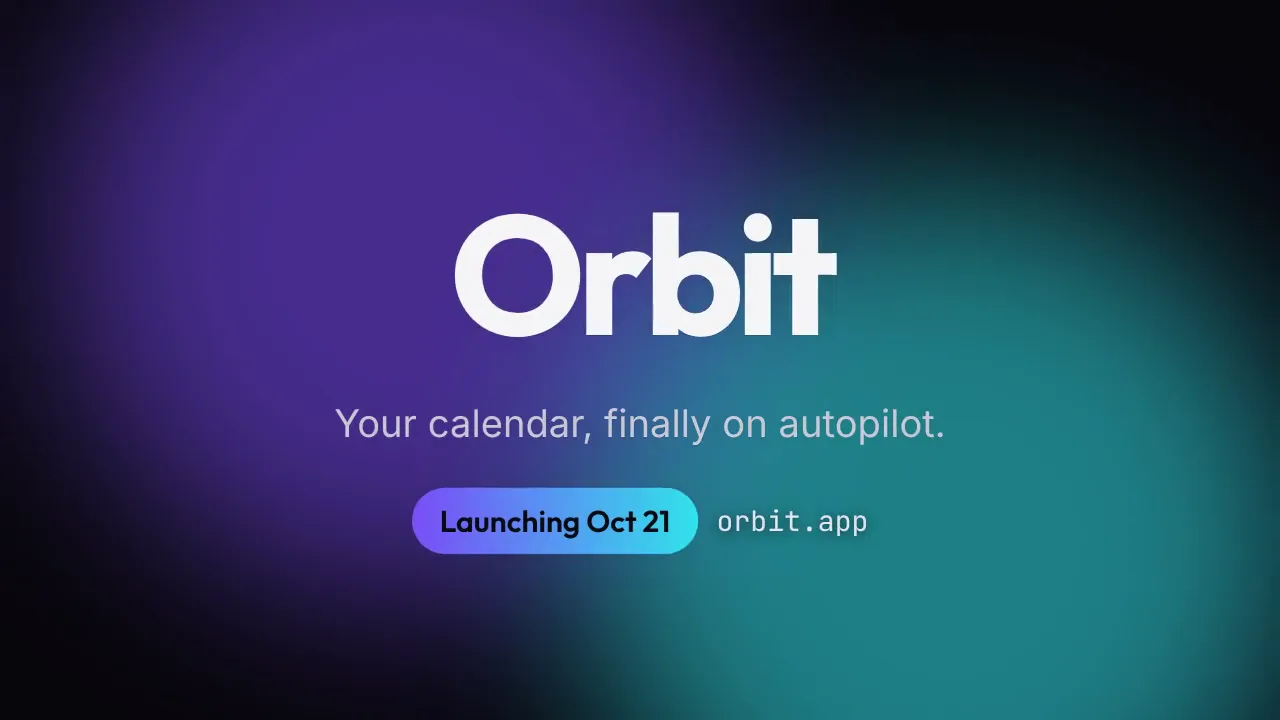
Launch Teaser Countdown
A 9-second launch teaser: 3-2-1 countdown, flash, letter-by-letter product reveal and a launch-date pill — in your brand colors, rendered locally.
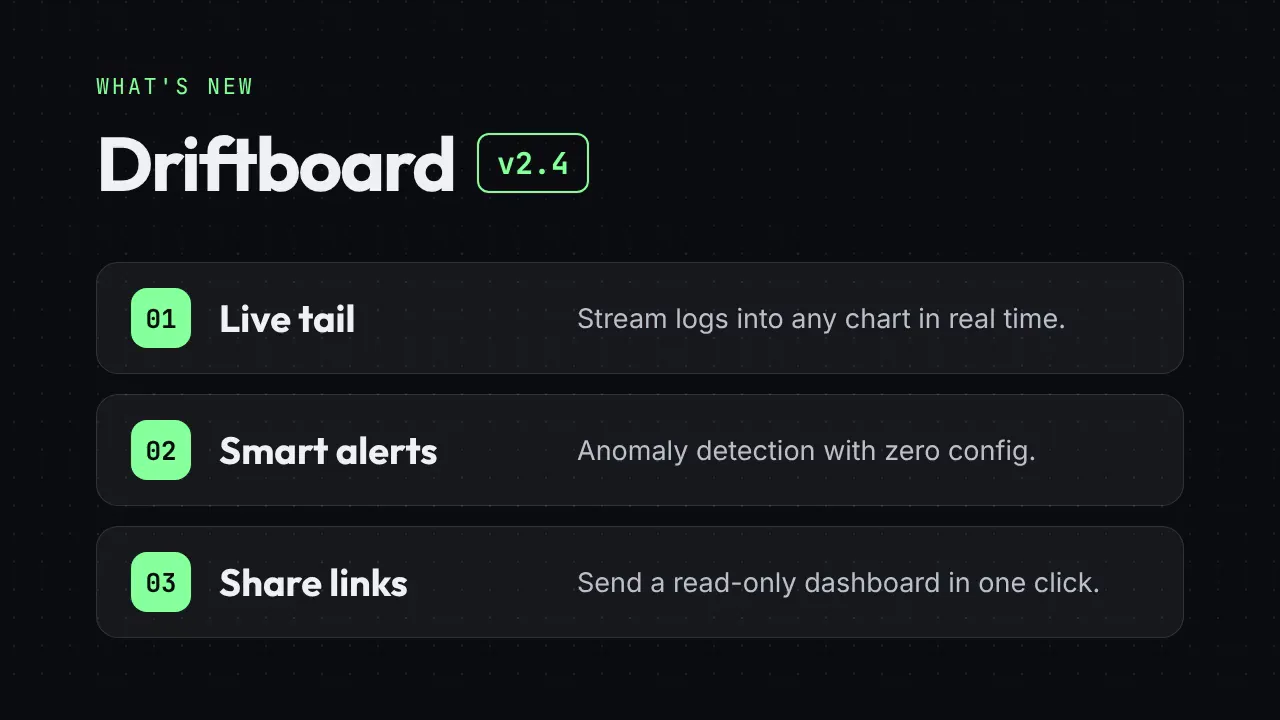
Release Notes Reel
Turn a changelog into a 12-second "What's new" reel: version badge, three feature cards and a CTA end card.
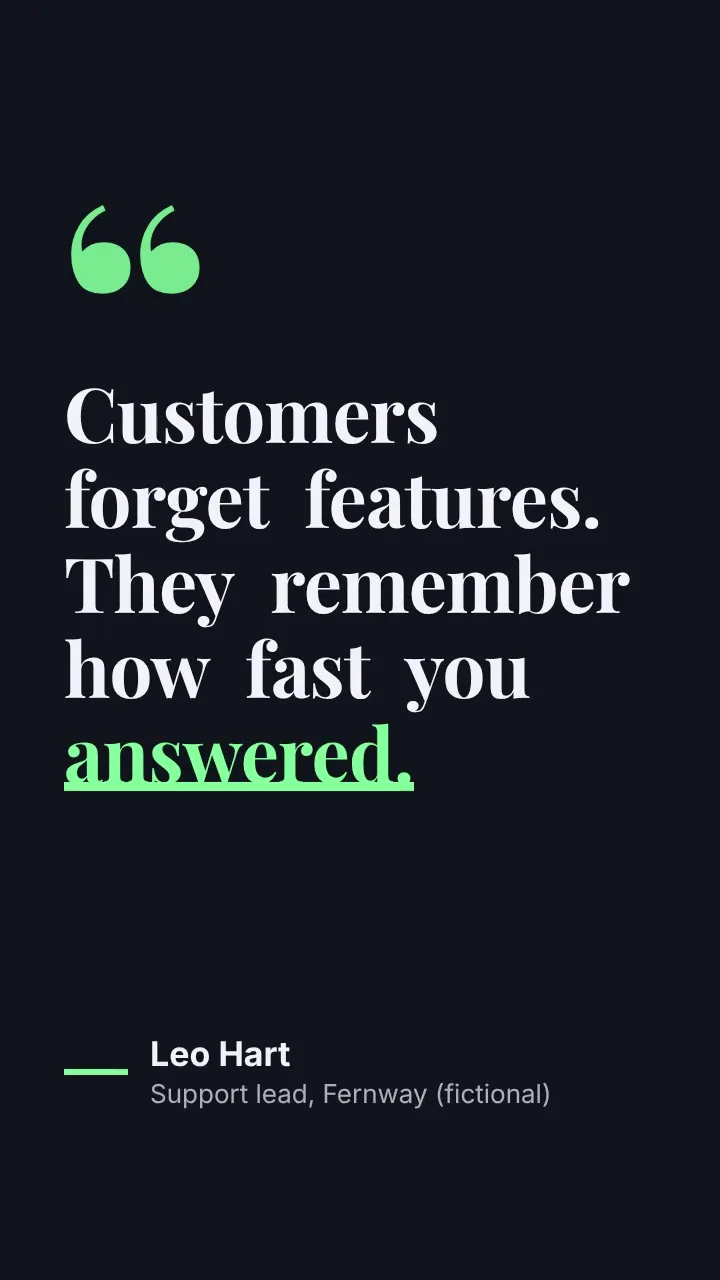
Kinetic Quote Card
A vertical 8-second quote video: words pop in one by one, the key word gets an animated underline, then the attribution slides in.
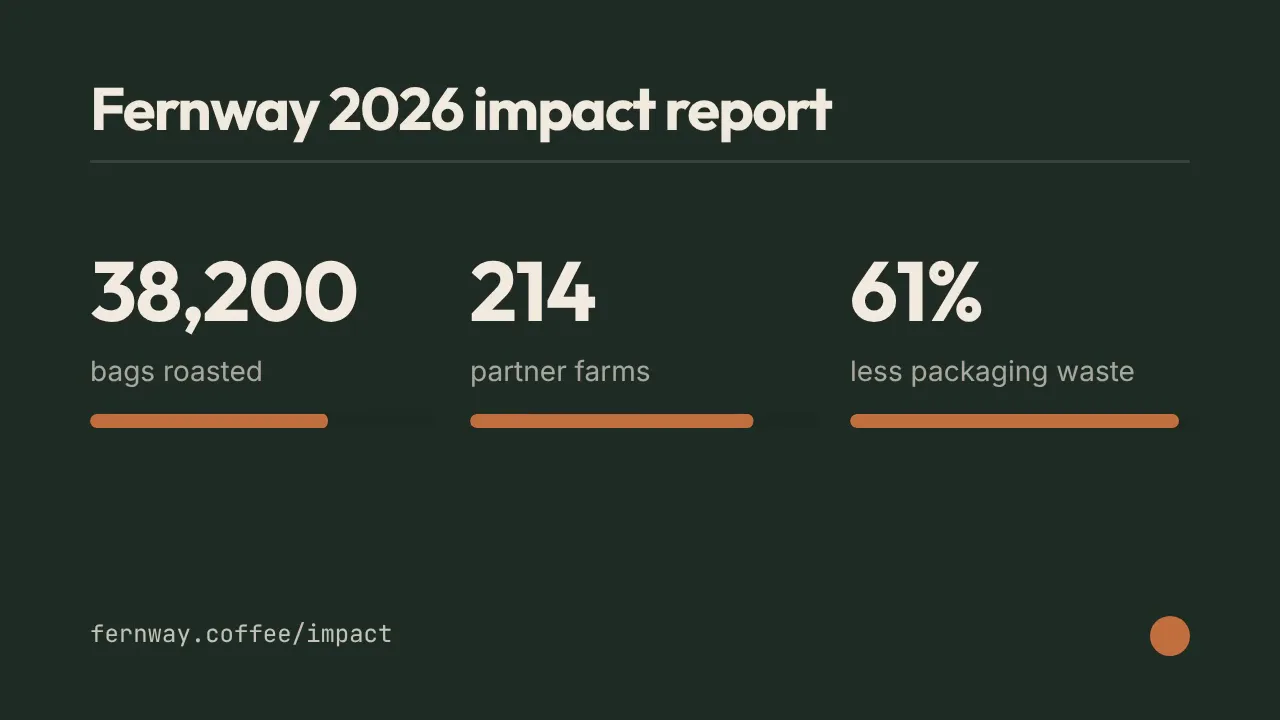
Stat Count-up Reel
Three numbers roll up like an odometer with progress bars — milestones, impact reports and year-in-review clips in 10 seconds.