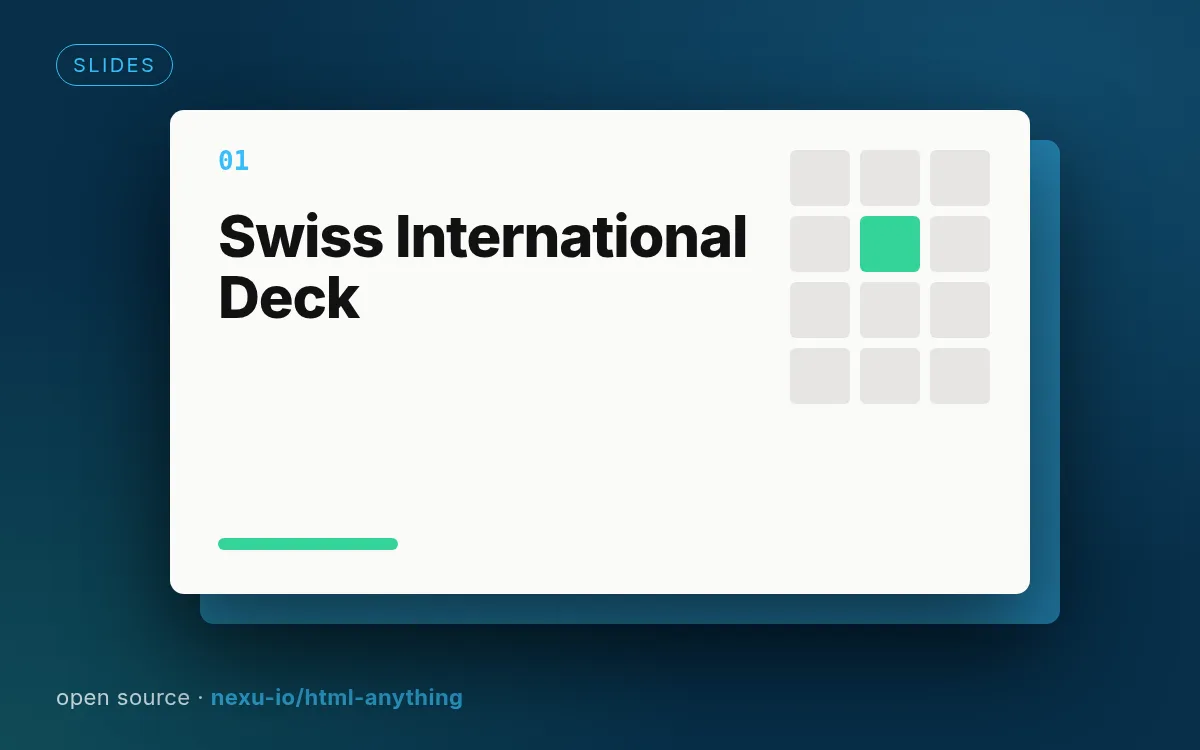
Illustrative cover generated by us — see the source repo for real examples.
How to use
- 1
Copy the install prompt
Sign in, then click the black button. One click, done.
- 2
Paste it to your agent
Send it in Claude Code, Codex, Cursor or similar. It installs itself.
- 3
Ask in one sentence
Say what you want, like below, and the agent follows this skill.
/deck-swiss-international make me: Grid-based editorial decks with a single strong accentExample message showing how to invoke it, not a real output.
What you get
- 22 locked slide layouts
- Four accent palettes
- Typographic rigor by default
Good fit
- Grid-based editorial decks with a single strong accent
Not for
- Playful or illustrated decks
What you need
- Nothing extra; the agent writes the HTML
- License
- Apache-2.0
- Author
- @nexu-io
Upstream description
16 列网格 + 单一饱和 accent + 22 个锁死版面 (Klein Blue / Lemon / Mint / Safety Orange)
Other ways to install
Prefer doing it yourself? These commands do the same as the button.
Read https://skilloop.dev/skills/deck-swiss-international/install.md and follow the instructions to install the skill.
npx skills add https://github.com/nexu-io/html-anything/tree/main/next/src/lib/templates/skills/deck-swiss-international -g -a claude-code
npx skills add https://github.com/nexu-io/html-anything/tree/main/next/src/lib/templates/skills/deck-swiss-international -g -a codex
git clone --depth 1 https://github.com/nexu-io/html-anything.git /tmp/html-anything
mkdir -p ~/.claude/skills && cp -r /tmp/html-anything/next/src/lib/templates/skills/deck-swiss-international ~/.claude/skills/deck-swiss-international
Original work by its authors, redistributed under its license. We only link and describe it.
Related skills
Frontend Slides
Animation-rich HTML presentations built from scratch or converted from PPTX — explores visual directions with you instead of asking abstract questions.
Fundraising Pitch Deck
A 10-slide investor deck in HTML: clean white canvas, gradient hero, traction bars and a clear ask slide.
Theme Factory
Apply one of 10 preset colour + font themes (or generate a new one) to slides, docs, reports and landing pages.
Image Slide Deck (Baoyu)
Turn content into an outline with style instructions, then generate every slide as an image — a deck you can drop into any viewer.