Real outputs
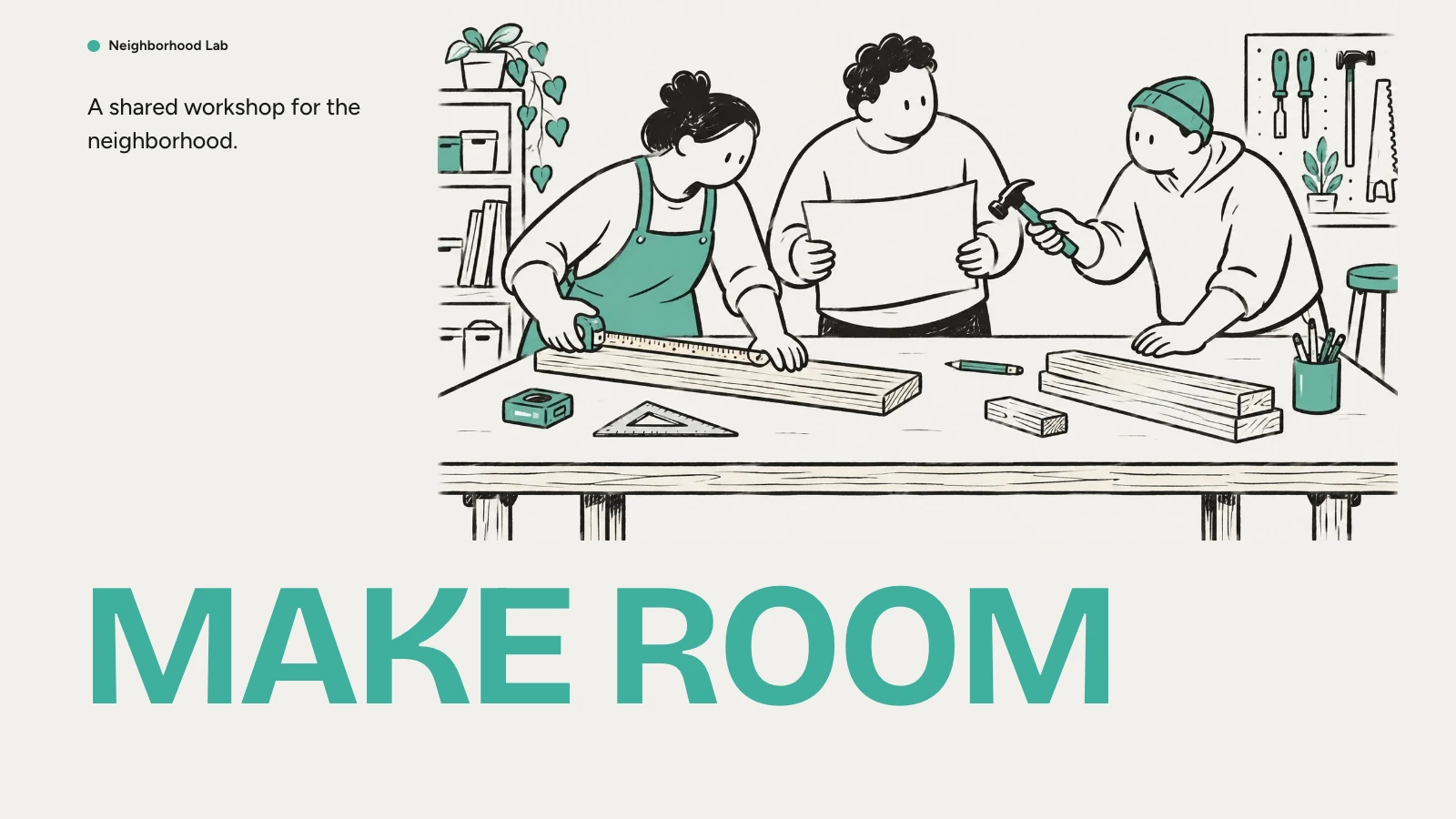
Rendered with this skill on our machine, unedited.
Narrated Report Deck
How to use
- 1
Copy the install prompt
Sign in, then click the black button. One click, done.
- 2
Paste it to your agent
Send it in Claude Code, Codex, Cursor or similar. It installs itself.
- 3
Ask in one sentence
Say what you want, like below, and the agent follows this skill.
You:
/audio-report-deck make me: Turning a long report or research document into something you can listen to.Example message showing how to invoke it, not a real output.
What you get
- An editable presentation in the PPT style you pick from the full Skilloop catalog, with your last choice listed first.
- A spoken script for every page, stored as speaker notes you can edit and export with the deck.
- Voiceover from ElevenLabs or HeyGen and a built-in player with play, seek, 0.75–2× speed and auto-advance.
- Turning a long report or research document into something you can listen to.
Good fit
- Turning a long report or research document into something you can listen to.
- Teams that share updates and reviews as self-paced narrated decks.
- Creators who want the same material in several languages and voices.
- Animated explainer videos or motion graphics.
Not for
- Animated explainer videos or motion graphics.
- Live presenting where you speak over the slides yourself.
- Content you cannot share with a voice provider, since narration is sent to ElevenLabs or HeyGen.
What you need
- Claude Code, Codex, or Cursor
- Pack ships as a local skill folder
- License
- Skilloop Free
- Author
- @Skilloop
- Version
- v1.0.1
- Output
- Slides
- Generates with
Runs in:Claude CodeCodexCursor
Built and maintained by Skilloop (Pro). Every sample below was produced by this exact skill. Source packages are proprietary — not MIT.
Package contents
- audio-report-deck/SKILL.md
- audio-report-deck/references/narration.md
- audio-report-deck/references/readability.md
- audio-report-deck/scripts/narrate.py
- audio-report-deck/scripts/narration-player.css
- audio-report-deck/scripts/narration-player.js
- audio-report-deck/scripts/readability.py
- audio-report-deck/scripts/style-picker.html
- audio-report-deck/scripts/styles.mjs
- audio-report-deck/scripts/tts.mjs
SKILL.md
Turn any document, report, link or idea into a narrated presentation you can listen to. Pick a look from every Skilloop PPT style, get an editable deck with a spoken script for each page, then add voiceover from ElevenLabs or HeyGen.…
Other ways to install
ZIP download works while signed in. For curl installs, create an API key under Settings → API keys and set SKILLHUB_API_KEY.
Install prompt (paste into your agent)
This is a free Skilloop skill (Narrated Report Deck). Download https://skilloop.dev/downloads/free/audio-report-deck.zip (or use the install command on the skill page), then unzip into ~/.claude/skills or ~/.agents/skills so audio-report-deck/SKILL.md exists. Or: Read https://skilloop.dev/skills/audio-report-deck/install.md and follow the instructions.
One-line install (download + unzip) · Claude Code
mkdir -p ~/.claude/skills && curl -fsSL https://skilloop.dev/downloads/free/audio-report-deck.zip -o /tmp/audio-report-deck.zip && unzip -oq /tmp/audio-report-deck.zip -d ~/.claude/skills/
One-line install (download + unzip) · Codex / Cursor
mkdir -p ~/.agents/skills && curl -fsSL https://skilloop.dev/downloads/free/audio-report-deck.zip -o /tmp/audio-report-deck.zip && unzip -oq /tmp/audio-report-deck.zip -d ~/.agents/skills/
Manual · Claude Code
# Free skill — download the public ZIP (no sign-in):
mkdir -p ~/.claude/skills && curl -fsSL https://skilloop.dev/downloads/free/audio-report-deck.zip -o /tmp/audio-report-deck.zip && unzip -oq /tmp/audio-report-deck.zip -d ~/.claude/skills/