Real outputs
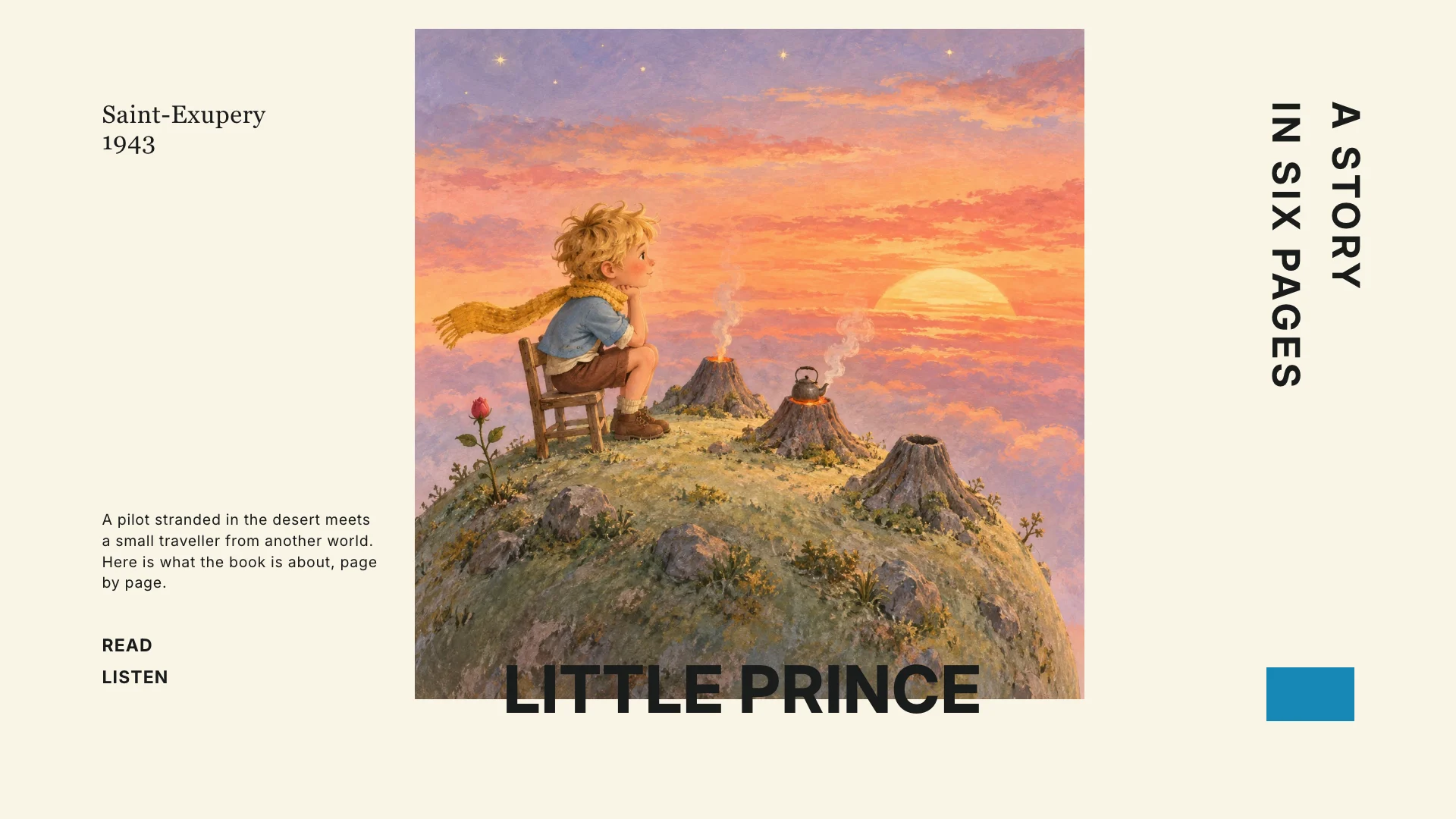
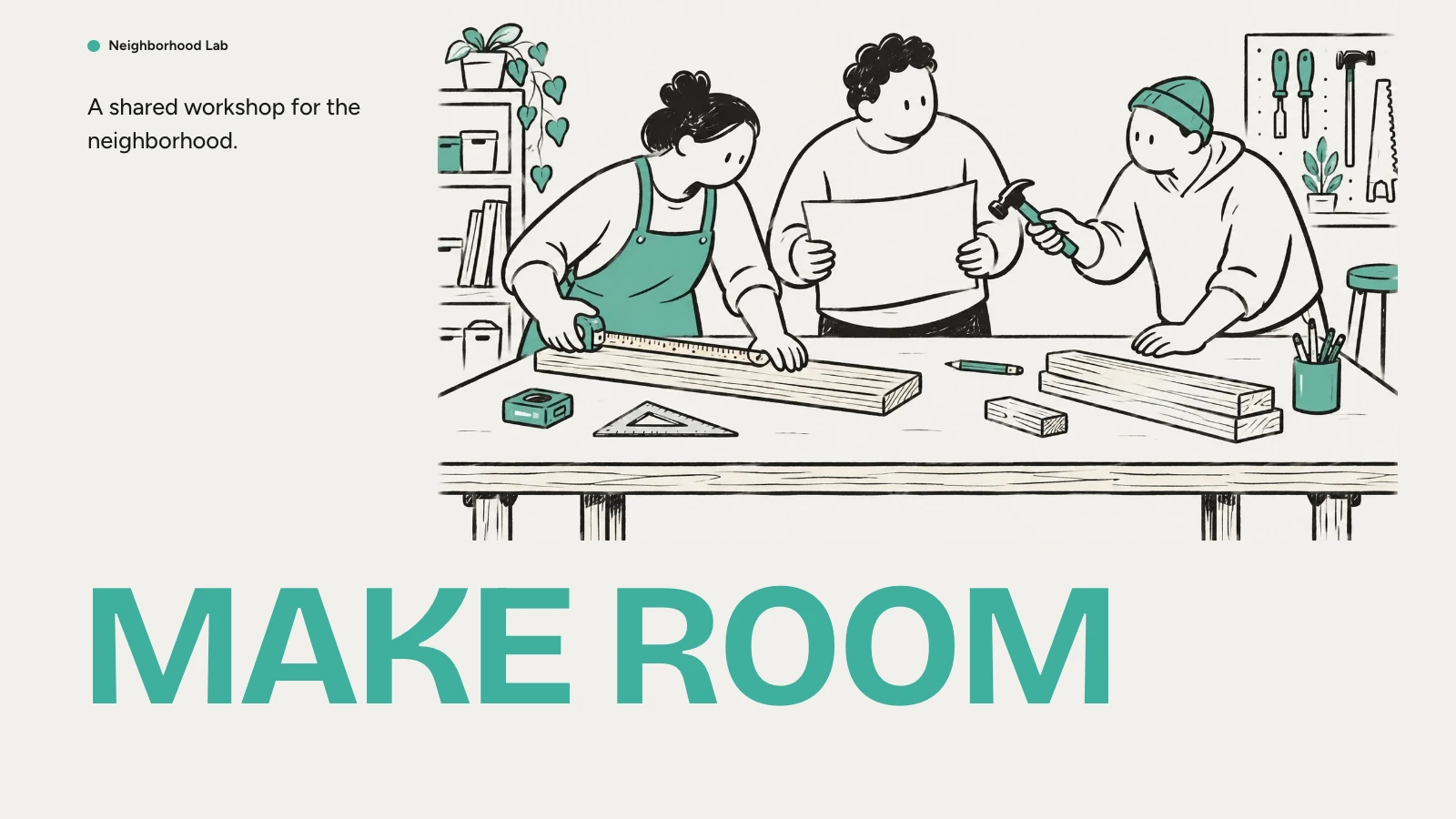
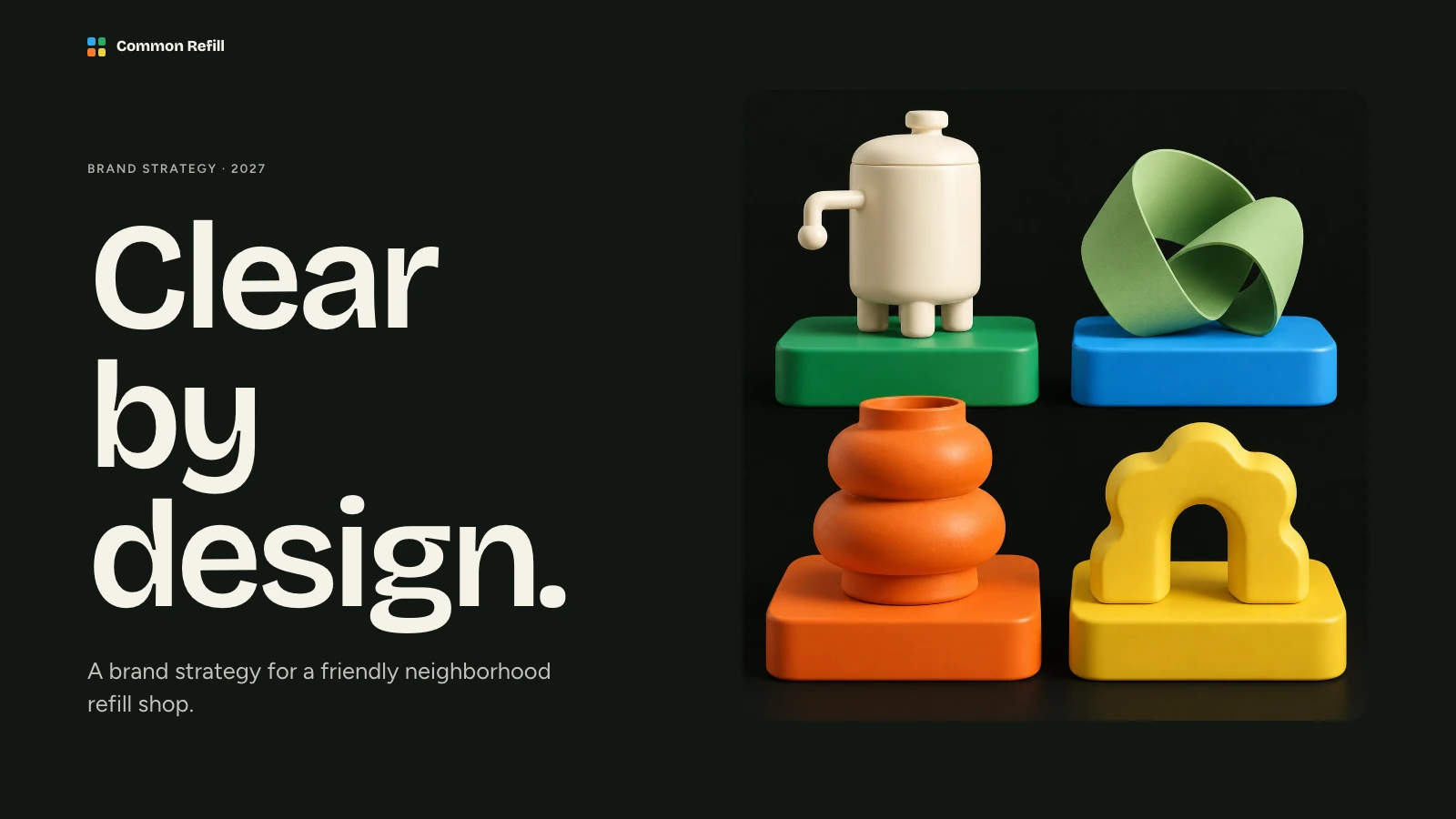
Rendered with this skill on our machine, unedited.
Cobalt Ribbon Profile Deck
How to use
- 1
Copy the install prompt
Sign in, then click the black button. One click, done.
- 2
Paste it to your agent
Send it in Claude Code, Codex, Cursor or similar. It installs itself.
- 3
Ask in one sentence
Say what you want, like below, and the agent follows this skill.
You:
/cobalt-ribbon-profile-deck make me: Company introductions and partner updatesExample message showing how to invoke it, not a real output.
What you get
- A coordinated deck with cobalt angled title ribbons, diagonal architectural crops, crisp white space, and compact goal cards.
- Browser editing and PowerPoint export with editable text and notes; backgrounds, charts, and complex shapes may remain images.
- Ten page archetypes, speaker notes, and four coordinated themes for future presentations.
- Company introductions and partner updates
Good fit
- Company introductions and partner updates
- Teams explaining their services and operating model
- Training and shared operational standards
- Arbitrary styling unrelated to the locked visual system
Not for
- Arbitrary styling unrelated to the locked visual system
- Automatic verification of business figures or policies
- PowerPoint files in which every visual is a native shape
What you need
- Claude Code, Codex, or Cursor
- Pack ships as a local skill folder
- License
- Skilloop Free
- Author
- @Skilloop
- Version
- v1.0.3
- Output
- Slides
- Generates with
Runs in:Claude CodeCodexCursor
Built and maintained by Skilloop (Pro). Every sample below was produced by this exact skill. Source packages are proprietary — not MIT.
Package contents
- cobalt-ribbon-profile-deck/SKILL.md
- cobalt-ribbon-profile-deck/references/compose.md
- cobalt-ribbon-profile-deck/references/example-config.json
- cobalt-ribbon-profile-deck/references/example-project.json
- cobalt-ribbon-profile-deck/references/framework/README.md
- cobalt-ribbon-profile-deck/references/framework/assemble.py
- cobalt-ribbon-profile-deck/references/framework/backup.schema.json
- cobalt-ribbon-profile-deck/references/framework/config.schema.json
- cobalt-ribbon-profile-deck/references/framework/editor.css
- cobalt-ribbon-profile-deck/references/framework/editor.js
- cobalt-ribbon-profile-deck/references/framework/i18n.js
- cobalt-ribbon-profile-deck/references/framework/locales/ar.json
- cobalt-ribbon-profile-deck/references/framework/locales/de.json
- cobalt-ribbon-profile-deck/references/framework/locales/en.json
- cobalt-ribbon-profile-deck/references/framework/locales/es.json
- cobalt-ribbon-profile-deck/references/framework/locales/fr.json
- cobalt-ribbon-profile-deck/references/framework/locales/he.json
- cobalt-ribbon-profile-deck/references/framework/locales/hi.json
- cobalt-ribbon-profile-deck/references/framework/locales/id.json
- cobalt-ribbon-profile-deck/references/framework/locales/it.json
- cobalt-ribbon-profile-deck/references/framework/locales/ja.json
- cobalt-ribbon-profile-deck/references/framework/locales/ko.json
- cobalt-ribbon-profile-deck/references/framework/locales/nl.json
- cobalt-ribbon-profile-deck/references/framework/locales/pl.json
- cobalt-ribbon-profile-deck/references/framework/locales/pt-br.json
- cobalt-ribbon-profile-deck/references/framework/locales/ru.json
- cobalt-ribbon-profile-deck/references/framework/locales/th.json
- cobalt-ribbon-profile-deck/references/framework/locales/tr.json
- cobalt-ribbon-profile-deck/references/framework/locales/vi.json
- cobalt-ribbon-profile-deck/references/framework/locales/zh-tw.json
- cobalt-ribbon-profile-deck/references/framework/locales/zh.json
- cobalt-ribbon-profile-deck/references/framework/persistence.js
- cobalt-ribbon-profile-deck/references/framework/presentation-format.js
- cobalt-ribbon-profile-deck/references/framework/project.schema.json
- cobalt-ribbon-profile-deck/references/framework/rtl.css
- cobalt-ribbon-profile-deck/references/framework/runtime-manifest.json
- cobalt-ribbon-profile-deck/references/framework/shell.template.html
- cobalt-ribbon-profile-deck/references/framework/vendor/Lucide-LICENSE.txt
- cobalt-ribbon-profile-deck/references/framework/vendor/PptxGenJS-LICENSE.txt
- cobalt-ribbon-profile-deck/references/framework/vendor/pptx-runtime.js
- cobalt-ribbon-profile-deck/references/icon-library.md
- cobalt-ribbon-profile-deck/references/image-library.json
- cobalt-ribbon-profile-deck/references/image-prompts.md
- cobalt-ribbon-profile-deck/references/layouts.md
- cobalt-ribbon-profile-deck/references/runtime.md
- cobalt-ribbon-profile-deck/references/style-kit.json
- cobalt-ribbon-profile-deck/references/style-reference.md
- cobalt-ribbon-profile-deck/references/style-source.css
- cobalt-ribbon-profile-deck/references/themes.md
- cobalt-ribbon-profile-deck/references/third-party-notices.md
- cobalt-ribbon-profile-deck/scripts/build-deck.py
- cobalt-ribbon-profile-deck/scripts/check-deck.py
- cobalt-ribbon-profile-deck/scripts/check-pptx.py
- cobalt-ribbon-profile-deck/scripts/embed-library-images.mjs
- cobalt-ribbon-profile-deck/scripts/fal-image.mjs
- cobalt-ribbon-profile-deck/scripts/optimize-images.py
- cobalt-ribbon-profile-deck/scripts/schema_checks.py
- cobalt-ribbon-profile-deck/scripts/style-kit.py
SKILL.md
Create a company profile with cobalt title ribbons, angled architectural imagery, and structured goal pages. Turn an operating story into a focused presentation you can edit in your browser and export to PowerPoint.
Other ways to install
ZIP download works while signed in. For curl installs, create an API key under Settings → API keys and set SKILLHUB_API_KEY.
Install prompt (paste into your agent)
This is a free Skilloop skill (Cobalt Ribbon Profile Deck). Download https://skilloop.dev/downloads/free/cobalt-ribbon-profile-deck.zip (or use the install command on the skill page), then unzip into ~/.claude/skills or ~/.agents/skills so cobalt-ribbon-profile-deck/SKILL.md exists. Or: Read https://skilloop.dev/skills/cobalt-ribbon-profile-deck/install.md and follow the instructions.
One-line install (download + unzip) · Claude Code
mkdir -p ~/.claude/skills && curl -fsSL https://skilloop.dev/downloads/free/cobalt-ribbon-profile-deck.zip -o /tmp/cobalt-ribbon-profile-deck.zip && unzip -oq /tmp/cobalt-ribbon-profile-deck.zip -d ~/.claude/skills/
One-line install (download + unzip) · Codex / Cursor
mkdir -p ~/.agents/skills && curl -fsSL https://skilloop.dev/downloads/free/cobalt-ribbon-profile-deck.zip -o /tmp/cobalt-ribbon-profile-deck.zip && unzip -oq /tmp/cobalt-ribbon-profile-deck.zip -d ~/.agents/skills/
Manual · Claude Code
# Free skill — download the public ZIP (no sign-in):
mkdir -p ~/.claude/skills && curl -fsSL https://skilloop.dev/downloads/free/cobalt-ribbon-profile-deck.zip -o /tmp/cobalt-ribbon-profile-deck.zip && unzip -oq /tmp/cobalt-ribbon-profile-deck.zip -d ~/.claude/skills/