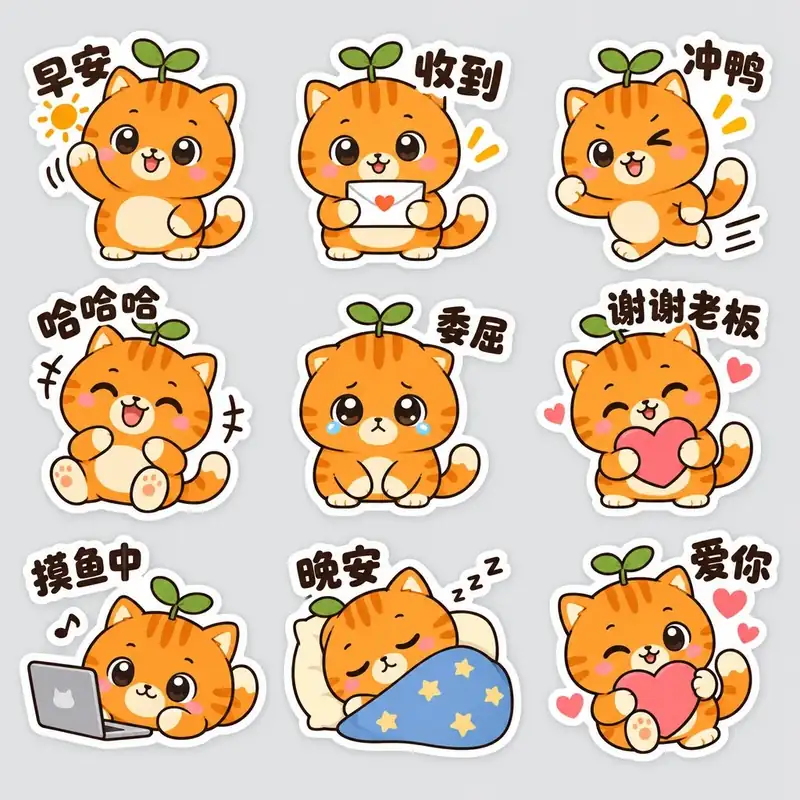
How to use
- 1
Copy the install prompt
Sign in, then click the black button. One click, done.
- 2
Paste it to your agent
Send it in Claude Code, Codex, Cursor or similar. It installs itself.
- 3
Ask in one sentence
Say what you want, like below, and the agent follows this skill.
/sticker-pack make me: WeChat sticker sets and physical stickers for a brand IPExample message showing how to invoke it, not a real output.
What you get
- An emotion list planned up front
- Platform size cheat-sheet
- Consistent character across stickers
Good fit
- WeChat sticker sets and physical stickers for a brand IP
Not for
- Characters you haven't defined yet (do the character sheet first)
What you need
- An image model (defaults to GPT Image 2.5; prompts also work in Gemini, Seedream, Midjourney)
- Python 3 for slicing
- License
- MIT
- Author
- @xianyu110
Upstream description
Use when making an emoji / sticker set for a brand IP — 微信表情包、贴纸、聊天表情、实体贴纸 — with a planned emotion list, consistent character, short captions and slicing to platform sizes. Triggers: 表情包, 贴纸, 微信表情, 聊天表情, emoji pack, sticker set, LINE stickers, die-cut stickers.
Other ways to install
Prefer doing it yourself? These commands do the same as the button.
Read https://skilloop.dev/skills/sticker-pack/install.md and follow the instructions to install the skill.
npx skills add https://github.com/xianyu110/brand-ip-kit-skills/tree/main/skills/sticker-pack -g -a claude-code
npx skills add https://github.com/xianyu110/brand-ip-kit-skills/tree/main/skills/sticker-pack -g -a codex
git clone --depth 1 https://github.com/xianyu110/brand-ip-kit-skills.git /tmp/brand-ip-kit-skills
mkdir -p ~/.claude/skills && cp -r /tmp/brand-ip-kit-skills/skills/sticker-pack ~/.claude/skills/sticker-pack
Original work by its authors, redistributed under its license. We only link and describe it.
Related skills

Brand OG Card
On-brand Open Graph share cards: your headline, wordmark and colors with one visual idea, cropped to an exact 1200x630.
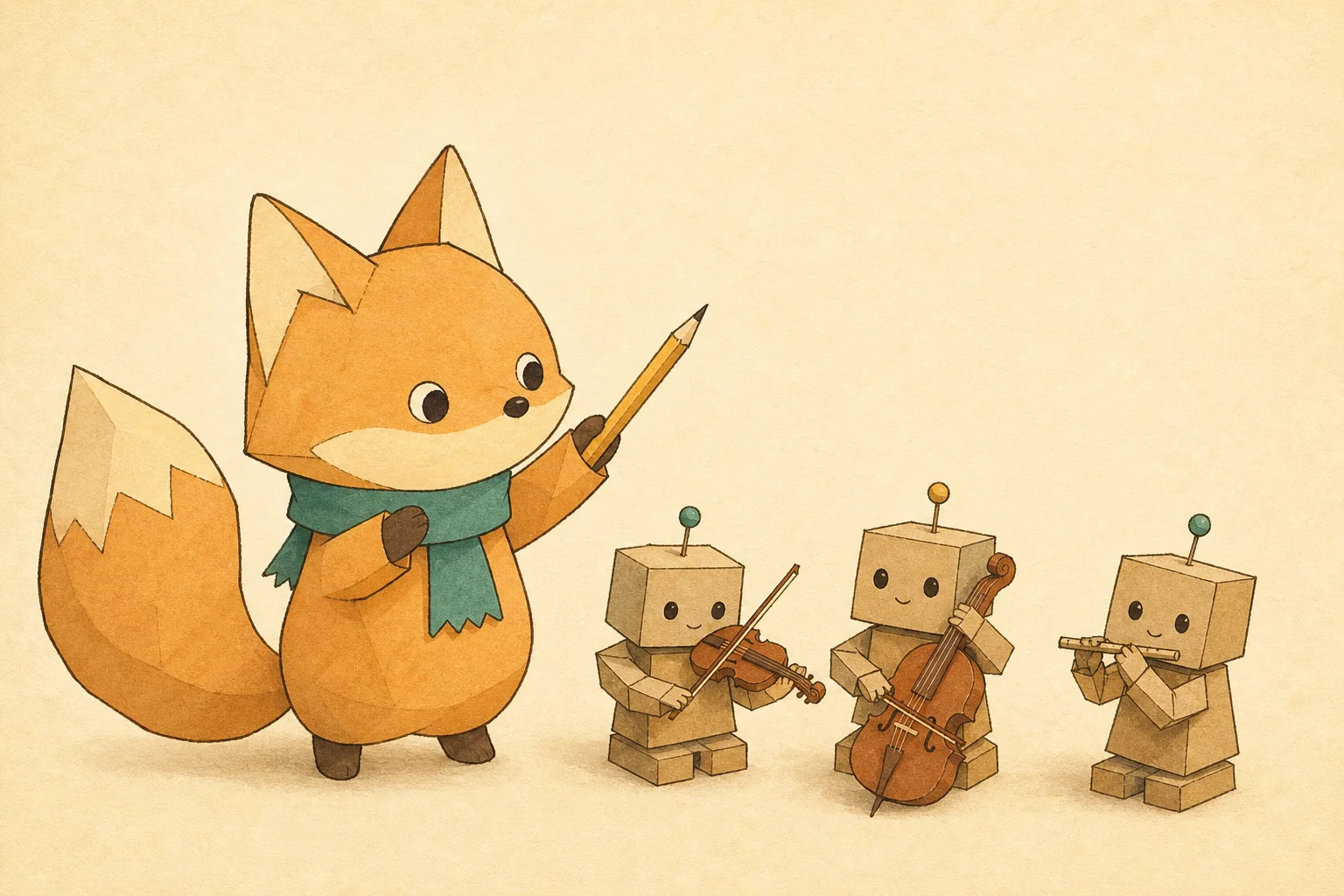
Mascot Article Cover
Article and newsletter covers that always feature the same mascot: a written character bible keeps every cover in the series on-model.

DTC Product Hero
Art-directed studio hero shots for landing pages and ads: lighting recipe, brand-colored set and clean space for the headline.
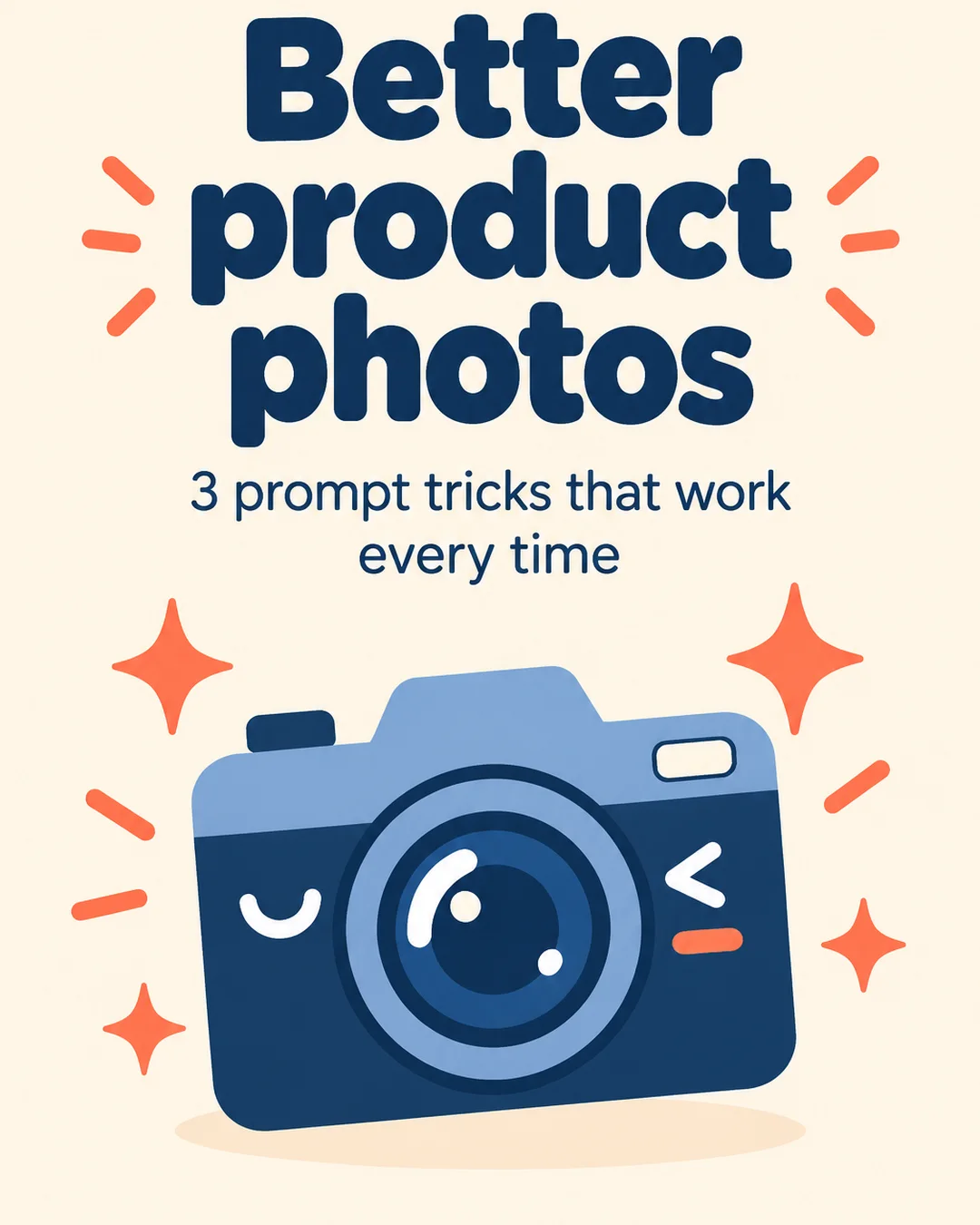
Carousel Slide Kit
Turn a tip list or thread into a matching set of portrait carousel slides — one style lock shared by every slide.