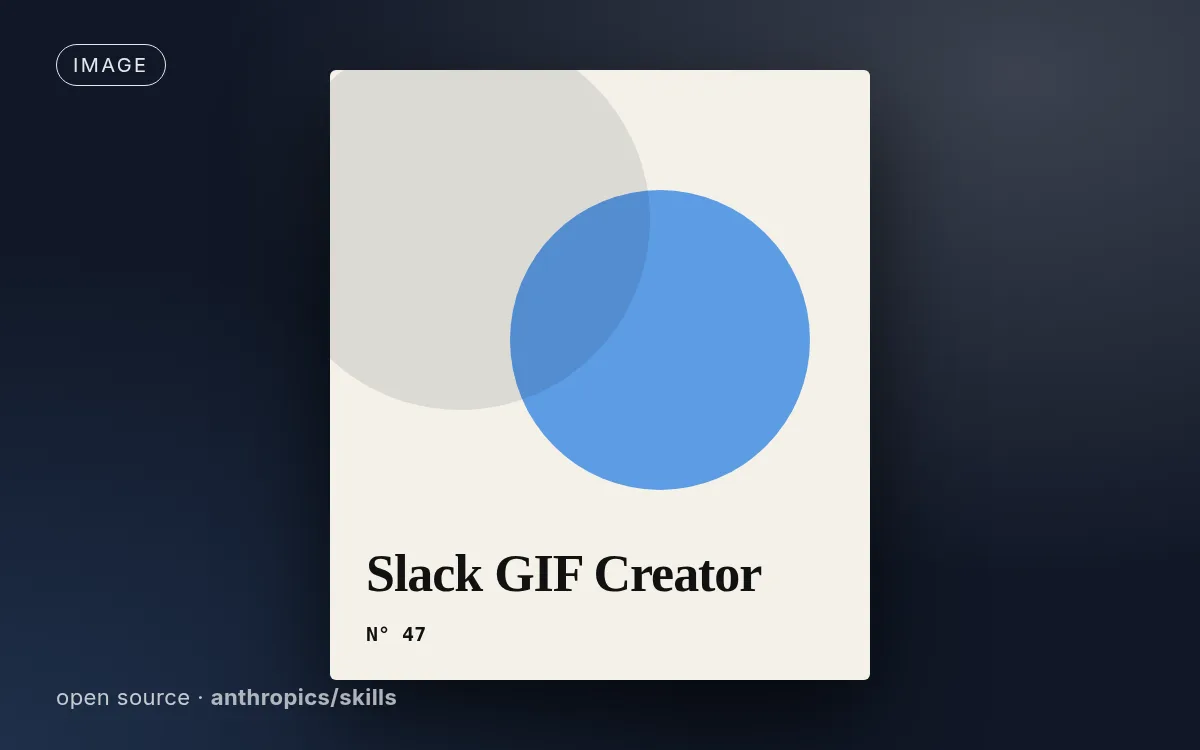
Illustrative cover generated by us — see the source repo for real examples.
How to use
- 1
Copy the install prompt
Click the black button. One click, done.
- 2
Paste it to your agent
Send it in Claude Code, Codex, Cursor or similar. It installs itself.
- 3
Ask in one sentence
Say what you want, like below, and the agent follows this skill.
/slack-gif-creator make me: Small animated GIFs sized for Slack emoji and messagesExample message showing how to invoke it, not a real output.
What you get
- Slack size and frame constraints baked in
- Python drawing utilities
- Validation before export
Good fit
- Small animated GIFs sized for Slack emoji and messages
Not for
- Long or video-quality animations
What you need
- Python 3 with pillow, imageio, numpy
- License
- Apache-2.0
- Author
- @anthropics
- Source
- anthropics/skills/skills/slack-gif-creator · ★ 179,820
Upstream description
Knowledge and utilities for creating animated GIFs optimized for Slack. Provides constraints, validation tools, and animation concepts. Use when users request animated GIFs for Slack like "make me a GIF of X doing Y for Slack.
Other ways to install
Prefer doing it yourself? These commands do the same as the button.
Read https://skilloop.dev/skills/slack-gif-creator/install.md and follow the instructions to install the skill.
npx skills add https://github.com/anthropics/skills/tree/main/skills/slack-gif-creator -g -a claude-code
npx skills add https://github.com/anthropics/skills/tree/main/skills/slack-gif-creator -g -a codex
git clone --depth 1 https://github.com/anthropics/skills.git /tmp/skills
mkdir -p ~/.claude/skills && cp -r /tmp/skills/skills/slack-gif-creator ~/.claude/skills/slack-gif-creator
Original work by its authors, redistributed under its license. We only link and describe it.
Related skills

Brand OG Card
On-brand Open Graph share cards: your headline, wordmark and colors with one visual idea, cropped to an exact 1200x630.
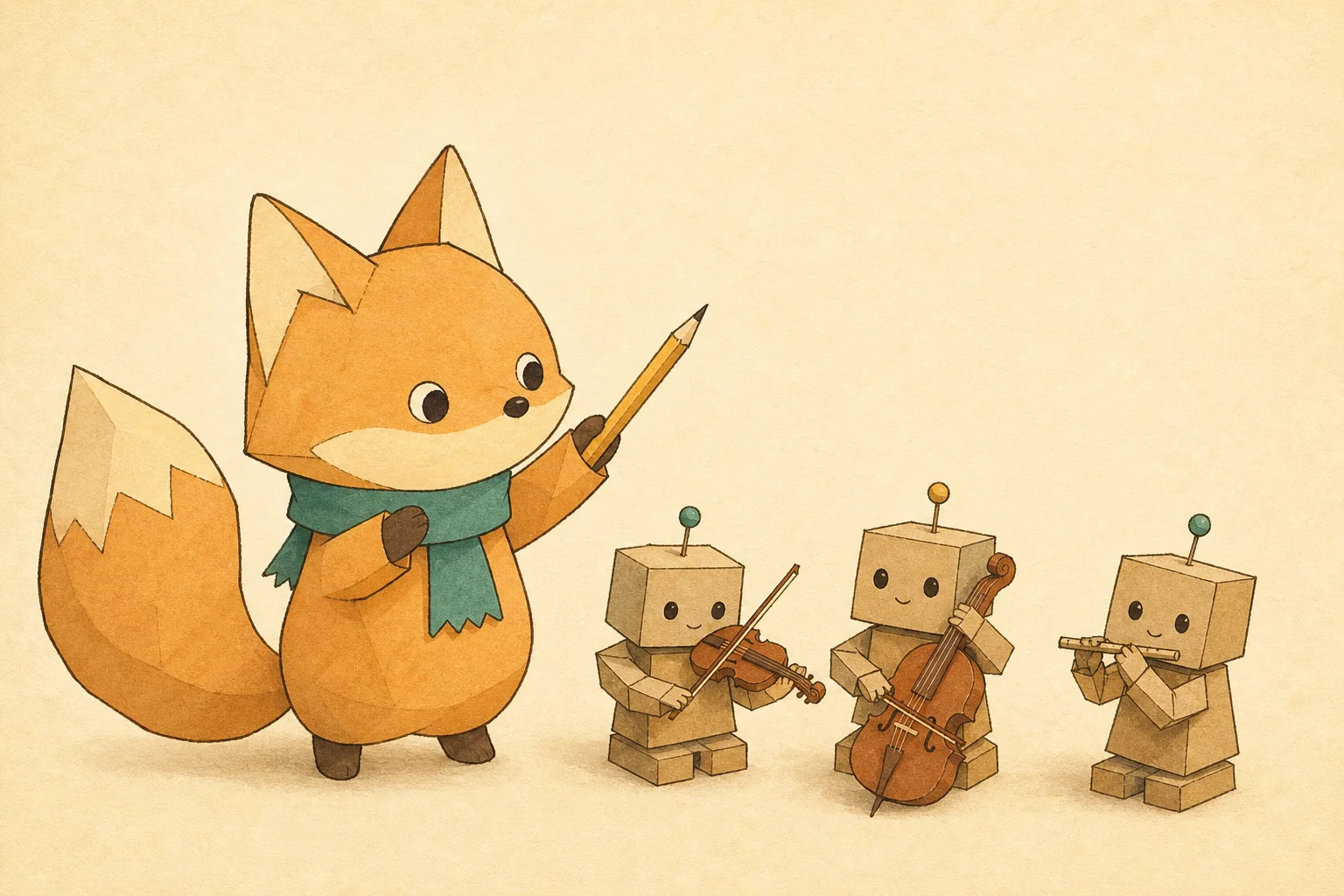
Mascot Article Cover
Article and newsletter covers that always feature the same mascot: a written character bible keeps every cover in the series on-model.

DTC Product Hero
Art-directed studio hero shots for landing pages and ads: lighting recipe, brand-colored set and clean space for the headline.
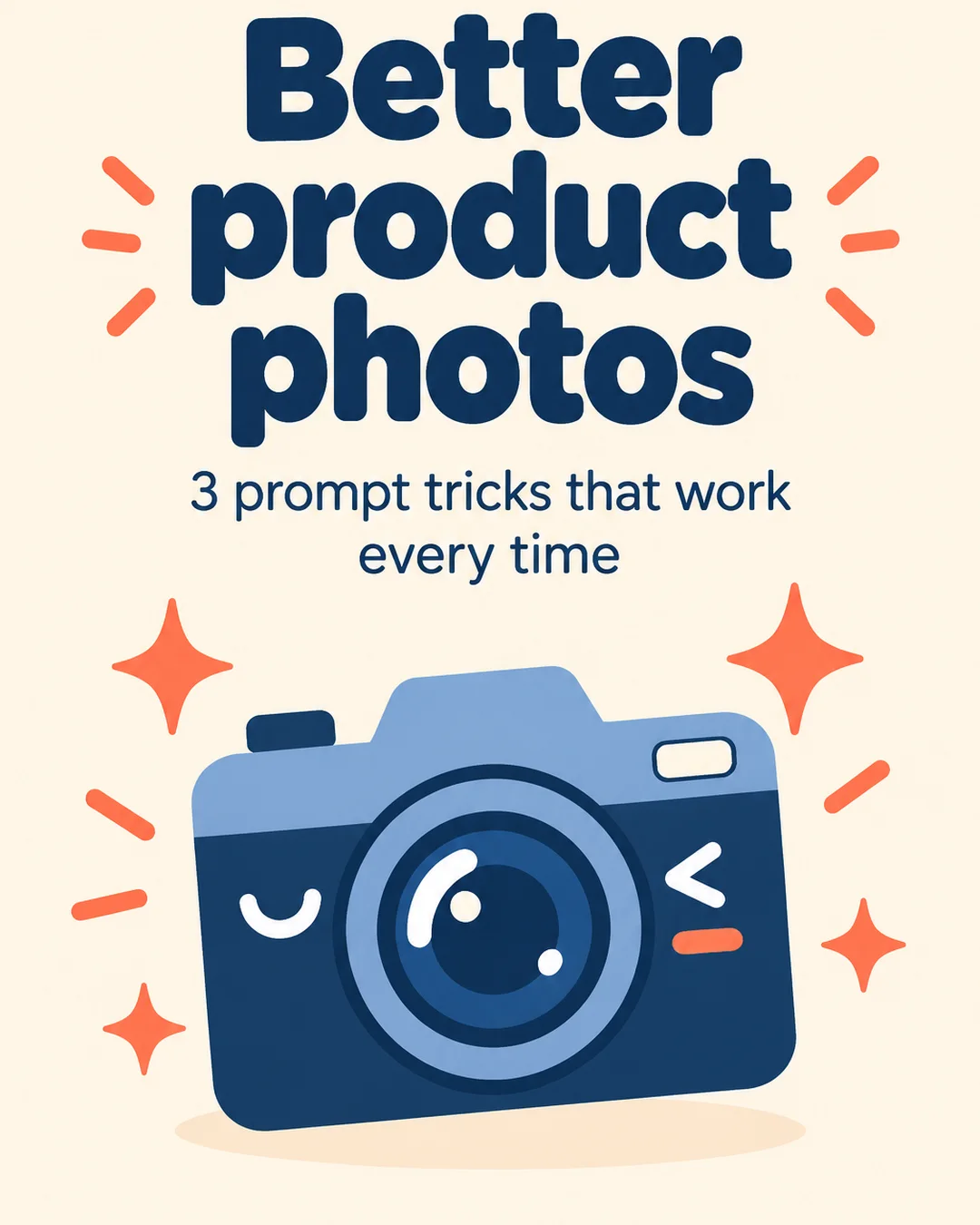
Carousel Slide Kit
Turn a tip list or thread into a matching set of portrait carousel slides — one style lock shared by every slide.