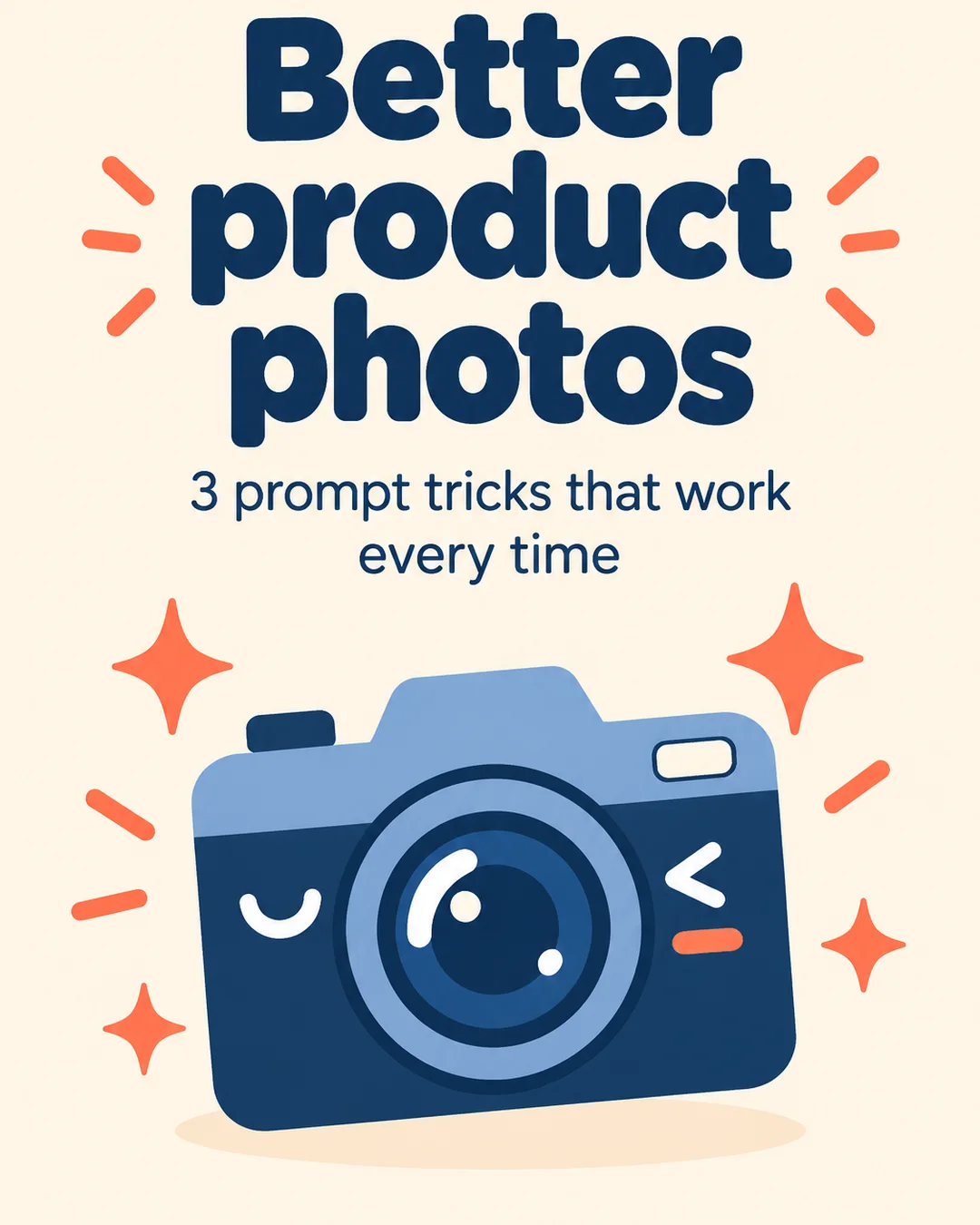
Real outputs
Rendered with this skill on our machine, unedited.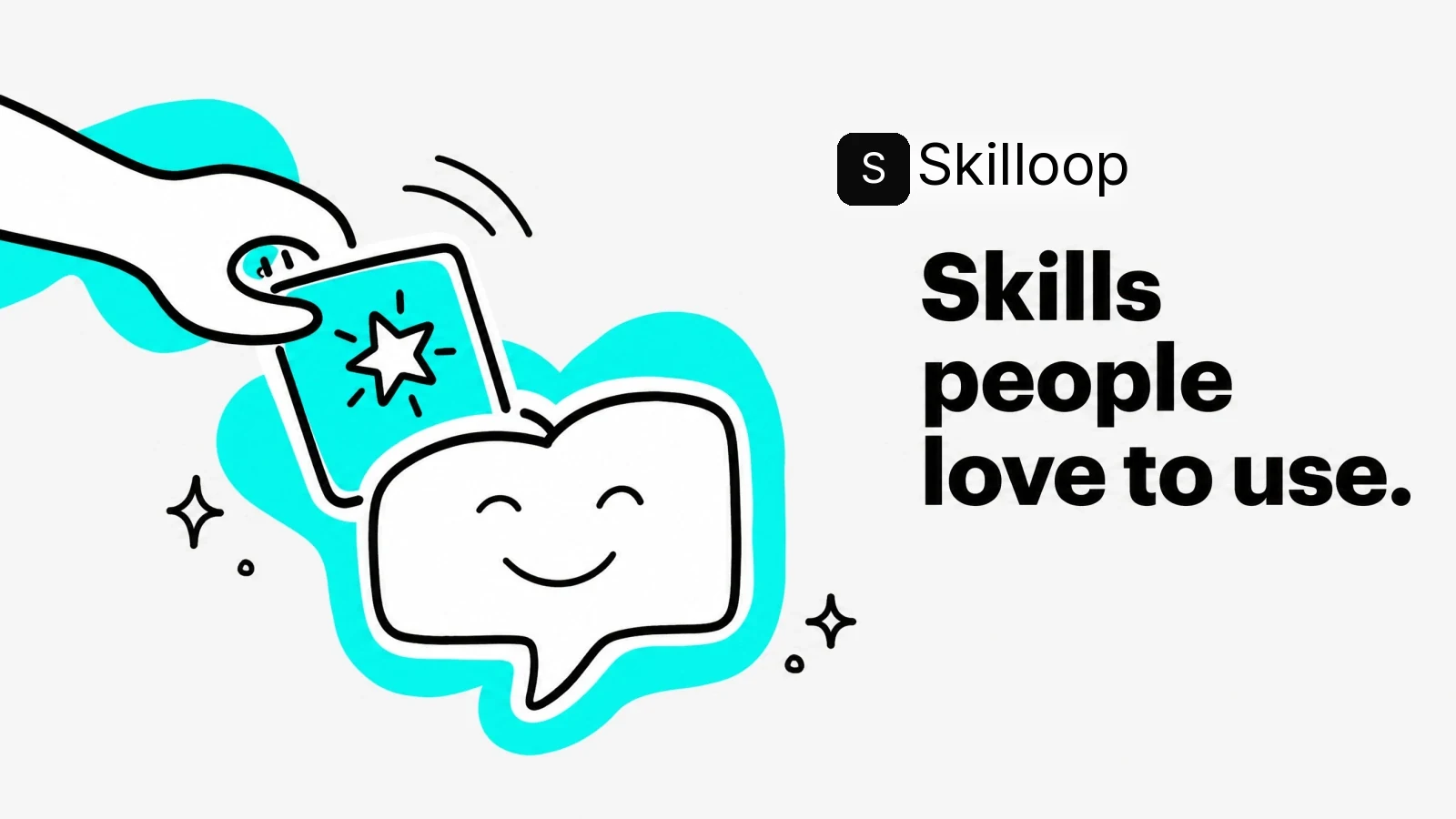
Intercom Style OG Image
How to use
- 1
Copy the install prompt
Sign in, then click the black button. One click, done.
- 2
Paste it to your agent
Send it in Claude Code, Codex, Cursor or similar. It installs itself.
- 3
Ask in one sentence
Say what you want, like below, and the agent follows this skill.
You:
/intercom-style-og make me: Exact copies of existing designs.Example message showing how to invoke it, not a real output.
What you get
- One 16:9 Intercom-style OG image.
- A clear headline layout.
- A social-ready final image.
- Exact copies of existing designs.
Good fit
- Exact copies of existing designs.
- Can I adapt the system to my own brand?
- Yes. Supply the exact brand name, headline, colors, and any authorized logo or imagery; the workflow rebuilds the composition for that identity.
- Can I provide a visual reference?
Not for
- Exact copies of existing designs.
- Can I adapt the system to my own brand?
- Yes. Supply the exact brand name, headline, colors, and any authorized logo or imagery; the workflow rebuilds the composition for that identity.
What you need
- Claude Code, Codex, or Cursor
- Pack ships as a local skill folder
- License
- Skilloop Free
- Author
- @Skilloop
- Version
- v1.0.2
- Output
- Image
- Generates with
Runs in:Claude CodeCodexCursor
Built and maintained by Skilloop (Pro). Every sample below was produced by this exact skill. Source packages are proprietary — not MIT.
Package contents
- intercom-style-og/SKILL.md
- intercom-style-og/references/icon-library.md
- intercom-style-og/references/visual-system.md
- intercom-style-og/scripts/generate.mjs
- intercom-style-og/scripts/raster.mjs
- intercom-style-og/scripts/validate-output.mjs
SKILL.md
Create Intercom-style OG images. Use them for social media posts.
Other ways to install
ZIP download works while signed in. For curl installs, create an API key under Settings → API keys and set SKILLHUB_API_KEY.
Install prompt (paste into your agent)
This is a free Skilloop skill (Intercom Style OG Image). Download https://skilloop.dev/downloads/free/intercom-style-og.zip (or use the install command on the skill page), then unzip into ~/.claude/skills or ~/.agents/skills so intercom-style-og/SKILL.md exists. Or: Read https://skilloop.dev/skills/intercom-style-og/install.md and follow the instructions.
One-line install (download + unzip) · Claude Code
mkdir -p ~/.claude/skills && curl -fsSL https://skilloop.dev/downloads/free/intercom-style-og.zip -o /tmp/intercom-style-og.zip && unzip -oq /tmp/intercom-style-og.zip -d ~/.claude/skills/
One-line install (download + unzip) · Codex / Cursor
mkdir -p ~/.agents/skills && curl -fsSL https://skilloop.dev/downloads/free/intercom-style-og.zip -o /tmp/intercom-style-og.zip && unzip -oq /tmp/intercom-style-og.zip -d ~/.agents/skills/
Manual · Claude Code
# Free skill — download the public ZIP (no sign-in):
mkdir -p ~/.claude/skills && curl -fsSL https://skilloop.dev/downloads/free/intercom-style-og.zip -o /tmp/intercom-style-og.zip && unzip -oq /tmp/intercom-style-og.zip -d ~/.claude/skills/