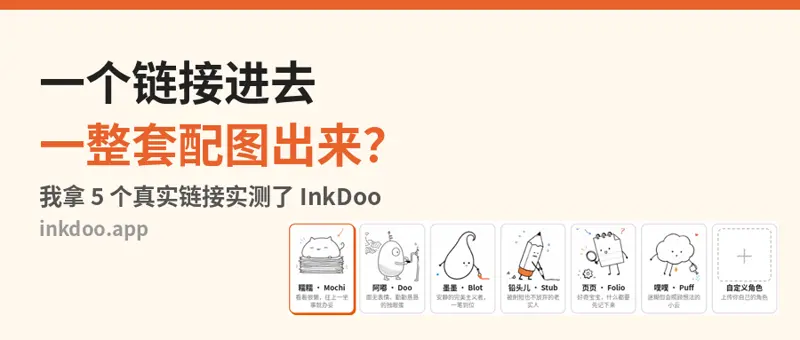
How to use
- 1
Copy the install prompt
Click the black button. One click, done.
- 2
Paste it to your agent
Send it in Claude Code, Codex, Cursor or similar. It installs itself.
- 3
Ask in one sentence
Say what you want, like below, and the agent follows this skill.
/inkdoo-article-illustration make me: Illustration plan from your articleExample message showing how to invoke it, not a real output.
What you get
- Illustration plan from your article
- One consistent hand-drawn character
- Coming soon to Pro
- License
- Author-owned (Pro)
- Author
- @xianyu110
Unlock with Pro
This Pro skill is not available yet. Join Pro to get it the day it ships.
Original work by its authors, redistributed under its license. We only link and describe it.
Related skills

Brand OG Card
On-brand Open Graph share cards: your headline, wordmark and colors with one visual idea, cropped to an exact 1200x630.
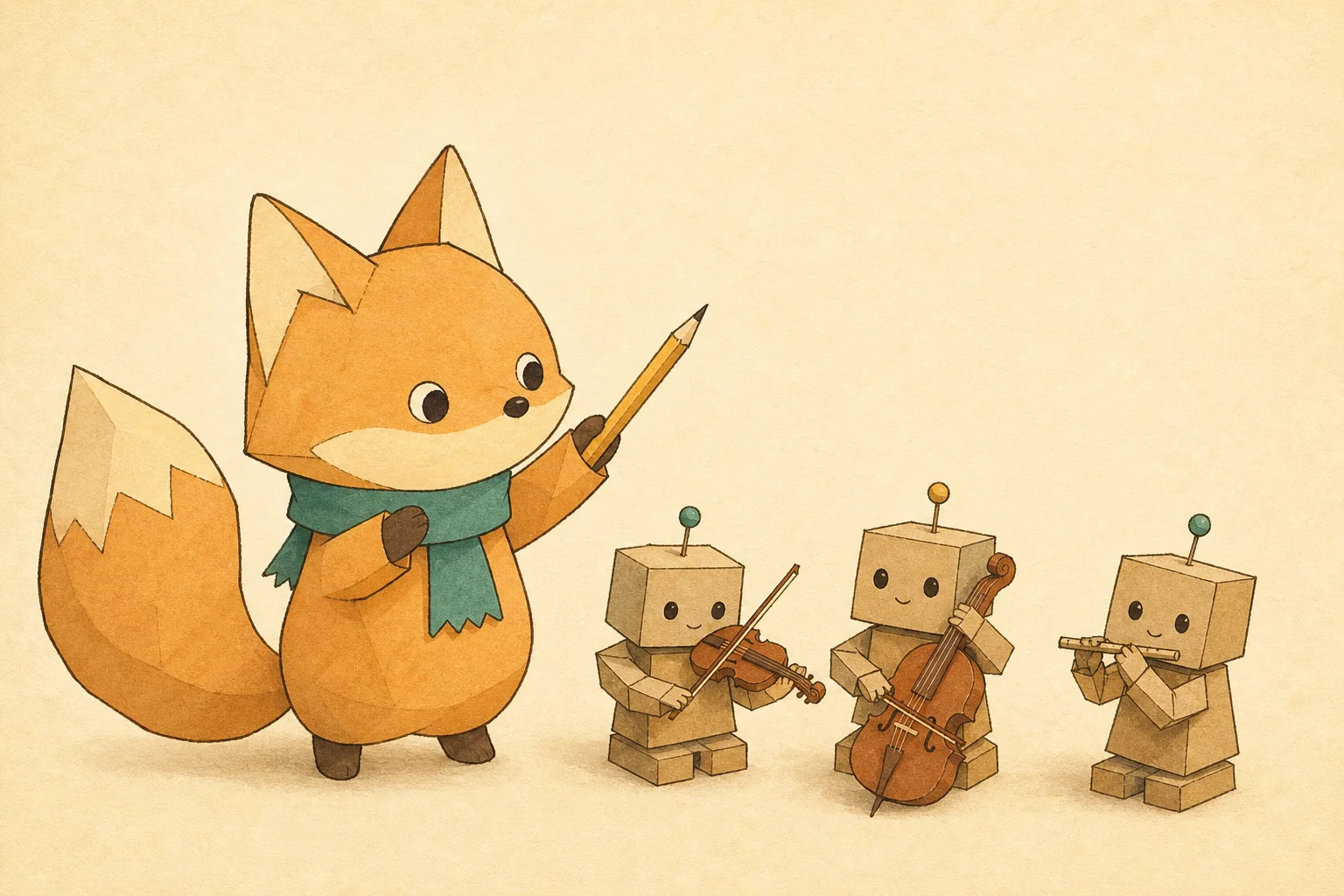
Mascot Article Cover
Article and newsletter covers that always feature the same mascot: a written character bible keeps every cover in the series on-model.
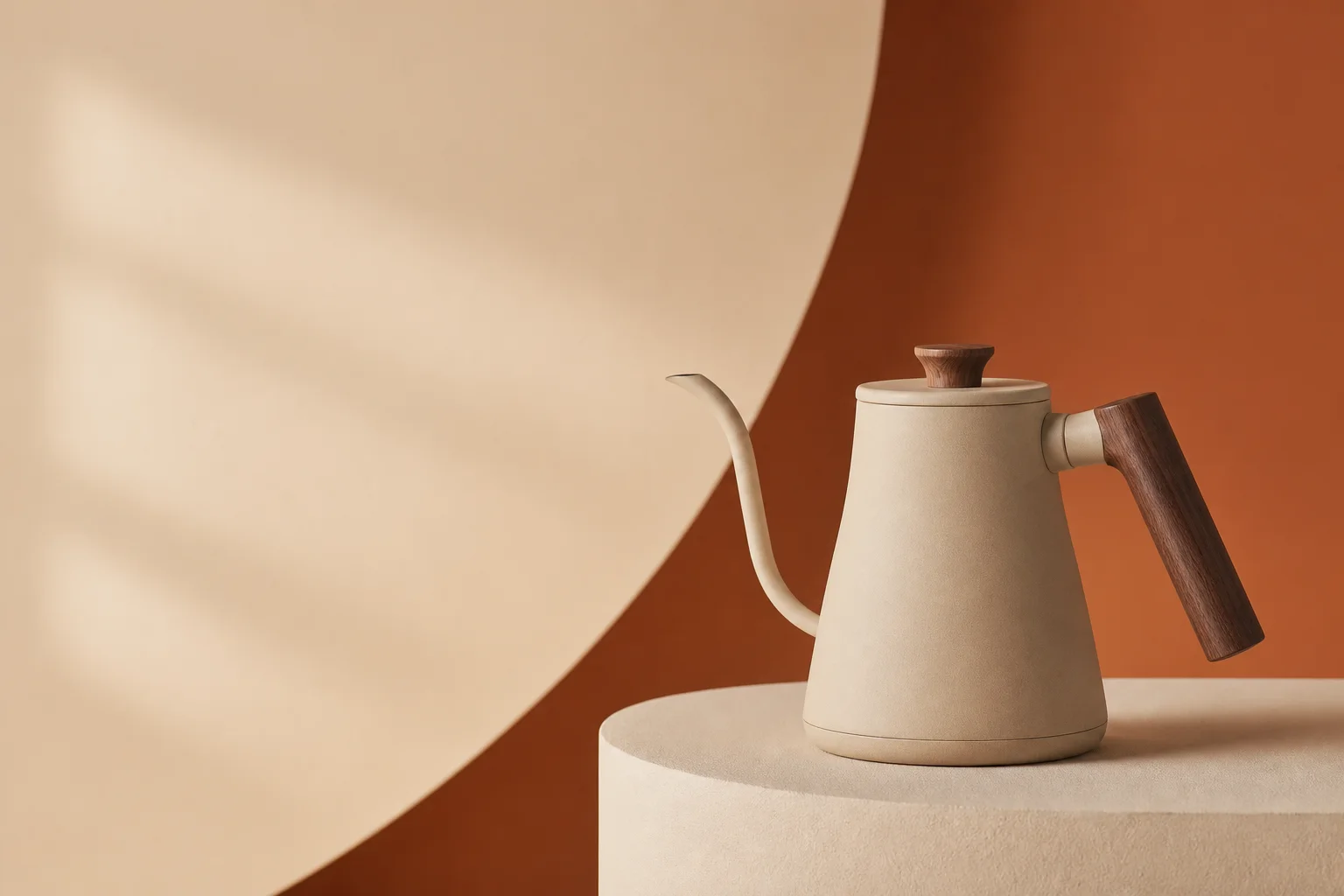
DTC Product Hero
Art-directed studio hero shots for landing pages and ads: lighting recipe, brand-colored set and clean space for the headline.
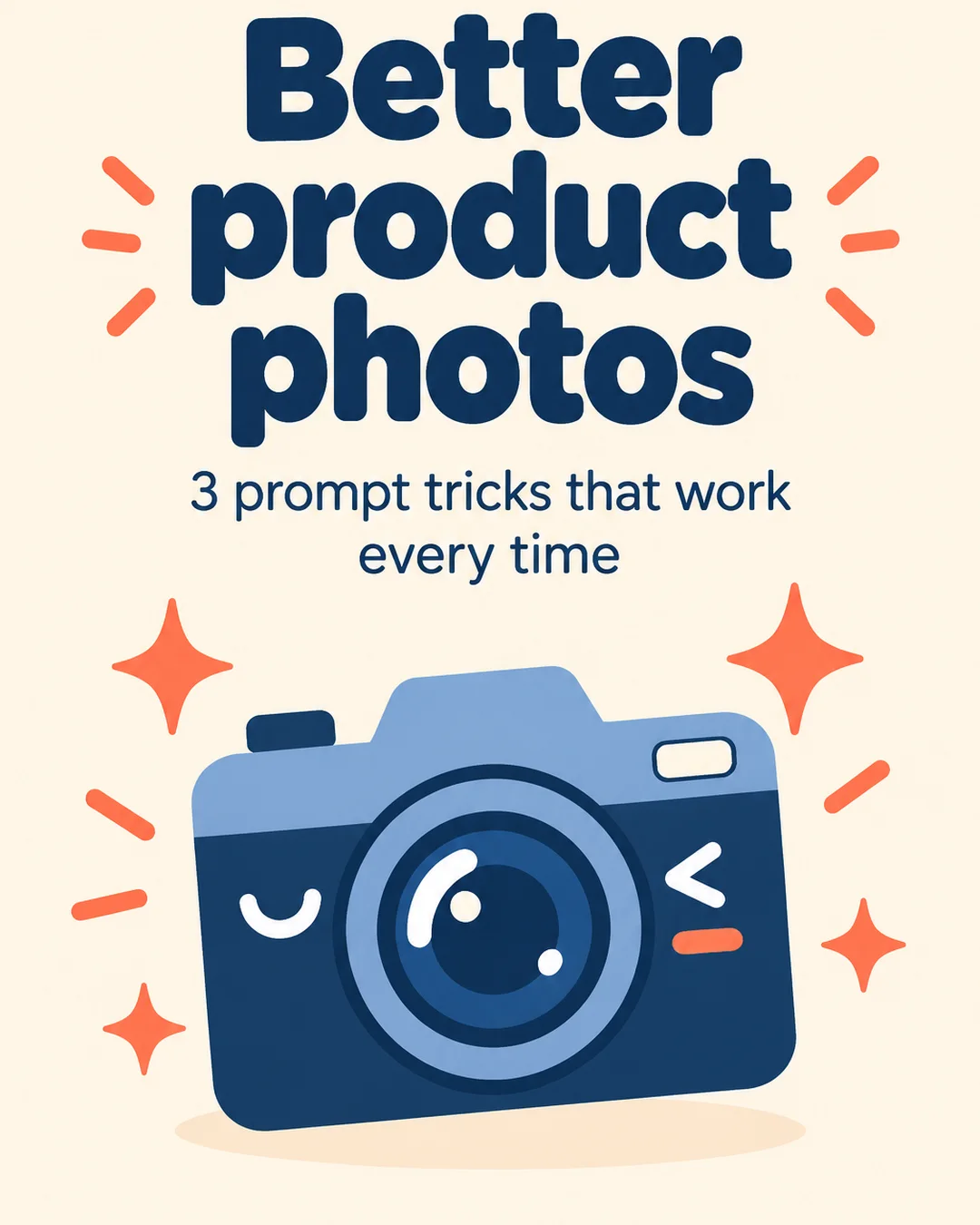
Carousel Slide Kit
Turn a tip list or thread into a matching set of portrait carousel slides — one style lock shared by every slide.