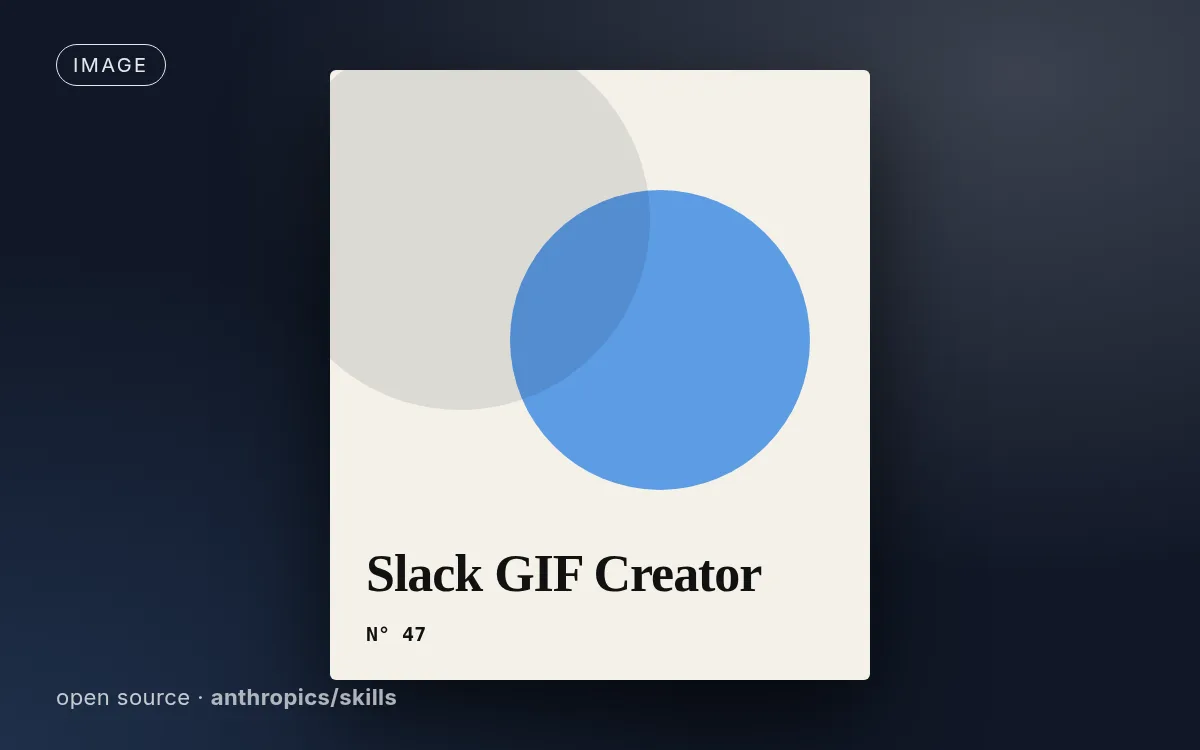
示意封面由本站生成,真实效果请查看源仓库示例。
如何使用
- 1
复制安装提示
登录后点击右侧黑色按钮,一键复制。
- 2
粘贴给你的 agent
在 Claude Code、Codex、Cursor 等工具里粘贴发送,它会自己装好。
- 3
用一句话调用
像下面这样说出你要做的东西,agent 会按这个 Skill 的流程来做。
你:
/slack-gif-creator 帮我做:符合 Slack 尺寸要求的小动图示例对话,仅演示调用方式,不代表实际产出。
你会得到
- 内置 Slack 尺寸与帧数限制
- Python 绘制工具
- 导出前校验
适合
- 符合 Slack 尺寸要求的小动图
不适合
- 长动画或视频级画质
你需要
- Python 3 及 pillow、imageio、numpy
- 许可证
- Apache-2.0
- 作者
- @anthropics
- 来源
- anthropics/skills/skills/slack-gif-creator · ★ 179,820
支持:Claude CodeCodexCursorGemini CLIOpenCode
上游描述
Knowledge and utilities for creating animated GIFs optimized for Slack. Provides constraints, validation tools, and animation concepts. Use when users request animated GIFs for Slack like "make me a GIF of X doing Y for Slack.
其他安装方式
更喜欢自己动手?下面的命令和上方按钮效果相同。
安装提示词(粘贴给你的 Agent)
Read https://skilloop.dev/skills/slack-gif-creator/install.md and follow the instructions to install the skill.
一行命令安装 · Claude Code
npx skills add https://github.com/anthropics/skills/tree/main/skills/slack-gif-creator -g -a claude-code
一行命令安装 · Codex / Cursor
npx skills add https://github.com/anthropics/skills/tree/main/skills/slack-gif-creator -g -a codex
手动安装(git) · Claude Code
git clone --depth 1 https://github.com/anthropics/skills.git /tmp/skills
mkdir -p ~/.claude/skills && cp -r /tmp/skills/skills/slack-gif-creator ~/.claude/skills/slack-gif-creator
作品版权归原作者所有,依其许可证分发;本站仅做链接与介绍。
相关技能

ProSkilloop 原创
图片
品牌分享卡(OG 图)
符合品牌调性的 OG 分享卡:标题、字标、品牌色加一个视觉创意,精确裁成 1200x630。
Skilloop · v1.0.0 · Proprietary (Skilloop Pro)
ProSkilloop 原创
图片
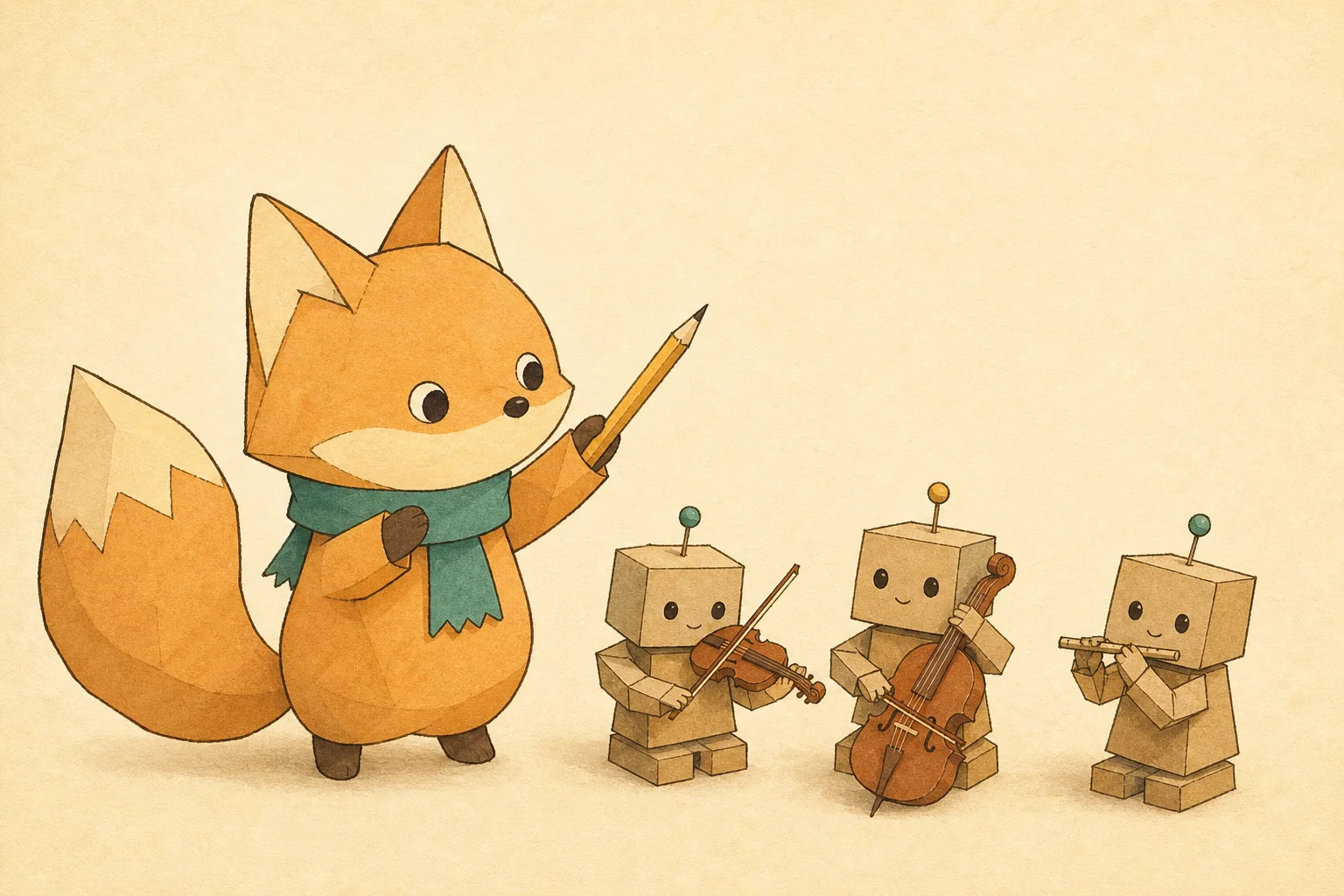
IP 角色文章封面
每张文章 / 周刊封面都是同一个 IP 角色:用文字版"角色设定"保证整个系列不跑形。
Skilloop · v1.0.0 · Proprietary (Skilloop Pro)
ProSkilloop 原创
图片
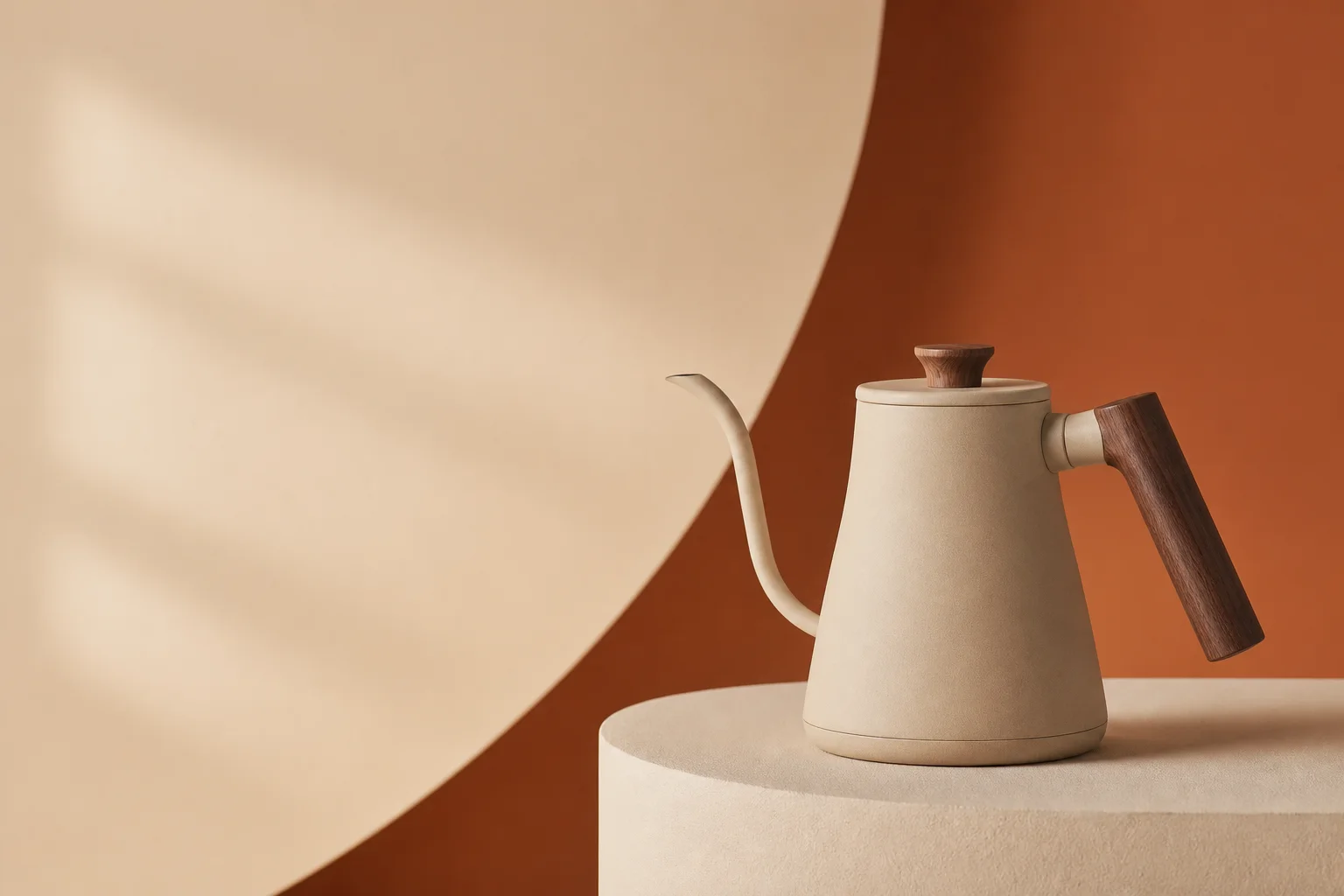
DTC 产品首屏主视觉
为落地页与广告生成有艺术指导感的棚拍主视觉:灯光配方、品牌色布景、为标题留白。
Skilloop · v1.0.0 · Proprietary (Skilloop Pro)
ProSkilloop 原创
图片
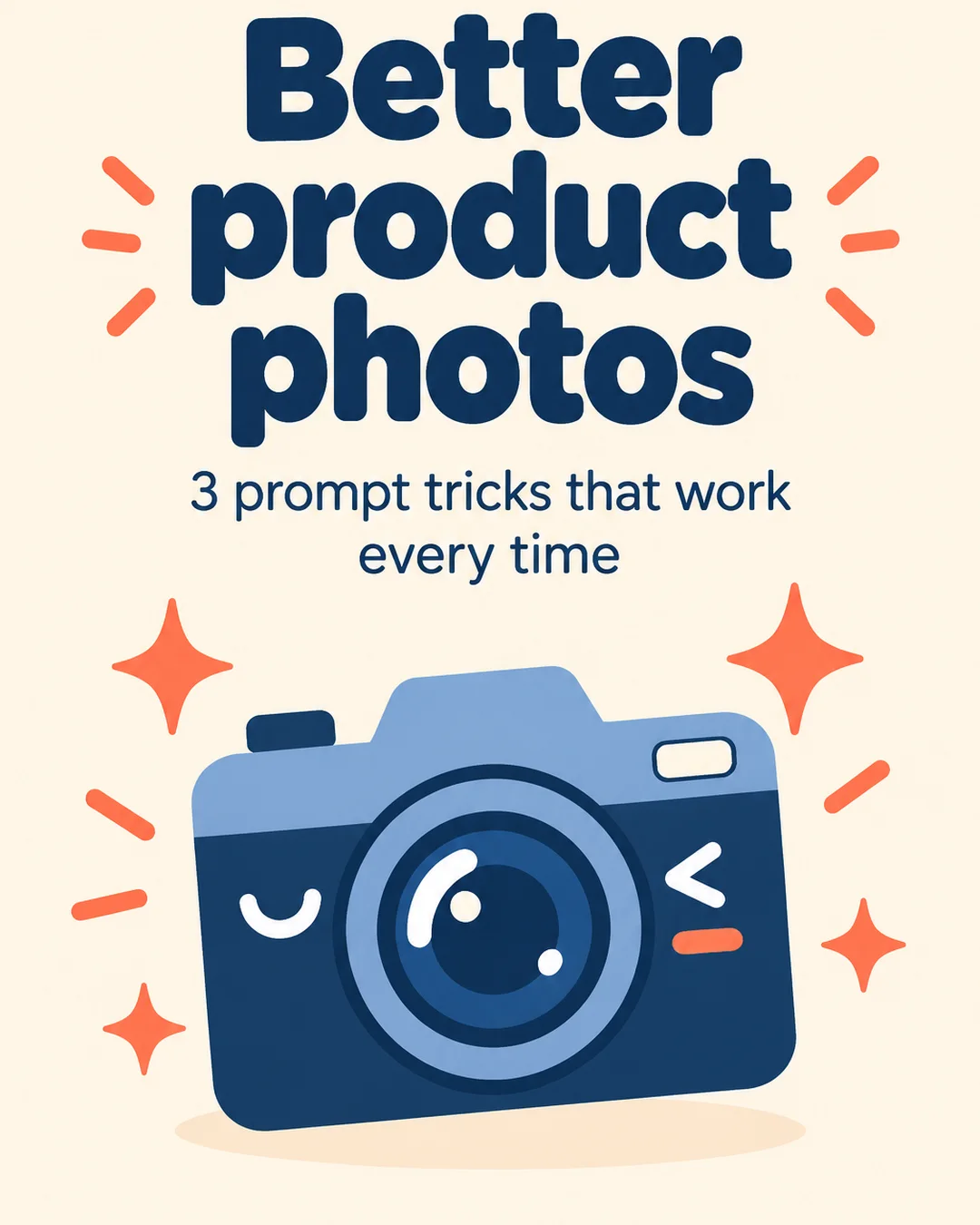
轮播图文套件
把干货清单或长帖变成风格统一的竖版轮播图:所有页共用同一份"风格锁"。
Skilloop · v1.0.0 · Proprietary (Skilloop Pro)