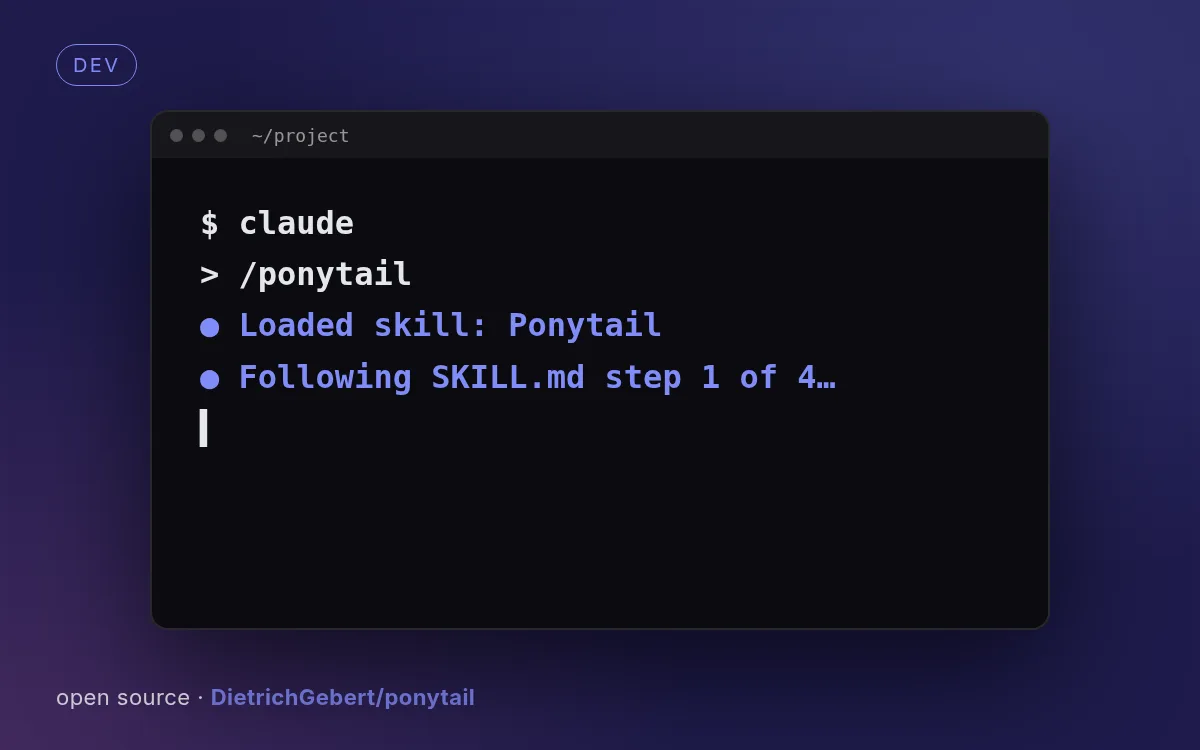
示意封面由本站生成,真实效果请查看源仓库示例。
如何使用
- 1
复制安装提示
登录后点击右侧黑色按钮,一键复制。
- 2
粘贴给你的 agent
在 Claude Code、Codex、Cursor 等工具里粘贴发送,它会自己装好。
- 3
用一句话调用
像下面这样说出你要做的东西,agent 会按这个 Skill 的流程来做。
你:
/ponytail 帮我做:被 Agent 写得越来越臃肿的代码库示例对话,仅演示调用方式,不代表实际产出。
你会得到
- 核心提示词,分 lite / full / ultra 三档
- ponytail-review、ponytail-audit 专找过度设计
- 把刻意留下的捷径汇总成技术债清单
适合
- 被 Agent 写得越来越臃肿的代码库
不适合
- 非编码类请求
这是一个合集,仓库里有 6 个 Skill。安装时会列出全部名称,建议只挑需要的几个(--skill <名称>)。
- 许可证
- MIT
- 作者
- @DietrichGebert
- 来源
- DietrichGebert/ponytail/skills · ★ 156,466
支持:Claude CodeCodexCursorGemini CLIOpenCode
上游描述
Makes your AI agent think like the laziest senior dev in the room. The best code is the code you never wrote.
其他安装方式
更喜欢自己动手?下面的命令和上方按钮效果相同。
安装提示词(粘贴给你的 Agent)
Read https://skilloop.dev/skills/ponytail/install.md and follow the instructions to install the skill.
一行命令安装 · Claude Code
npx skills add https://github.com/DietrichGebert/ponytail -g -a claude-code
一行命令安装 · Codex / Cursor
npx skills add https://github.com/DietrichGebert/ponytail -g -a codex
手动安装(git) · Claude Code
git clone --depth 1 https://github.com/DietrichGebert/ponytail.git /tmp/ponytail
# 6 skills inside — list them, then copy the ones you want:
find /tmp/ponytail/skills -name SKILL.md
mkdir -p ~/.claude/skills && cp -r /tmp/ponytail/skills/ponytail ~/.claude/skills/ponytail
作品版权归原作者所有,依其许可证分发;本站仅做链接与介绍。
相关技能
免费
文档9.0k
数据报告页
把 CSV / Excel / JSON 数据变成带图表和结论的精美报告页。
作者: nexu-ionexu-io/html-anything · Apache-2.0
免费
文档179.8k
Skill 创建器
创建、修改并评测你自己的 Agent Skill,含评测与描述优化以提升触发准确率。
作者: anthropicsanthropics/skills · Apache-2.0
免费
文档295.7k
动手前头脑风暴
让编码 agent 在写代码前先和你澄清意图、需求和设计。
作者: obraobra/superpowers · MIT
免费
文档295.7k
系统化调试
四阶段调试纪律:先找根因再修复,适用于任何 bug 或失败测试。
作者: obraobra/superpowers · MIT