
如何使用
- 1
复制安装提示
登录后点击右侧黑色按钮,一键复制。
- 2
粘贴给你的 agent
在 Claude Code、Codex、Cursor 等工具里粘贴发送,它会自己装好。
- 3
用一句话调用
像下面这样说出你要做的东西,agent 会按这个 Skill 的流程来做。
你:
/lifestyle-scene 帮我做:商品详情、广告和社媒用的使用场景图示例对话,仅演示调用方式,不代表实际产出。
你会得到
- 可直接套用的场景库
- 多场景下商品保持一致的提示词
- 各平台常用比例
适合
- 商品详情、广告和社媒用的使用场景图
不适合
- 平台合规白底主图
你需要
- agent 自带生图工具,或 GPTIMAGE_API_KEY(任意 OpenAI 兼容接口)+ Python 3
- 许可证
- MIT
- 作者
- @xianyu110
支持:Claude CodeCodexCursorGemini CLIOpenCode
上游描述
Place a real product into a believable lifestyle or in-use scene (kitchen, bathroom, desk, outdoor, gym, bedroom, festive) for listing images, ads and social posts while keeping the product identical. Use for 场景图, 生活场景图, lifestyle image, in-use photo, context shot.
其他安装方式
更喜欢自己动手?下面的命令和上方按钮效果相同。
安装提示词(粘贴给你的 Agent)
Read https://skilloop.dev/skills/lifestyle-scene/install.md and follow the instructions to install the skill.
一行命令安装 · Claude Code
npx skills add https://github.com/xianyu110/ecommerce-image-skills/tree/main/skills/lifestyle-scene -g -a claude-code
一行命令安装 · Codex / Cursor
npx skills add https://github.com/xianyu110/ecommerce-image-skills/tree/main/skills/lifestyle-scene -g -a codex
手动安装(git) · Claude Code
git clone --depth 1 https://github.com/xianyu110/ecommerce-image-skills.git /tmp/ecommerce-image-skills
mkdir -p ~/.claude/skills && cp -r /tmp/ecommerce-image-skills/skills/lifestyle-scene ~/.claude/skills/lifestyle-scene
作品版权归原作者所有,依其许可证分发;本站仅做链接与介绍。
相关技能

ProSkilloop 原创
图片
品牌分享卡(OG 图)
符合品牌调性的 OG 分享卡:标题、字标、品牌色加一个视觉创意,精确裁成 1200x630。
Skilloop · v1.0.0 · Proprietary (Skilloop Pro)
ProSkilloop 原创
图片
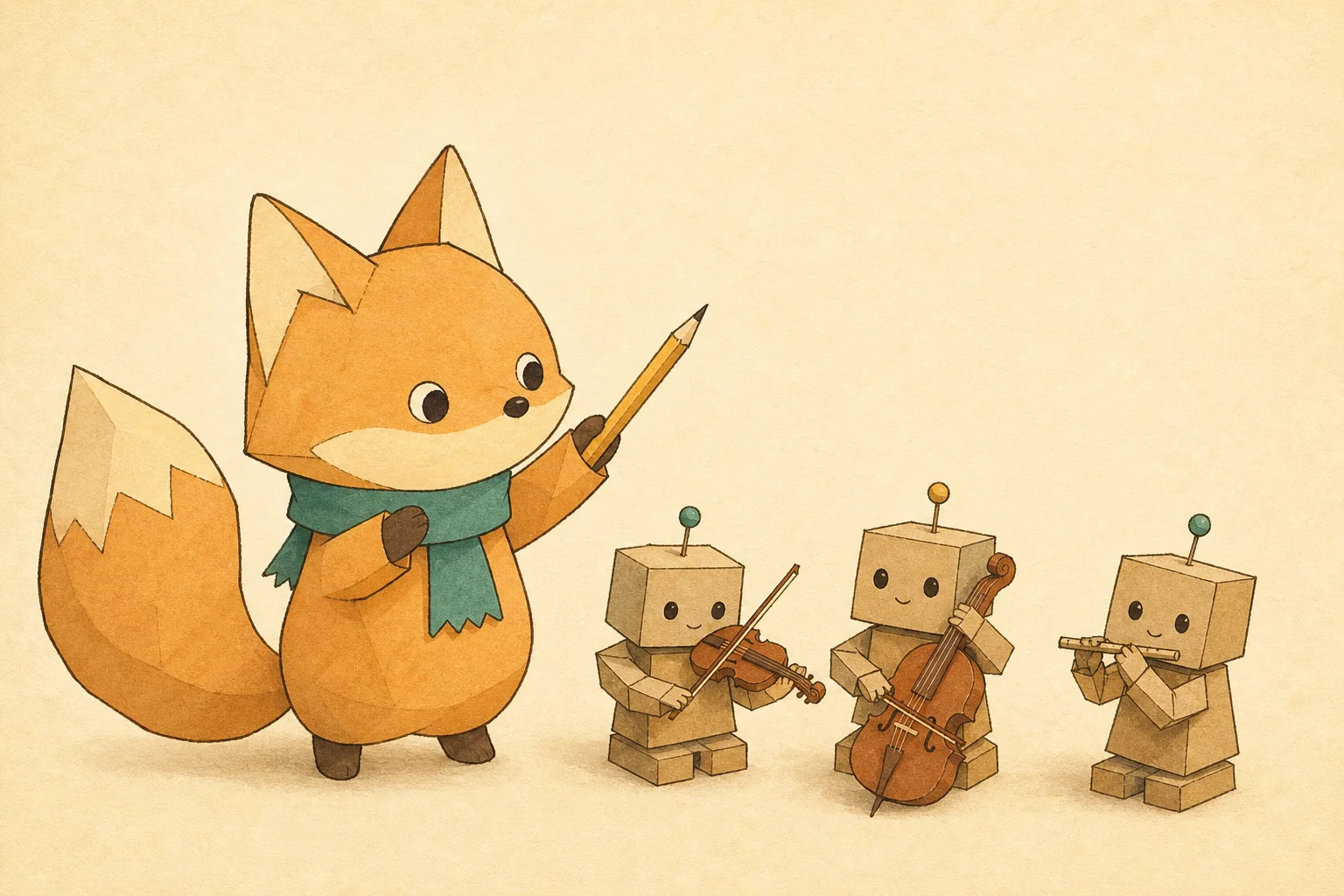
IP 角色文章封面
每张文章 / 周刊封面都是同一个 IP 角色:用文字版"角色设定"保证整个系列不跑形。
Skilloop · v1.0.0 · Proprietary (Skilloop Pro)
ProSkilloop 原创
图片
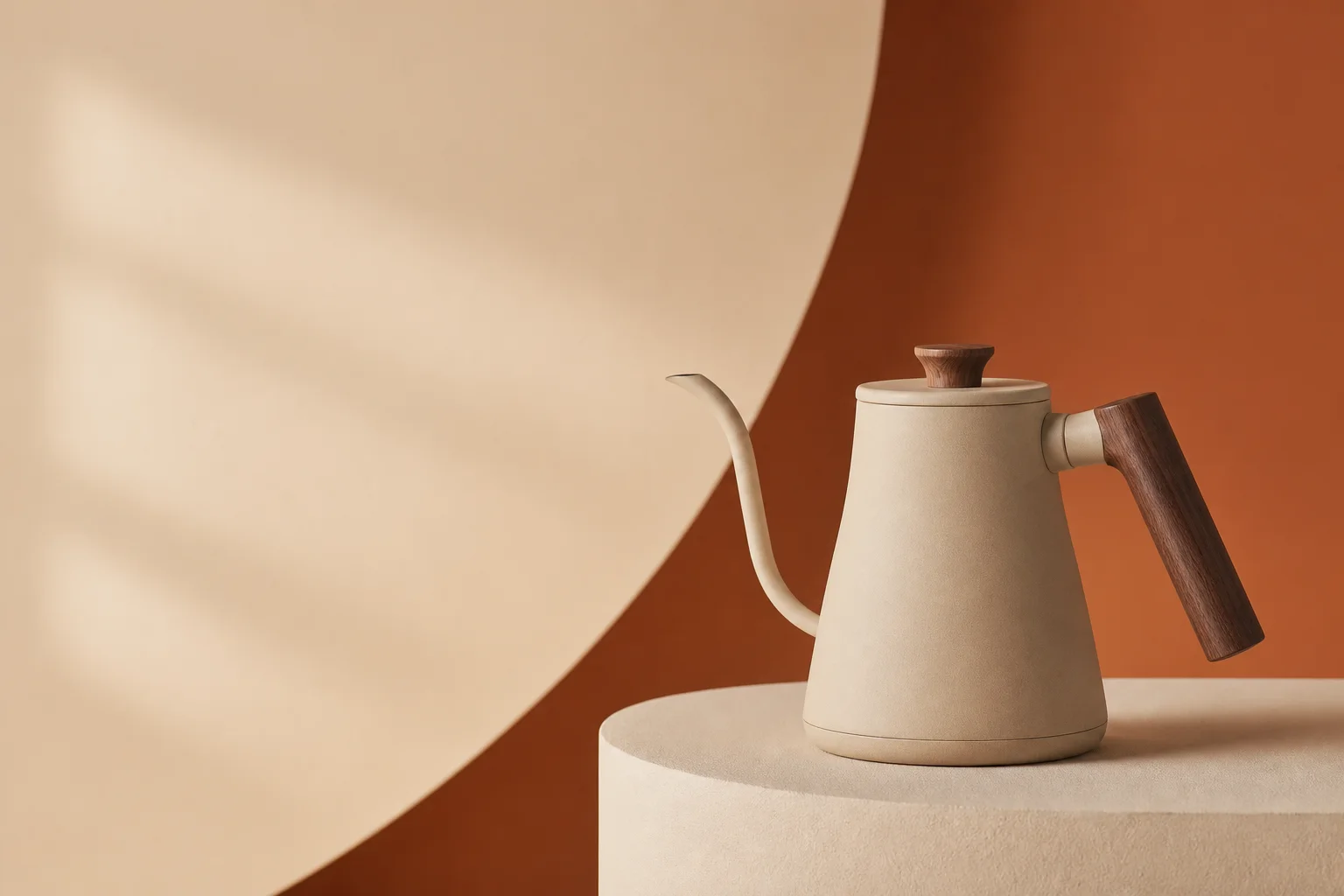
DTC 产品首屏主视觉
为落地页与广告生成有艺术指导感的棚拍主视觉:灯光配方、品牌色布景、为标题留白。
Skilloop · v1.0.0 · Proprietary (Skilloop Pro)
ProSkilloop 原创
图片
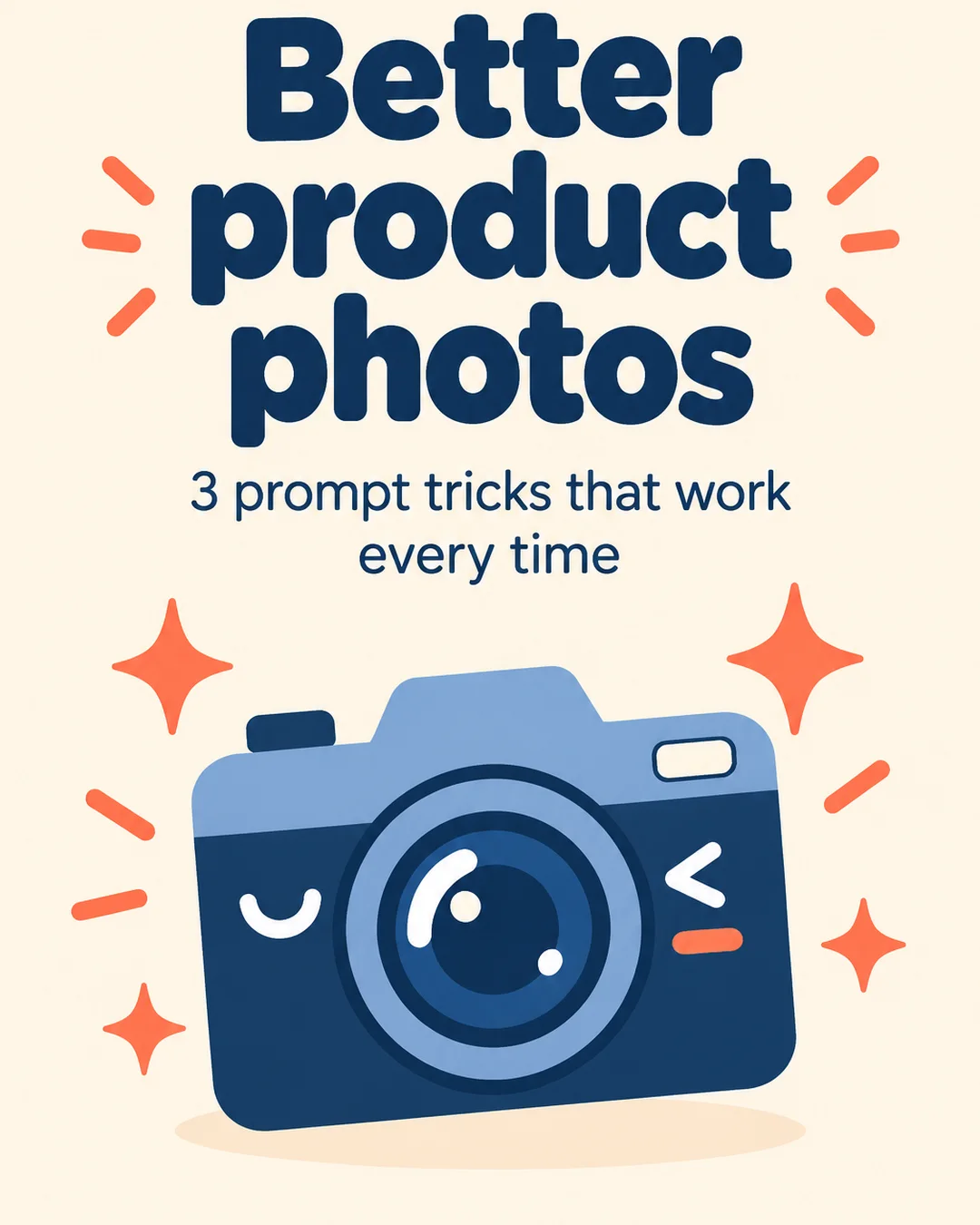
轮播图文套件
把干货清单或长帖变成风格统一的竖版轮播图:所有页共用同一份"风格锁"。
Skilloop · v1.0.0 · Proprietary (Skilloop Pro)