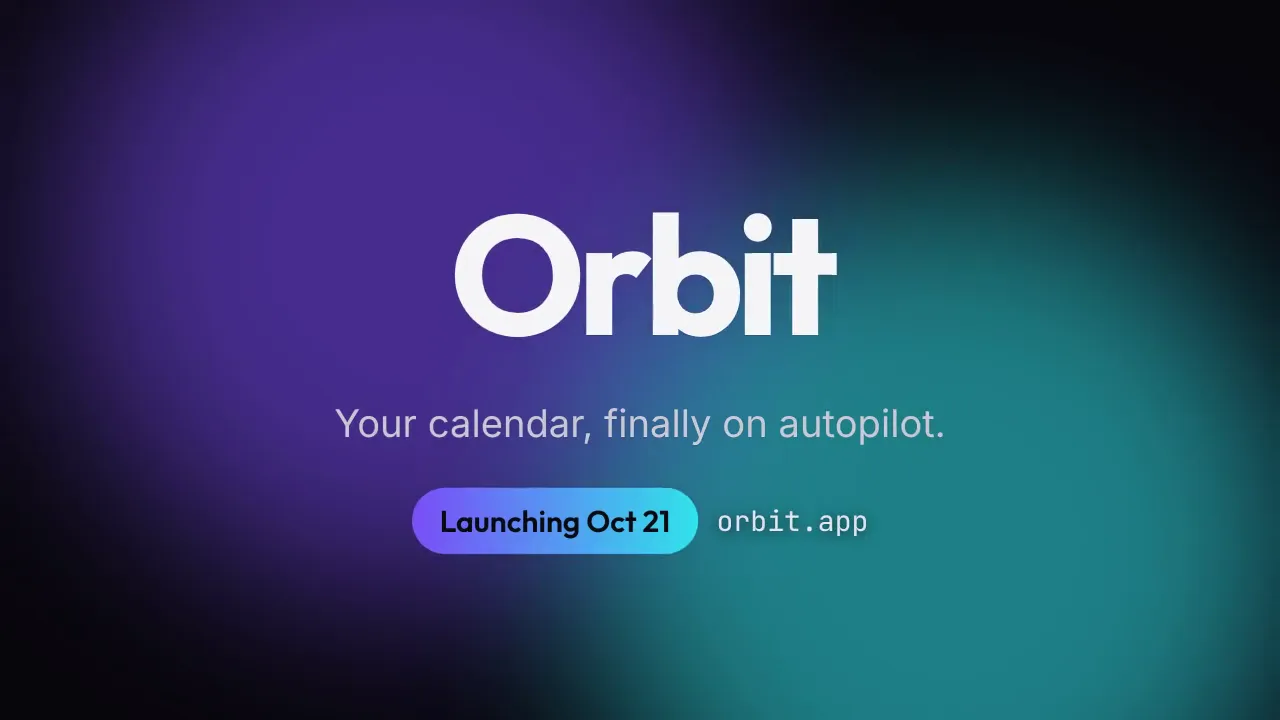
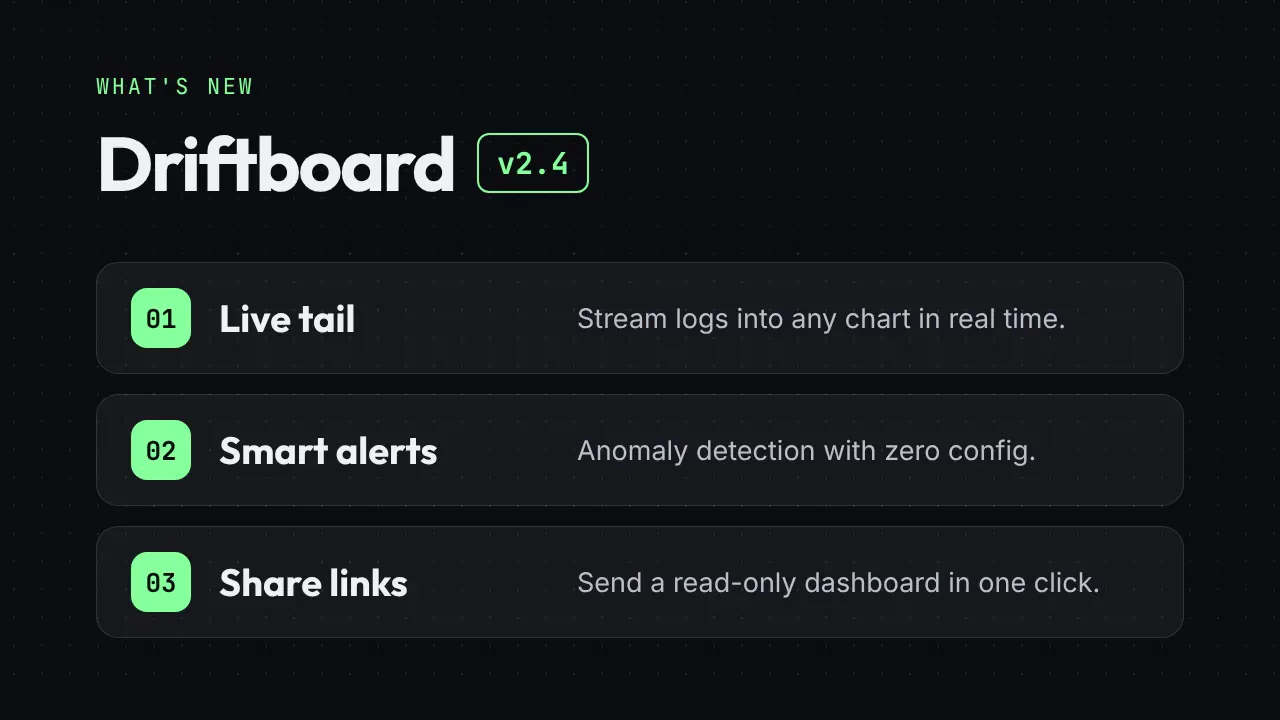
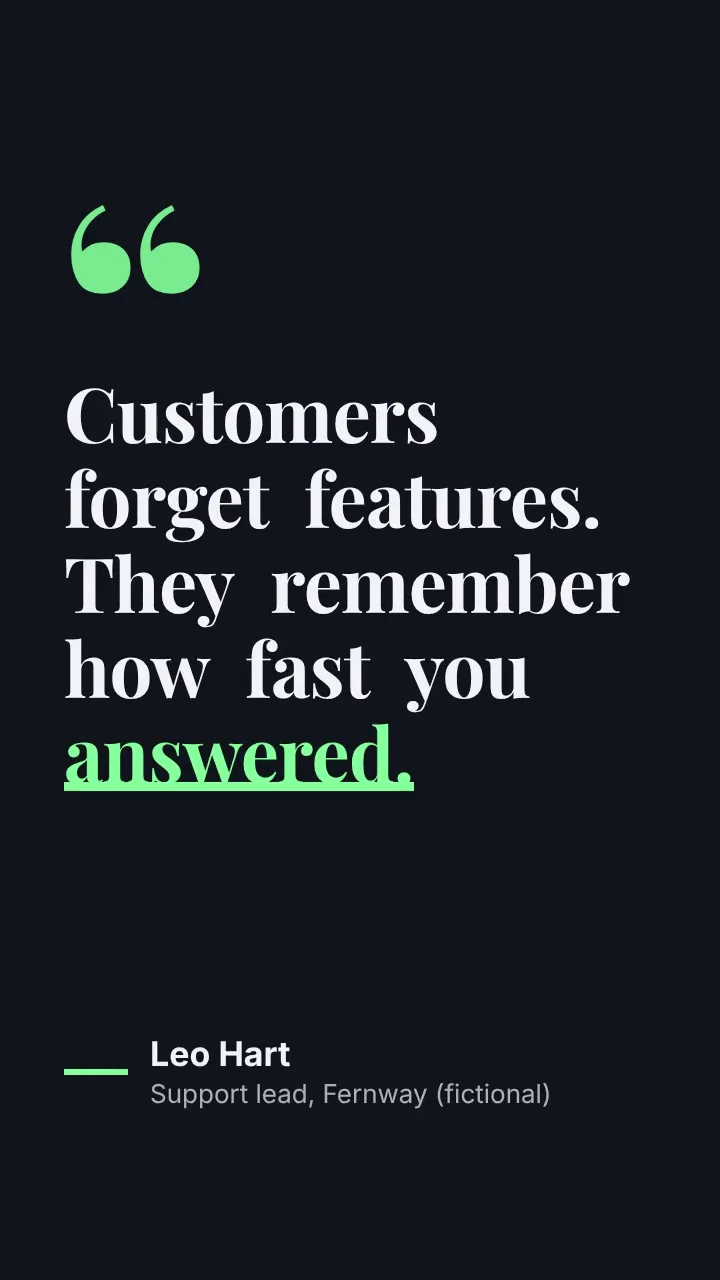
真实产出
在我们的机器上用本 Skill 渲染,未经修饰。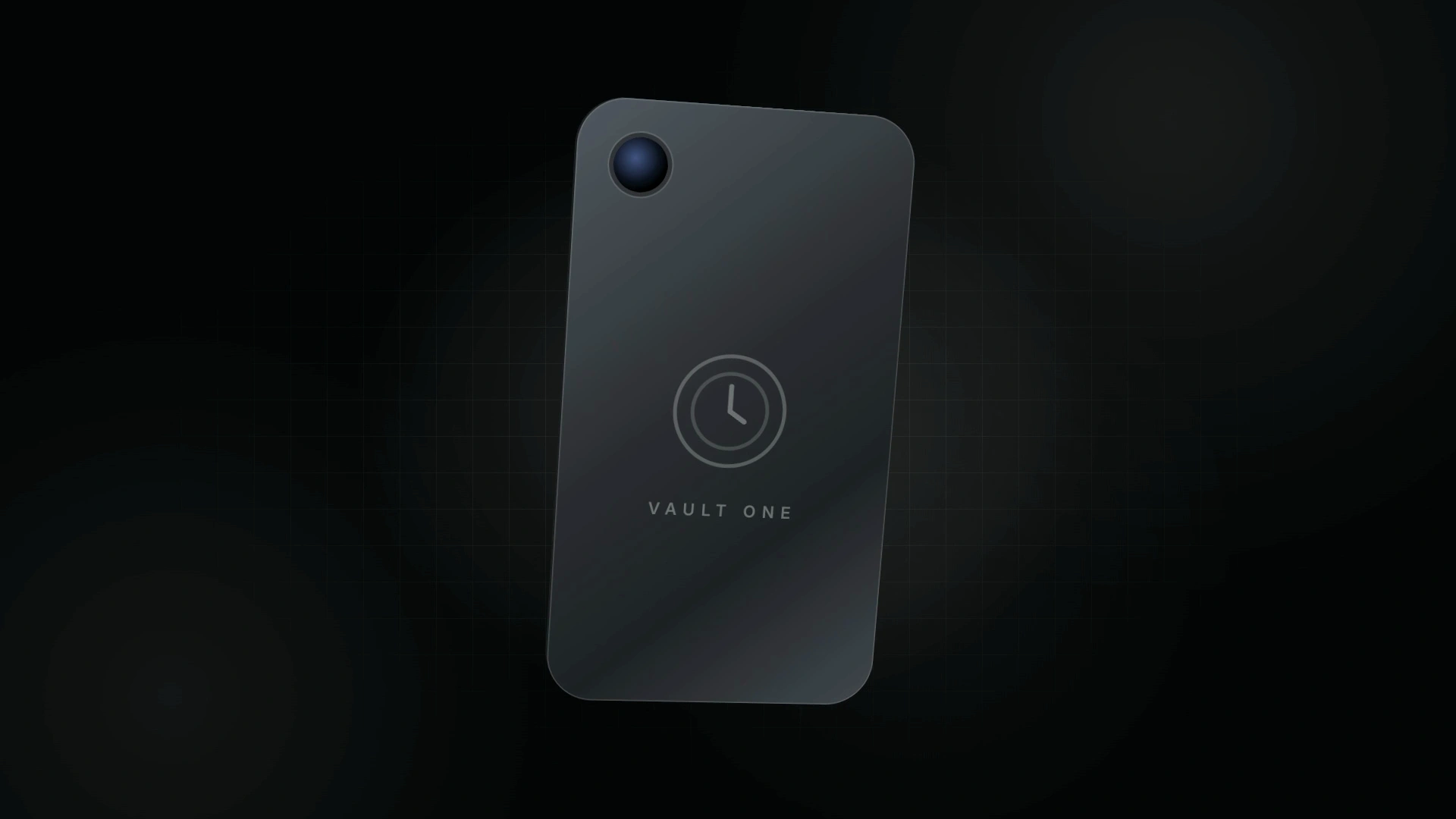
LaunchMotion · Portfolio Ring
如何使用
- 1
复制安装提示
登录后点击右侧黑色按钮,一键复制。
- 2
粘贴给你的 agent
在 Claude Code、Codex、Cursor 等工具里粘贴发送,它会自己装好。
- 3
用一句话调用
像下面这样说出你要做的东西,agent 会按这个 Skill 的流程来做。
你:
/launchmotion-data-copper-device-orbits 帮我做:Product launch videos, release notes and feature announcements.示例对话,仅演示调用方式,不代表实际产出。
你会得到
- An editable 6.8-second motion scene in 1080p or 4K: Portfolio Ring.
- 19 text slots with working defaults, so you only change the words that matter.
- Blue, black-and-white, orange or your own brand color from one command, with Smiley Sans headlines and frosted-glass cards.
- Product launch videos, release notes and feature announcements.
适合
- Product launch videos, release notes and feature announcements.
- Social clips and landing-page hero loops that need one clear motion beat.
- Teams who want premium, consistent scenes in their own brand color.
- Editing long-form footage or full launch films end to end.
不适合
- Editing long-form footage or full launch films end to end.
- Full-screen saturated color backgrounds; this style keeps backgrounds white.
- Generating voiceover, music or new AI footage.
你需要
- Claude Code、Codex 或 Cursor
- 以本地 skill 目录形式提供
- 许可证
- Skilloop Free
- 作者
- @Skilloop
- 版本
- v1.0.2
- 产出
- 视频
- 生成方式
支持:Claude CodeCodexCursor
由 Skilloop 制作与维护(Pro)。下方每个样例都由这个 Skill 原样产出。源码包为专有授权,非 MIT。
安装包内容
- launchmotion-data-copper-device-orbits/SKILL.md
- launchmotion-data-copper-device-orbits/references/defaults.json
- launchmotion-data-copper-device-orbits/references/project/assets/inter.woff2
- launchmotion-data-copper-device-orbits/references/project/assets/smiley-sans.woff2
- launchmotion-data-copper-device-orbits/references/project/hyperframes.json
- launchmotion-data-copper-device-orbits/references/project/index.html
- launchmotion-data-copper-device-orbits/references/project/vendor/gsap.min.js
- launchmotion-data-copper-device-orbits/references/scene.json
- launchmotion-data-copper-device-orbits/references/smiley-sans-OFL.txt
- launchmotion-data-copper-device-orbits/references/third-party-notices.md
- launchmotion-data-copper-device-orbits/scripts/create.mjs
- launchmotion-data-copper-device-orbits/scripts/lib/lm-build.mjs
- launchmotion-data-copper-device-orbits/scripts/lib/lm-color.mjs
- launchmotion-data-copper-device-orbits/scripts/lib/lm-theme.mjs
- launchmotion-data-copper-device-orbits/scripts/lib/lm-themes.json
SKILL.md
A macro shot of a glowing portfolio ring pulls back to a handheld device that flips to show its back, then settles beside an offline-portfolio headline and three features. Rewrite every line, pick a blue, black-and-white, orange or…
其他安装方式
登录状态下可直接下载 ZIP。若用 curl 安装,请在「设置 → API 密钥」创建密钥并设置 SKILLHUB_API_KEY。
安装提示词(粘贴给你的 Agent)
This is a free Skilloop skill (LaunchMotion · Portfolio Ring). Download https://skilloop.dev/downloads/free/launchmotion-data-copper-device-orbits.zip (or use the install command on the skill page), then unzip into ~/.claude/skills or ~/.agents/skills so launchmotion-data-copper-device-orbits/SKILL.md exists. Or: Read https://skilloop.dev/skills/launchmotion-data-copper-device-orbits/install.md and follow the instructions.
一行命令安装(下载 + 解压) · Claude Code
mkdir -p ~/.claude/skills && curl -fsSL https://skilloop.dev/downloads/free/launchmotion-data-copper-device-orbits.zip -o /tmp/launchmotion-data-copper-device-orbits.zip && unzip -oq /tmp/launchmotion-data-copper-device-orbits.zip -d ~/.claude/skills/
一行命令安装(下载 + 解压) · Codex / Cursor
mkdir -p ~/.agents/skills && curl -fsSL https://skilloop.dev/downloads/free/launchmotion-data-copper-device-orbits.zip -o /tmp/launchmotion-data-copper-device-orbits.zip && unzip -oq /tmp/launchmotion-data-copper-device-orbits.zip -d ~/.agents/skills/
手动安装 · Claude Code
# Free skill — download the public ZIP (no sign-in):
mkdir -p ~/.claude/skills && curl -fsSL https://skilloop.dev/downloads/free/launchmotion-data-copper-device-orbits.zip -o /tmp/launchmotion-data-copper-device-orbits.zip && unzip -oq /tmp/launchmotion-data-copper-device-orbits.zip -d ~/.claude/skills/