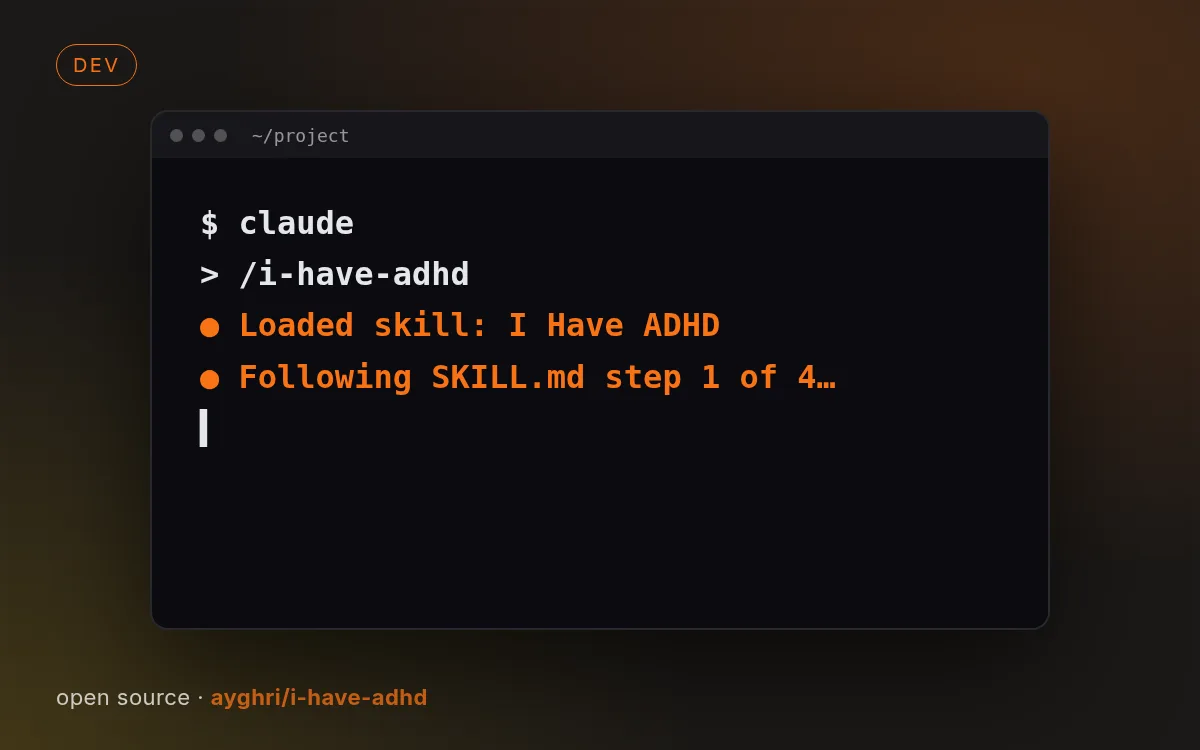
示意封面由本站生成,真实效果请查看源仓库示例。
如何使用
- 1
复制安装提示
登录后点击右侧黑色按钮,一键复制。
- 2
粘贴给你的 agent
在 Claude Code、Codex、Cursor 等工具里粘贴发送,它会自己装好。
- 3
用一句话调用
像下面这样说出你要做的东西,agent 会按这个 Skill 的流程来做。
你:
/i-have-adhd 帮我做:看 Agent 回复习惯扫一眼的人示例对话,仅演示调用方式,不代表实际产出。
你会得到
- 先给行动
- 多步骤编号
- 进度可见、状态清楚
适合
- 看 Agent 回复习惯扫一眼的人
不适合
- 你就想看长篇解释的时候
- 许可证
- MIT
- 作者
- @ayghri
- 来源
- ayghri/i-have-adhd/skills/i-have-adhd · ★ 54,155
支持:Claude CodeCodexCursorGemini CLIOpenCode
上游描述
Shape output for a reader with ADHD: lead with the next action, number multi-step work, restate state across turns, suppress tangents, give specific time estimates, make wins visible. Invoke with /i-have-adhd; stays on until "stop adhd mode".
其他安装方式
更喜欢自己动手?下面的命令和上方按钮效果相同。
安装提示词(粘贴给你的 Agent)
Read https://skilloop.dev/skills/i-have-adhd/install.md and follow the instructions to install the skill.
一行命令安装 · Claude Code
npx skills add https://github.com/ayghri/i-have-adhd/tree/main/skills/i-have-adhd -g -a claude-code
一行命令安装 · Codex / Cursor
npx skills add https://github.com/ayghri/i-have-adhd/tree/main/skills/i-have-adhd -g -a codex
手动安装(git) · Claude Code
git clone --depth 1 https://github.com/ayghri/i-have-adhd.git /tmp/i-have-adhd
mkdir -p ~/.claude/skills && cp -r /tmp/i-have-adhd/skills/i-have-adhd ~/.claude/skills/i-have-adhd
作品版权归原作者所有,依其许可证分发;本站仅做链接与介绍。
相关技能
免费
文档9.0k
数据报告页
把 CSV / Excel / JSON 数据变成带图表和结论的精美报告页。
作者: nexu-ionexu-io/html-anything · Apache-2.0
免费
文档179.8k
Skill 创建器
创建、修改并评测你自己的 Agent Skill,含评测与描述优化以提升触发准确率。
作者: anthropicsanthropics/skills · Apache-2.0
免费
文档295.7k
动手前头脑风暴
让编码 agent 在写代码前先和你澄清意图、需求和设计。
作者: obraobra/superpowers · MIT
免费
文档295.7k
系统化调试
四阶段调试纪律:先找根因再修复,适用于任何 bug 或失败测试。
作者: obraobra/superpowers · MIT