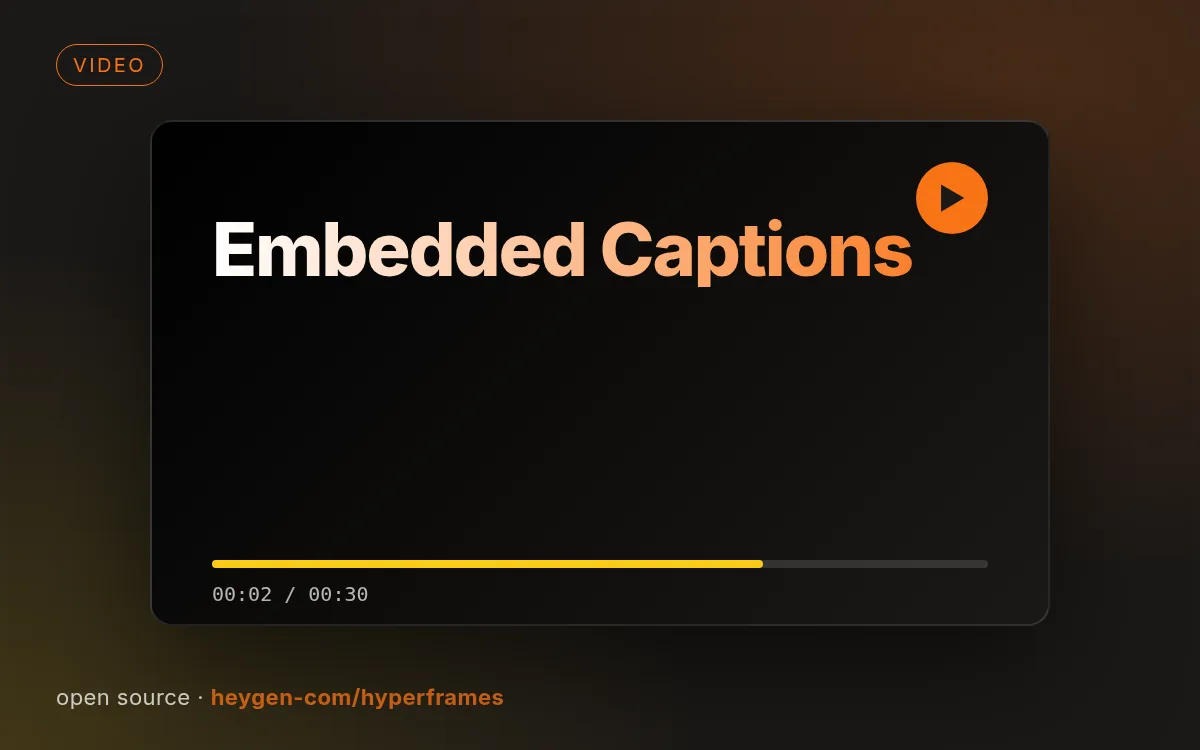
示意封面由本站生成,真实效果请查看源仓库示例。
如何使用
- 1
复制安装提示
登录后点击右侧黑色按钮,一键复制。
- 2
粘贴给你的 agent
在 Claude Code、Codex、Cursor 等工具里粘贴发送,它会自己装好。
- 3
用一句话调用
像下面这样说出你要做的东西,agent 会按这个 Skill 的流程来做。
你:
/embedded-captions 帮我做:单人口播视频加字幕,朴素或电影感都行示例对话,仅演示调用方式,不代表实际产出。
你会得到
- 35 种字幕风格目录
- 人物背后/特效字幕
- 风格决策流程
适合
- 单人口播视频加字幕,朴素或电影感都行
不适合
- 未拆分的多机位素材
你需要
- Node.js、Bash 和 FFmpeg
- 用 uvx 跑 WhisperX 转写
- 许可证
- Apache-2.0
- 作者
- @heygen-com
- 来源
- heygen-com/hyperframes/skills/embedded-captions · ★ 57,418
支持:Claude CodeCodexCursorGemini CLIOpenCode
上游描述
Add captions or subtitles to an existing single-subject talking-head video without editing the footage. Use for plain verbatim captions, cinematic captions embedded behind the subject, VFX captions, “炸/特效/酷炫字幕,” or a named identity from the 35-style catalog. Route by visual identity, not by backend engine. The quiet `anchor` rail is the default; embed every word only when the user explicitly…
其他安装方式
更喜欢自己动手?下面的命令和上方按钮效果相同。
安装提示词(粘贴给你的 Agent)
Read https://skilloop.dev/skills/embedded-captions/install.md and follow the instructions to install the skill.
一行命令安装 · Claude Code
npx skills add https://github.com/heygen-com/hyperframes/tree/main/skills/embedded-captions -g -a claude-code
一行命令安装 · Codex / Cursor
npx skills add https://github.com/heygen-com/hyperframes/tree/main/skills/embedded-captions -g -a codex
手动安装(git) · Claude Code
git clone --depth 1 https://github.com/heygen-com/hyperframes.git /tmp/hyperframes
mkdir -p ~/.claude/skills && cp -r /tmp/hyperframes/skills/embedded-captions ~/.claude/skills/embedded-captions
作品版权归原作者所有,依其许可证分发;本站仅做链接与介绍。
相关技能

ProSkilloop 原创
9s视频
新品倒计时预告片
9 秒发布预告:3-2-1 倒计时、闪白、产品名逐字揭晓、发布日期胶囊,用你的品牌色本地渲染。
Skilloop · v1.0.0 · Proprietary (Skilloop Pro)
ProSkilloop 原创
12s视频
版本更新短片
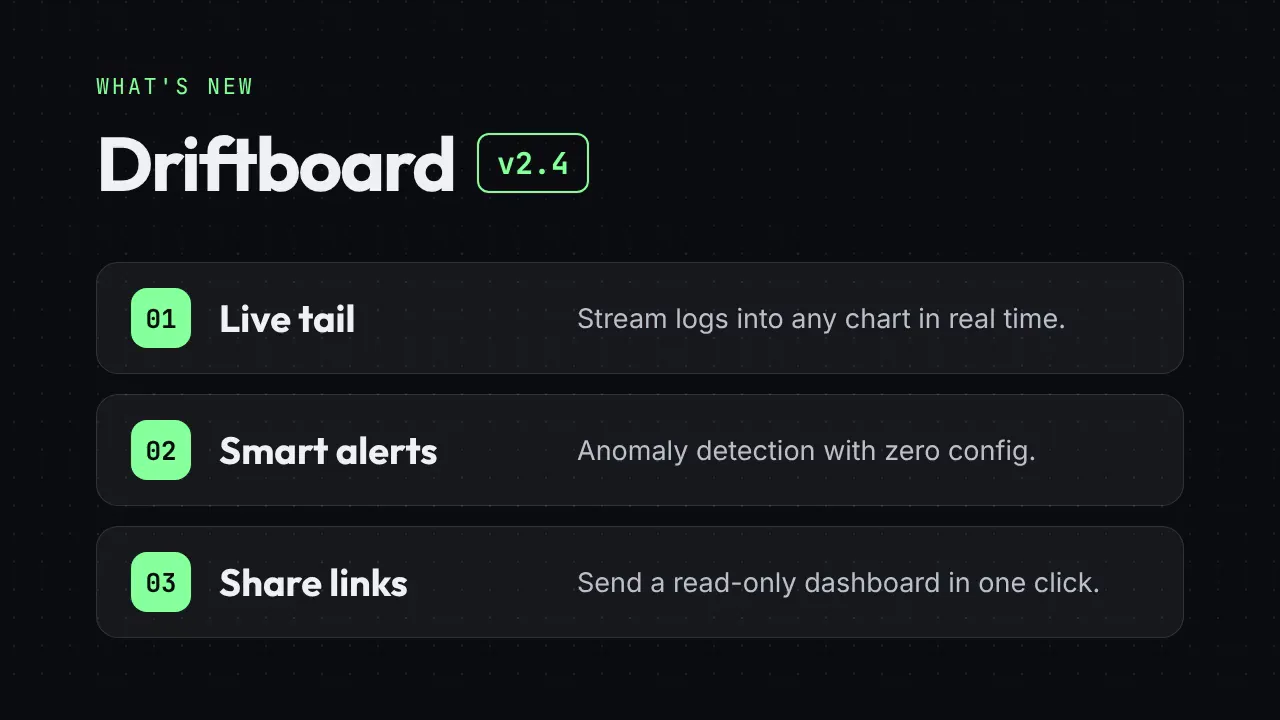
把更新日志变成 12 秒"新功能"短片:版本徽章、三张功能卡片、行动号召结尾。
Skilloop · v1.0.0 · Proprietary (Skilloop Pro)
ProSkilloop 原创
8s视频
动态金句卡
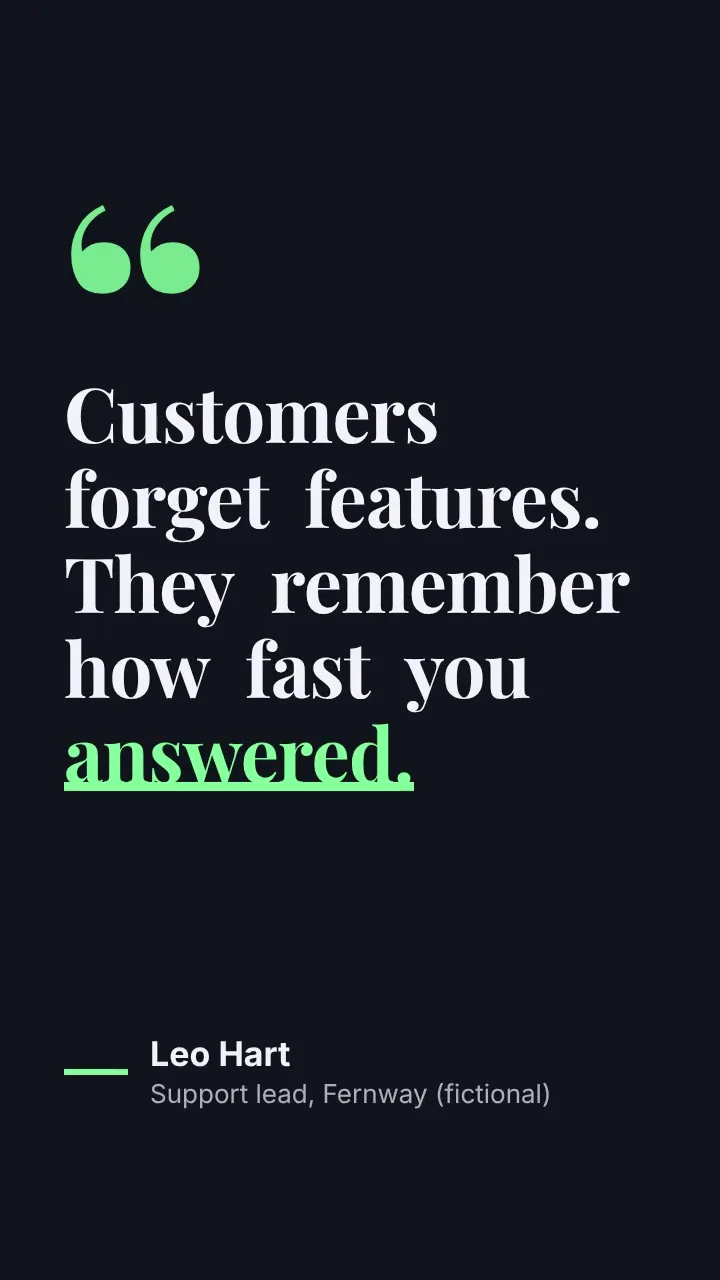
竖版 8 秒金句视频:逐词弹出、关键词下划线动画、署名滑入。
Skilloop · v1.0.0 · Proprietary (Skilloop Pro)
ProSkilloop 原创
10s视频
数据滚动战报
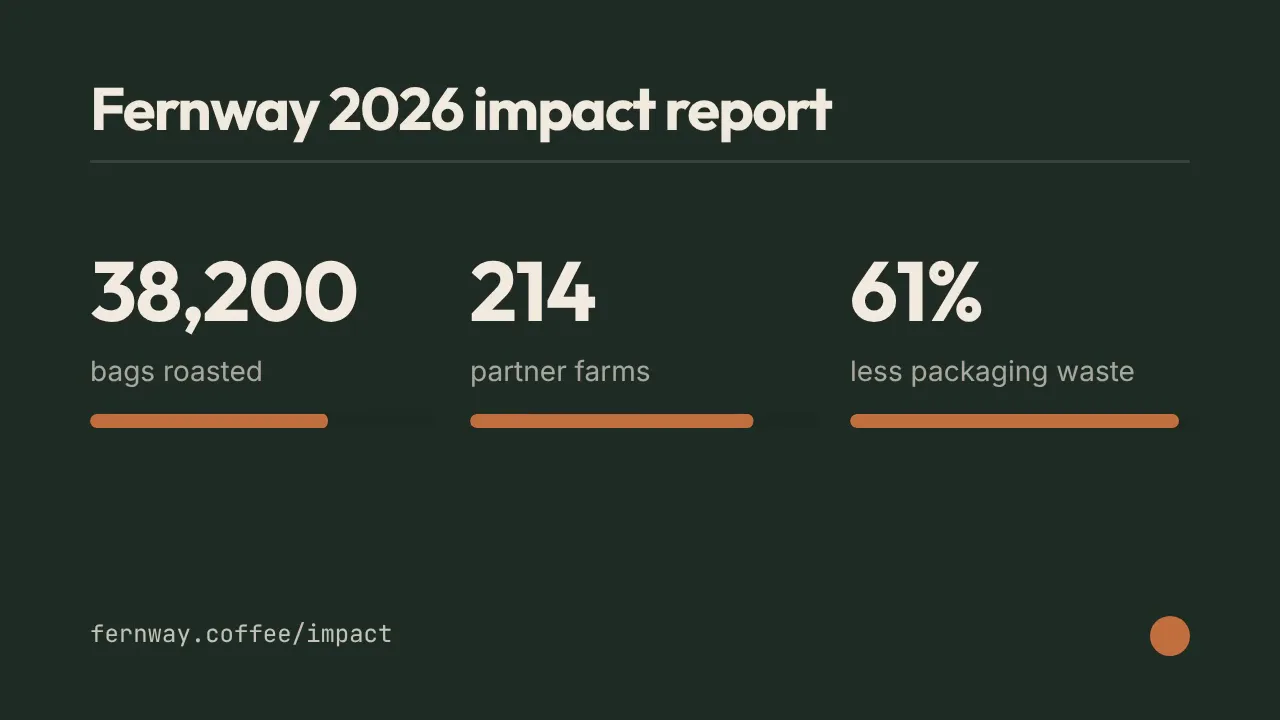
三个数字像里程表一样滚动上升并配进度条:里程碑、影响力报告、年度回顾,10 秒讲完。
Skilloop · v1.0.0 · Proprietary (Skilloop Pro)